
An iPad with Cellular usually costs more than the equivalent Wi-Fi-only model, but its biggest advantage is not a faster screen or a better camera. It can connect to a supported mobile data network away from Wi-Fi, making it useful for travel, fieldwork, and commutes.
For someone who mostly uses an iPad at home, in a classroom, or at a desk, Wi-Fi may be all that is needed. The important details are often hidden in a used listing: exact generation, carrier support, whether it uses eSIM, and whether it can be activated.
Wi-Fi-only and Wi-Fi + Cellular: what changes?
Both versions of a given iPad model generally share the same core processing capabilities, app ecosystem, and display family. A Wi-Fi model connects through networks such as your home router, a school network, or your phone's personal hotspot. It does not independently register for a carrier data plan.
A Wi-Fi + Cellular iPad adds compatible cellular connectivity, subject to the device's model, supported frequency bands, carrier, and account activation. Recent versions may support 5G where available; older units may be LTE-only. You will typically need a paid data plan to use the cellular function, so compare the ongoing expense with the convenience.
- Wi-Fi: online through a network or hotspot.
- Cellular: mobile data on supported models.
- Actual speeds depend on coverage and the model.
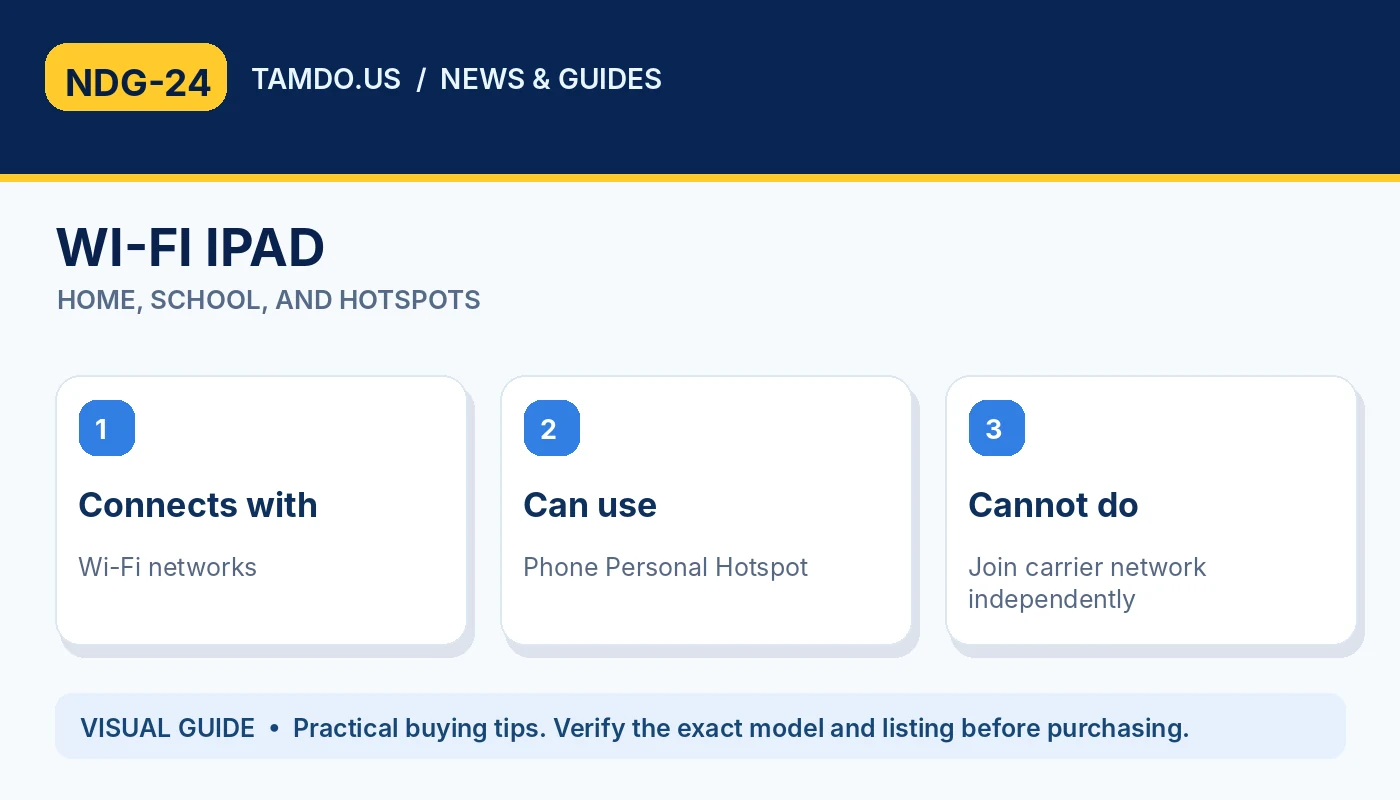
WI-FI IPAD — HOME, SCHOOL, AND HOTSPOTS
Why GPS matters to certain buyers
Apple's technical specifications distinguish location capabilities. On many iPad models, the Wi-Fi + Cellular variant includes dedicated GPS/GNSS hardware, while Wi-Fi-only versions rely on other location methods such as nearby networks. That can matter for navigation, field maps, vehicle dashboards, and location-aware work.
If you only use Maps around home, either type may be convenient. If you need dependable positioning where Wi-Fi access points are absent, confirm the specific model's GPS capability in Apple's specification sheet. Do not assume that connecting a Wi-Fi iPad to your phone's hotspot magically adds the same built-in GPS hardware.
- Cellular versions commonly include GPS/GNSS.
- Verify exact model technical specifications.
- Map use is not the same as cellular activation.
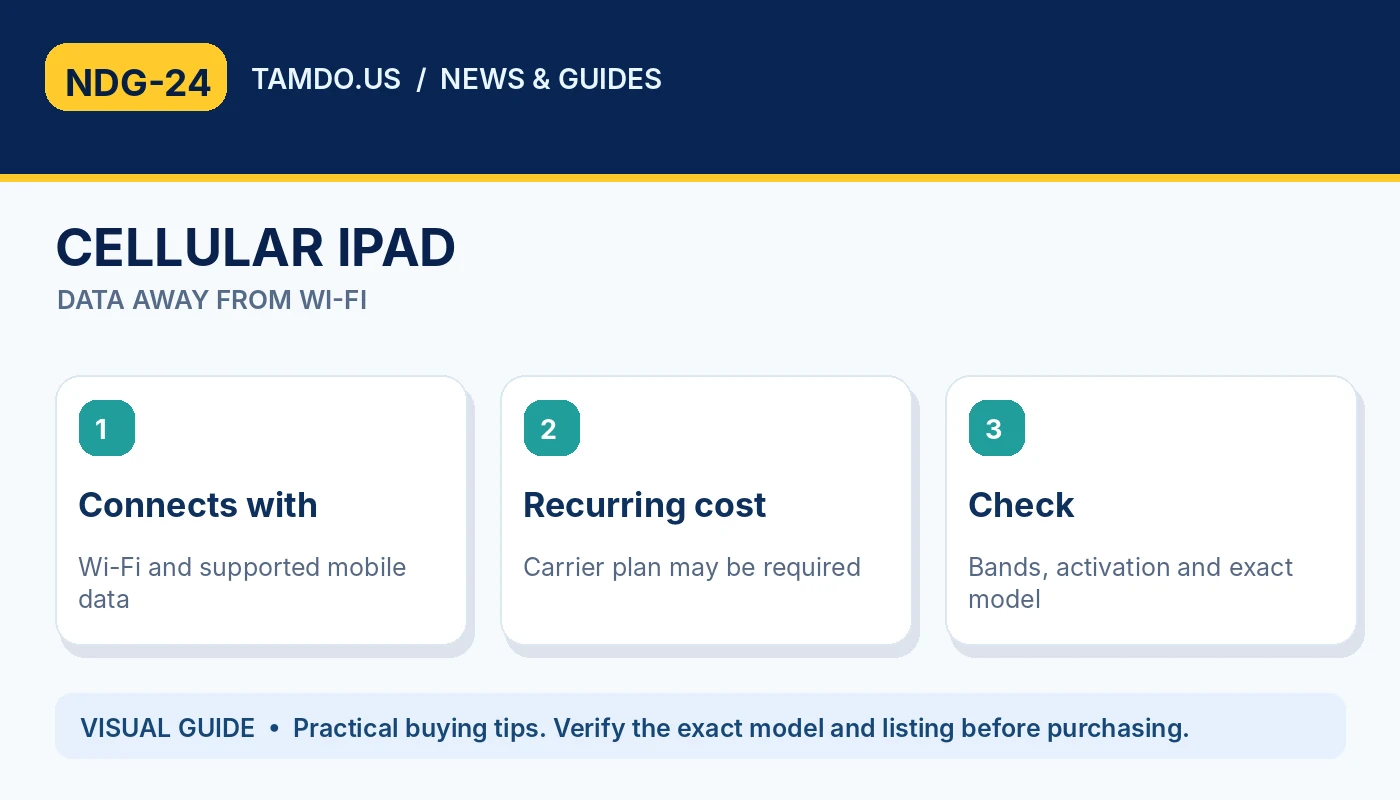
CELLULAR IPAD — DATA AWAY FROM WI-FI
eSIM, physical SIM, and carrier restrictions
Not every Cellular iPad activates the same way. Newer iPad models, including the iPad (A16) and recent iPad Pro models, use eSIM rather than a physical SIM tray in many regions. Earlier generations may have a nano-SIM tray, an eSIM option, or both. You must check the model and region before buying a data plan.
A used iPad can also have restrictions from a carrier, prior account, or organization. Ask the seller whether cellular service has been tested and whether the unit can be activated with your intended provider. A listed 'Wi-Fi + Cellular' label is not proof that your chosen carrier will work. Verify its model number rather than assuming compatibility from the product name.
- Recent models may be eSIM-only.
- Check carrier bands, region and status.
- Do not confuse iPad data service with regular phone calling.
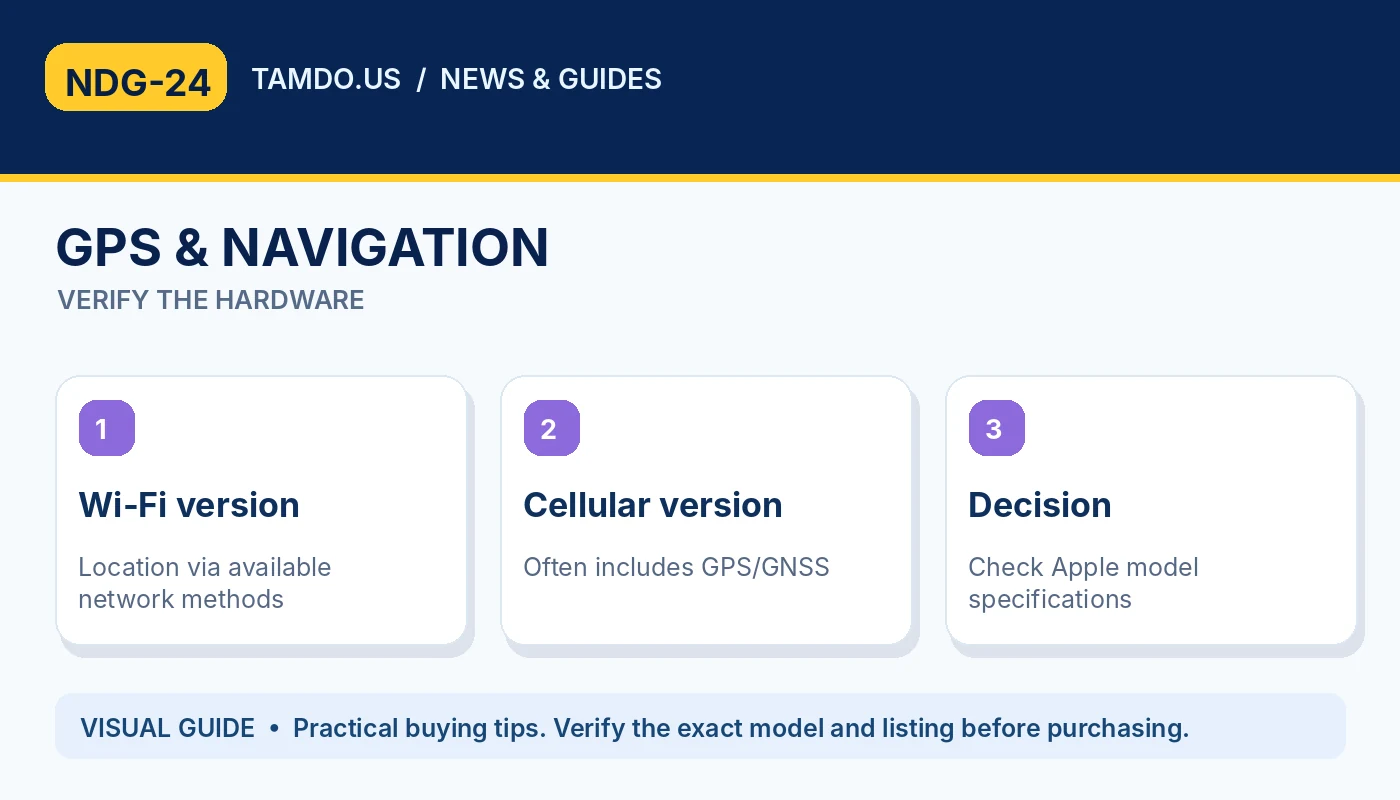
GPS & NAVIGATION — VERIFY THE HARDWARE
A personal hotspot may be enough
If you already carry a phone with a generous data plan, its Personal Hotspot feature may supply internet access to a Wi-Fi iPad while traveling. This can avoid paying separately for cellular service on the tablet. However, tethering consumes your phone's data allowance and battery, and you need the phone nearby and connected.
A built-in Cellular iPad is more convenient for frequent fieldwork, shared tablets, or users who regularly leave their phone elsewhere. Think about who will use the tablet, how often it leaves home, and whether a separate data plan saves enough time to justify its expense.
- Hotspot: less hardware cost, phone required.
- Cellular: independent data connection.
- Review carrier data allowances and fees.
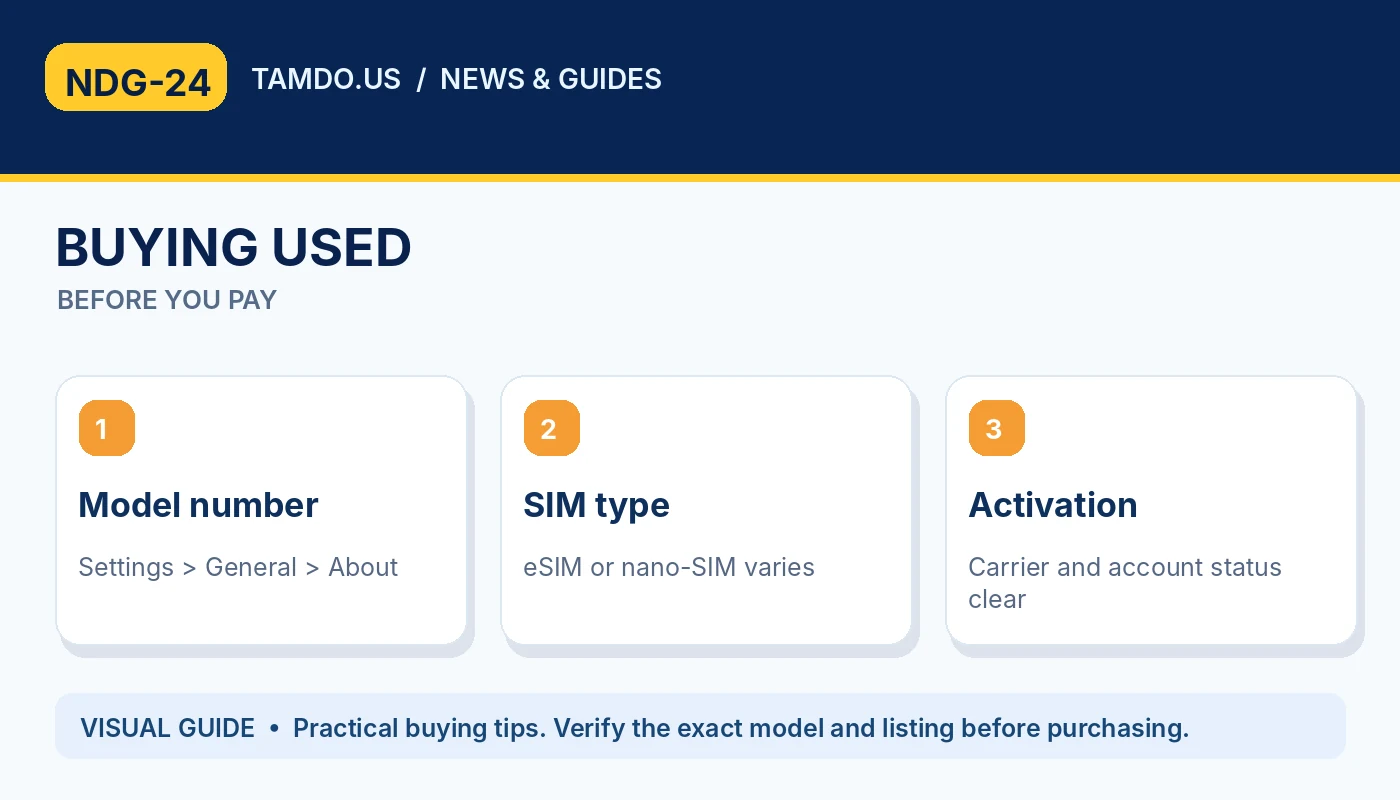
BUYING USED — BEFORE YOU PAY
Check these items when shopping used
Start in Settings > General > About and identify the exact iPad model number. Cross-reference it with Apple's identification page to confirm whether the hardware is Wi-Fi or Wi-Fi + Cellular. Then check the Settings app for Cellular Data options, examine whether a SIM tray exists if expected, and confirm compatibility with the carrier you intend to use.
Also verify Activation Lock is cleared, the device can complete setup, and the display, battery behavior, buttons, and charging port work. An iPad marketed as 'unlocked' should still be tested for your particular plan. Some older tablets may have limited software support even if cellular connectivity works.
- Confirm model number and generation.
- Check eSIM or physical SIM support.
- Complete activation and account-release checks.
Which one is the better value?
Choose Wi-Fi when you spend most of your time at home, school, or work and need an affordable tablet for reading, media, homework, drawing, or video calls. Choose Cellular when you need internet access in cars, job sites, on frequent trips, or wherever Wi-Fi is unreliable and your carrier supports the model.
When comparing used devices, price two otherwise similar iPads: same generation, storage, screen size, and condition. The difference may be modest or substantial. At TamDo.us, review individual listings and check connectivity details so you pay for a feature you will actually use.
- Wi-Fi: lower typical purchase and service costs.
- Cellular: flexibility on the move.
- Compare same-generation units for true value.
Frequently asked questions
Can a Wi-Fi-only iPad use my phone hotspot?
Yes, if your phone and carrier support Personal Hotspot. The tablet then connects over Wi-Fi.
Can a Cellular iPad make ordinary carrier phone calls?
iPad Cellular service is designed for mobile data, not standard standalone cellular voice calling. Internet calling apps and supported Apple calling features may work.
Do all Cellular iPads use a physical SIM?
No. Newer generations may be eSIM-only. Identify the exact model and region before purchasing a plan.
Bottom line
Compare Wi-Fi and Cellular options in current used iPad listings by model number, generation, storage, condition, and network compatibility.
Explore related products
Shop used iPads and tablets · View the iPad and tablet guides