
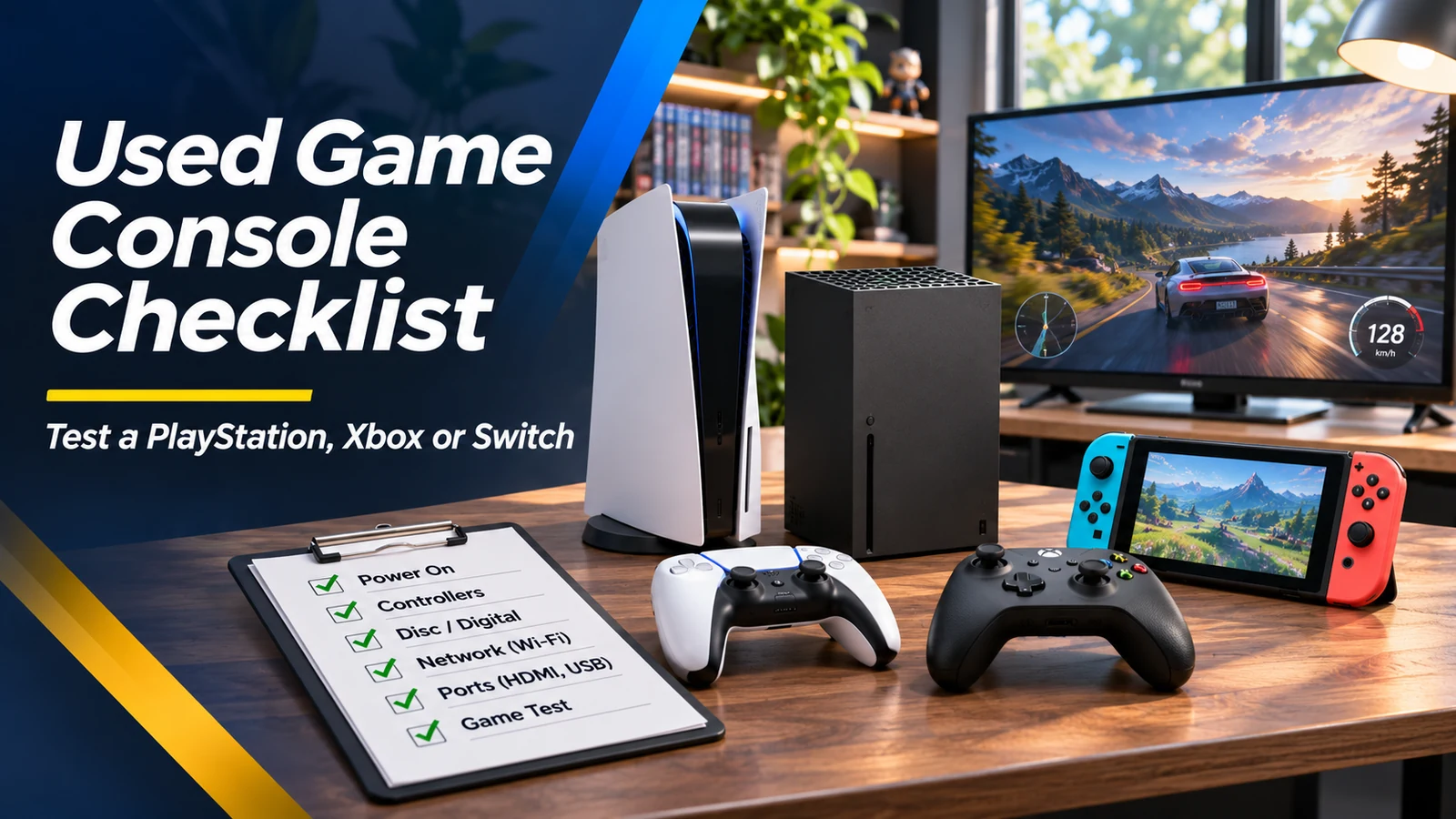
A used gaming console can offer hundreds of hours of entertainment for less money than a new system. But a clean plastic shell does not tell you whether a controller drifts, a disc drive reads reliably or the console can connect to online services. Some issues only appear after the machine warms up. Whether you're looking at a PlayStation, Xbox or Nintendo Switch, bring a short, repeatable checklist so you're buying working hardware rather than an expensive repair project.
Confirm the precise model and what is included
Write down the exact console generation, edition and storage capacity. Digital-only consoles lack disc drives, and some models use different accessories or storage expansion methods. Verify the serial number is intact and matches the seller's description when available. Count controllers, power cables, HDMI cables, docks, detachable grips and charger parts before comparing prices. The lowest listing price may be misleading if you must purchase two expensive accessories afterward. Avoid assuming paid games advertised in a listing will remain transferable.
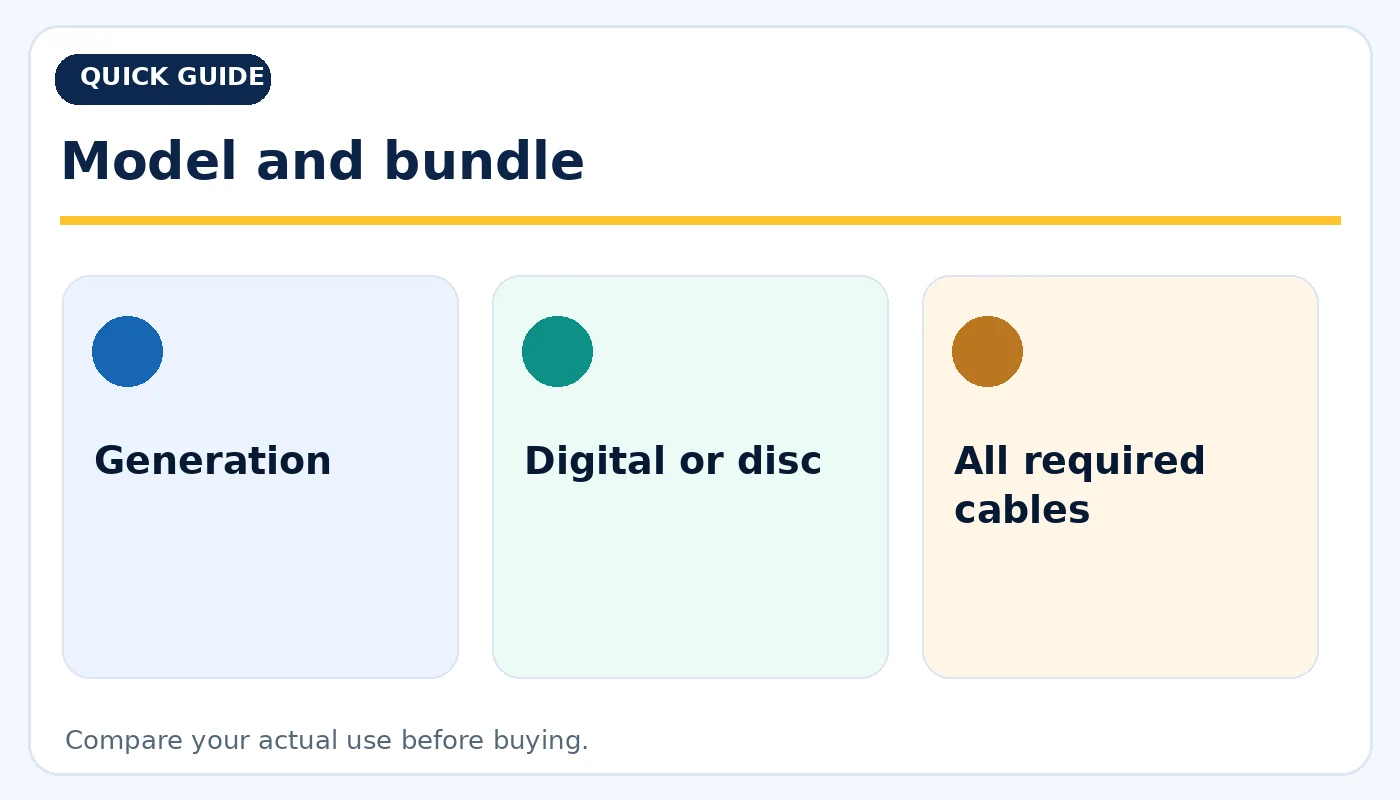
Model and bundle: practical considerations before buying.
Test a real game, not just the home screen
Launch a physical or installed game and play for at least several minutes. Watch for crashes, freezing, unusual fan noise, overheating or graphics problems. A console that boots quickly can still fail during a demanding title. For disc-based models, insert a clean compatible disc, listen for grinding noises and confirm the game loads. Test the eject mechanism. For digital-only units, check that the internal storage is detected and that a test download can start using your own legitimate account.
Controller drift, buttons and wireless pairing
Controllers are common wear items. In a game or controller-test menu, see whether the character or cursor moves when the analog sticks are untouched. Test every trigger, shoulder button, face button, directional pad and vibration function. Confirm wireless pairing, charging and any detachable controllers' rail connections. For a Switch-type hybrid, inspect the dock connection and Joy-Con attachment points. One worn controller can meaningfully change the overall value of the bundle.
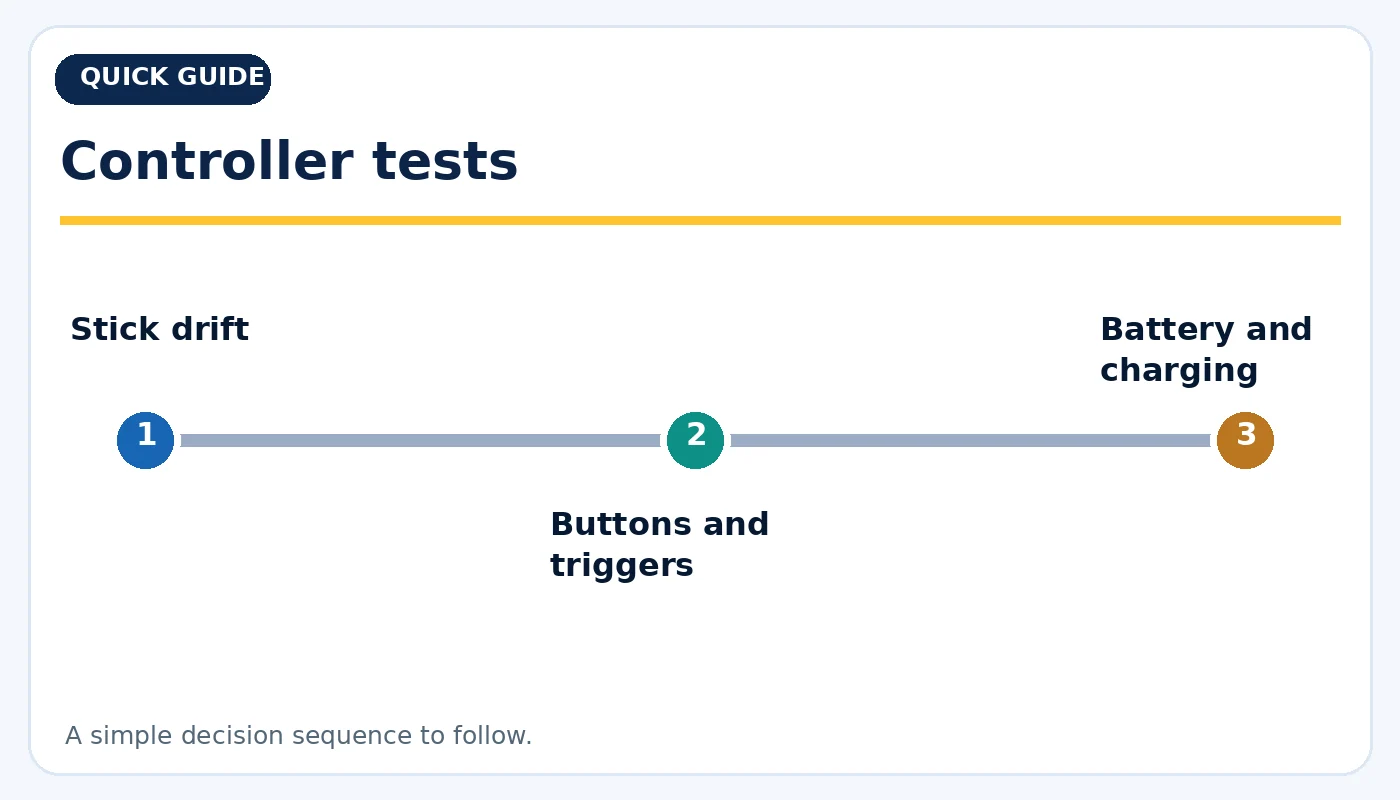
Controller tests: practical considerations before buying.
Cooling, storage and ports
Check all USB, video, network and card slots you expect to use. Inspect ventilation openings for heavy dust and listen to the fan during gameplay; airflow should not be blocked. On portable systems, look for battery swelling, loose charging ports or unexpected shutdowns. Inspect removable storage where applicable and verify advertised capacity. If an external SSD or expansion card is included, test it separately. Do not buy a console with liquid damage or a strong burning smell simply because it still turns on.
Accounts, restrictions and online access
Ask the seller to remove personal accounts and parental restrictions using the platform's normal transfer/reset process. For Nintendo Switch, Nintendo advises a full initialization—not the preserve-save-data method—when handing a console to another owner. Verify the system can connect to Wi-Fi and access the service screens relevant to the platform using your own account when permitted. Some consoles may have service restrictions, so a clean local factory reset is not proof of unrestricted online features. Avoid offers that depend on the previous owner's account.
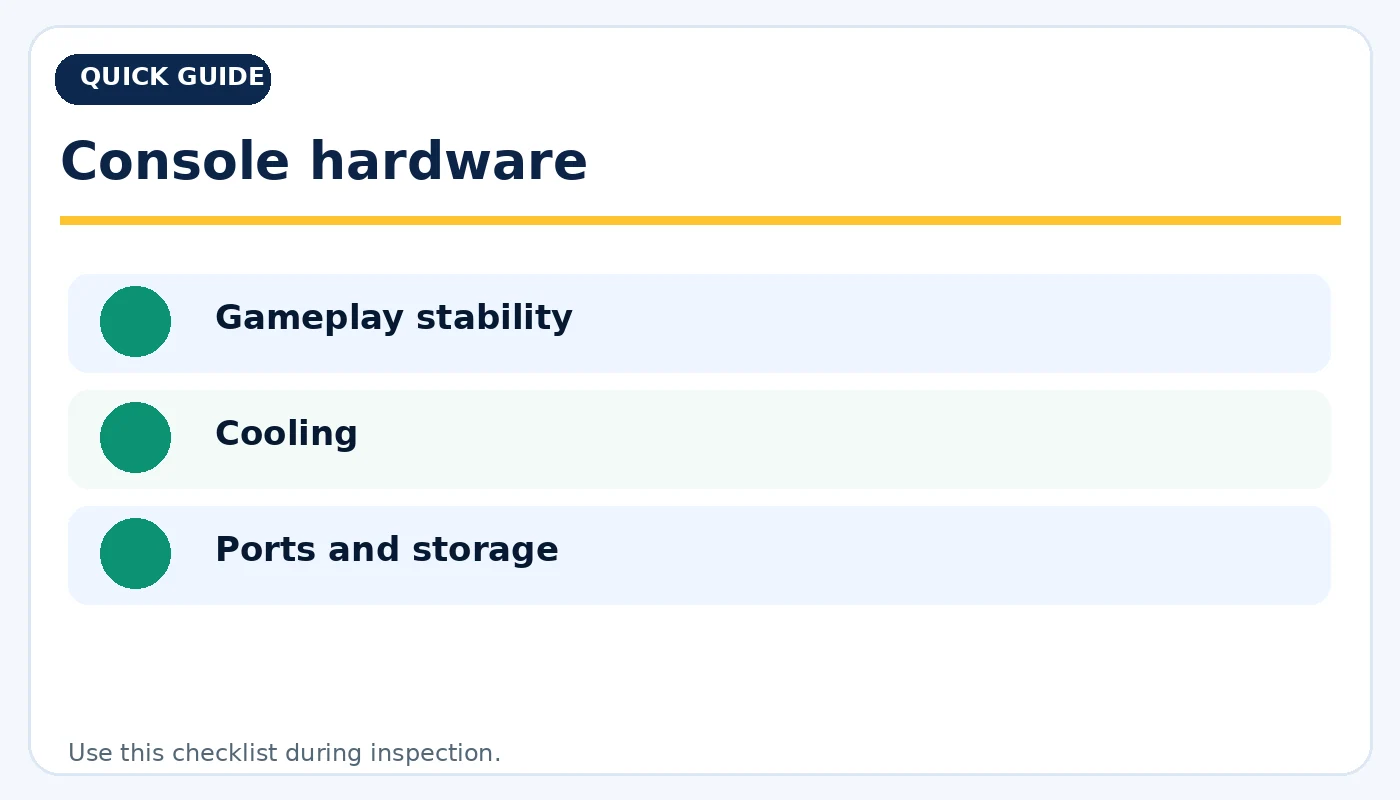
Console hardware: practical considerations before buying.
Picture, sound and handheld screens
Connect the console to a television and verify stable HDMI video and sound. Try different display settings if the television allows them. On handheld devices, check the screen for dead pixels, light bleed, scratches and touch response. Test headphone output and built-in speakers if present. If the console supports docking, confirm the image switches to the television reliably. A used console may look fine at the seller's house but reveal loose HDMI or power connections when it is moved.
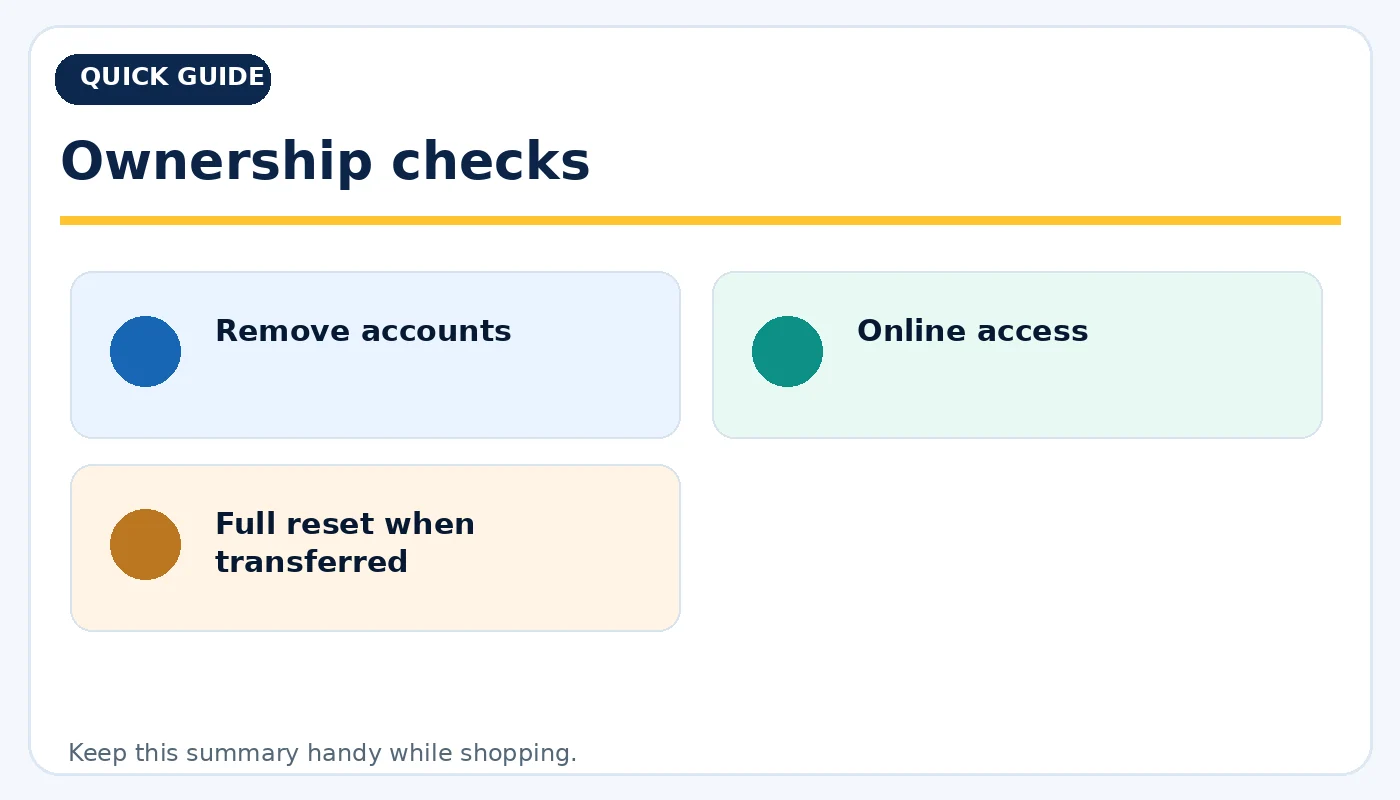
Ownership checks: practical considerations before buying.
Price the bundle, not just the box
Calculate the complete cost: console, a working controller, needed cables, storage and a game you truly want. Compare models by the titles they support, online membership needs and home or portable play. Request clear photos and a functional demonstration from private sellers. Favor a seller who documents condition, accessories and return policy over a suspicious bargain. The best used console is the one you can connect, sign into and enjoy immediately with no expensive surprises.
Quick buying checklist
- Generation
- Digital or disc
- All required cables
- Stick drift
- Buttons and triggers
- Battery and charging
- Gameplay stability
- Cooling
- Ports and storage
- Remove accounts
- Online access
- Full reset when transferred
Frequently asked questions
Can I keep digital games from a used console?
Do not count on games tied to another person’s account being transferable. Buy for the physical hardware and your own access.
How long should I test a used console?
Long enough to launch and play a real game, connect to a display, and exercise controllers and network functions.
Is an initialized console guaranteed to work online?
No. Resetting local data does not guarantee the console has no service restrictions.
Explore related tech at TamDo.us
Ready to compare real listings? Shop video game consoles or browse more News & Guides. Listings change frequently; check each item’s condition, included accessories and availability before ordering.