
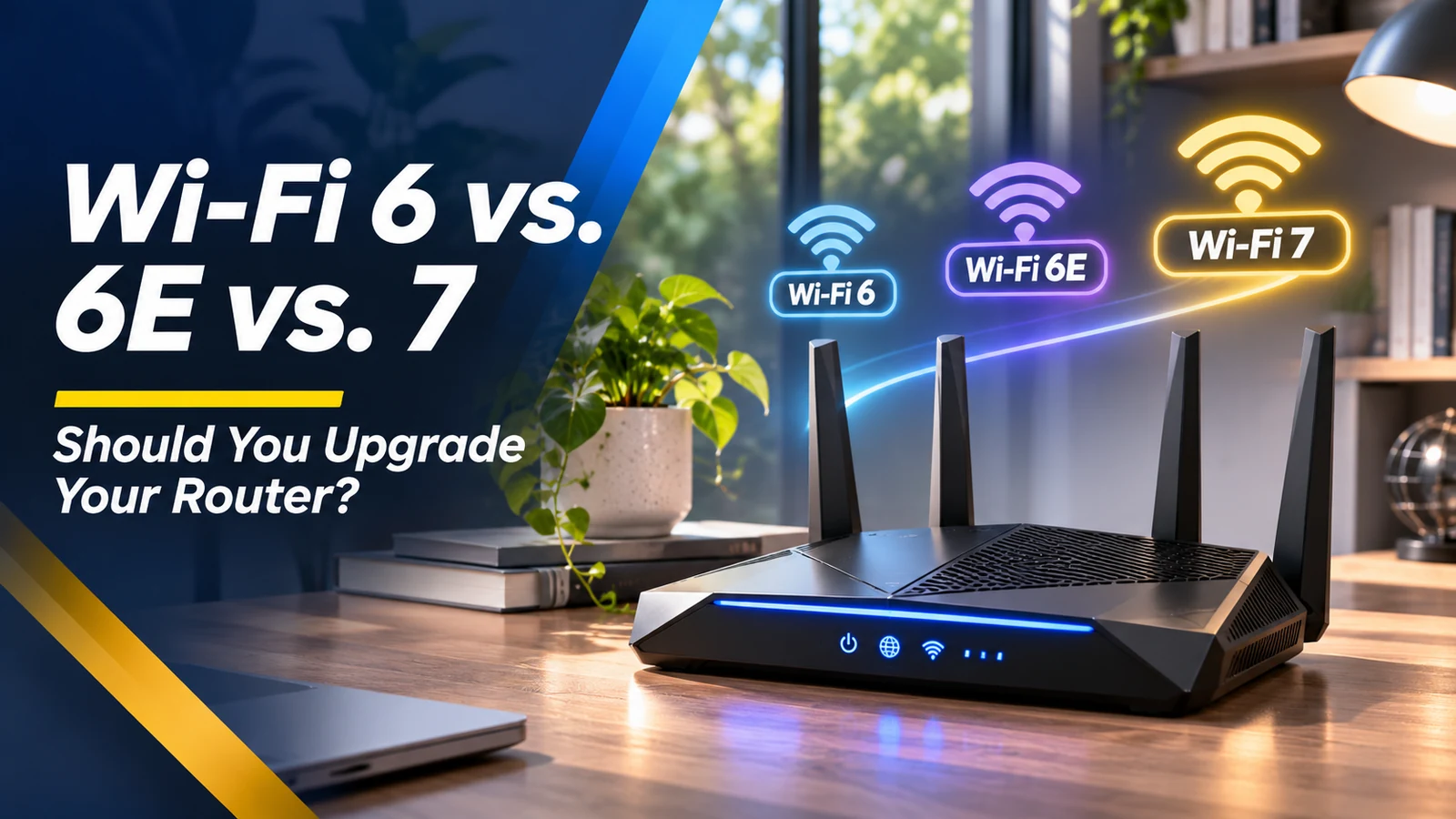
Shopping for a new router can feel like shopping for an alphabet soup: Wi-Fi 6, 6E, 7, tri-band, mesh and multi-gigabit. The good news is that a higher number does not automatically make your internet faster. A device far from the router, a crowded apartment, an old modem or a slow internet plan can limit performance before the Wi-Fi standard does. This guide explains the generations in plain language and helps you decide whether to upgrade the router, improve placement or add a mesh node.
What Wi-Fi 6 already handles well
Wi-Fi 6 supports efficient sharing of wireless airtime across many connected devices and is a solid choice for ordinary homes. Phones, laptops, televisions and smart home equipment can share the same router, although real performance depends on signal strength and interference. If your current Wi-Fi 6 network is stable and your internet subscription is not especially fast, changing to a premium router may not be noticeable for web browsing or streaming. Begin with a baseline speed test next to the router and in problem rooms.
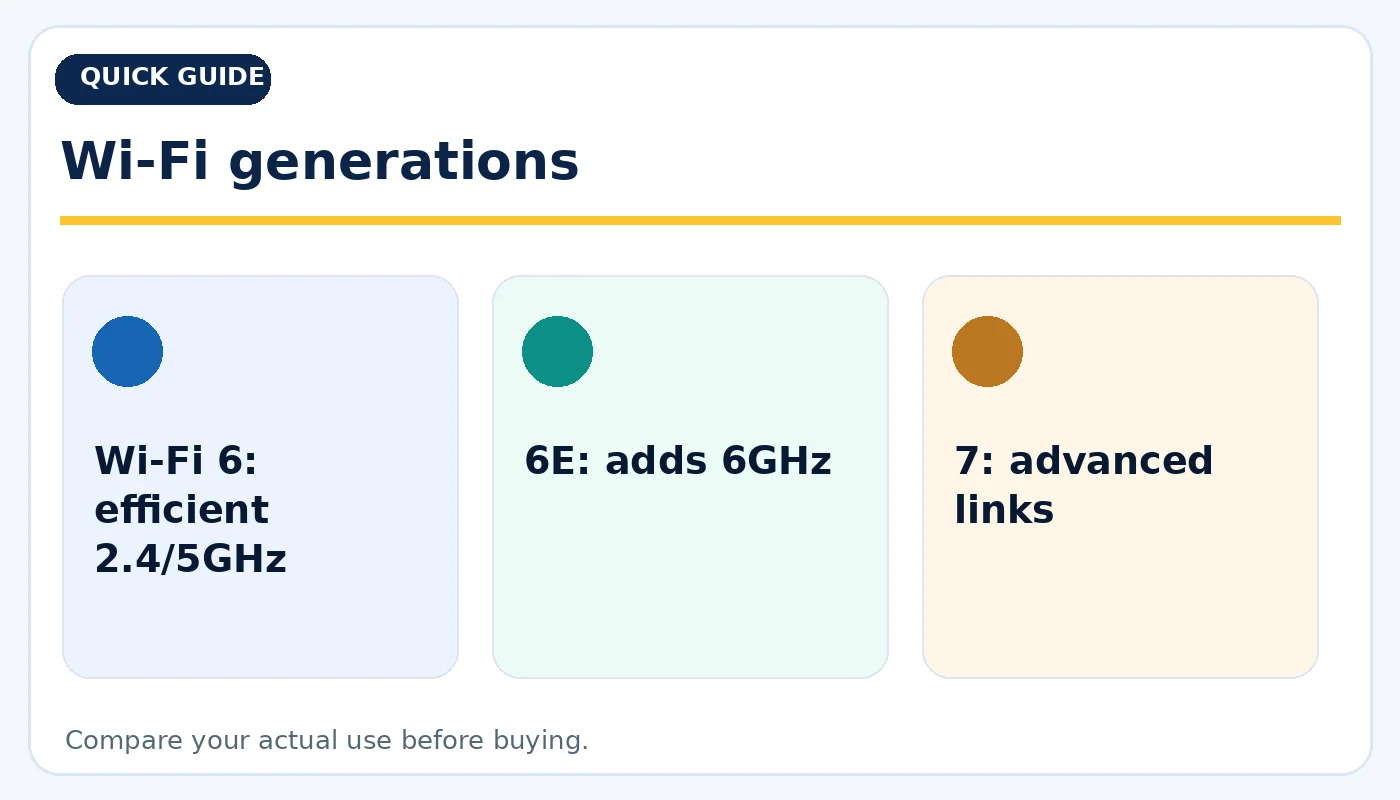
Wi-Fi generations: practical considerations before buying.
What the 6GHz band adds with Wi-Fi 6E
Wi-Fi 6E extends compatible Wi-Fi 6 operation into the 6GHz band where local regulations permit. That offers additional spectrum and can reduce congestion for compatible clients, especially in crowded neighborhoods. However, 6GHz signals generally face greater range and wall-penetration challenges than 2.4GHz. A Wi-Fi 6E router does not magically turn an older phone into a 6GHz device. Check client support before paying a premium for a band that your devices cannot use.
What makes Wi-Fi 7 different
Wi-Fi 7 builds on earlier generations with technologies such as Multi-Link Operation, which can use or switch across multiple links on supported router/client combinations. Some configurations can also use wider channels and higher peak data rates. These benefits depend on device support, spectrum availability, software and local conditions. For low-latency work, crowded households or rapid local transfers, Wi-Fi 7 may be attractive. For a quiet home doing basic streaming, the difference may be too small to justify immediate replacement.
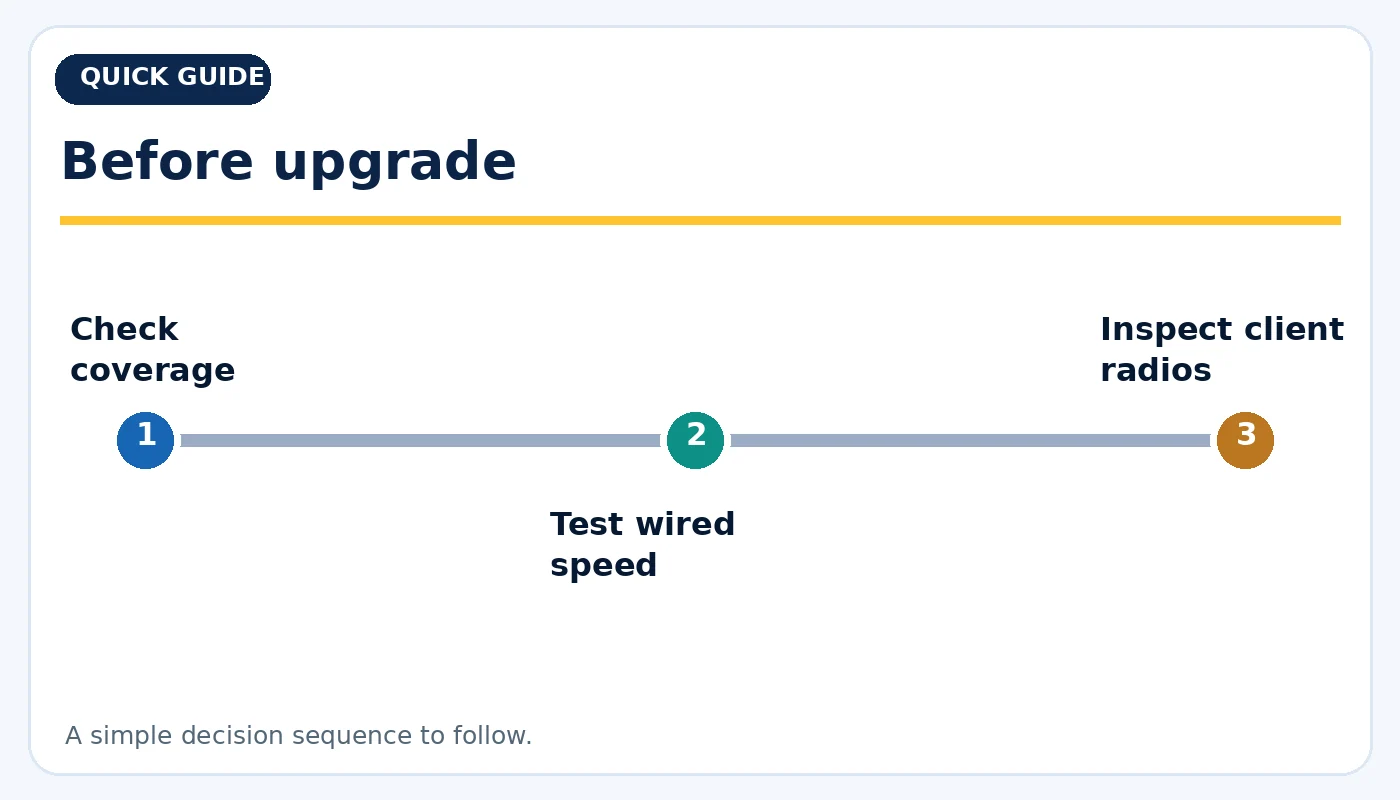
Before upgrade: practical considerations before buying.
Router placement beats marketing claims
Start with a central, elevated, open location rather than hiding the router in a cabinet behind a television. Concrete, metal and thick walls can absorb or reflect signals, while interference from nearby networks may affect reliability. Compare speeds at several places in the home, not just beside the router. If one room has poor coverage, moving the router or adding wired backhaul can be more useful than selecting a faster standard. Do not assume every dead zone requires a new internet plan.
Mesh systems and wired backhaul
Mesh networking uses multiple nodes to extend coverage. But if nodes communicate wirelessly through thick walls, the link between them can become the bottleneck. Ethernet backhaul, when available, may create a more reliable connection between nodes. Verify that a used mesh unit belongs to the same compatible family, can be reset and can receive firmware updates. Combining unrelated systems can lead to inconsistent roaming and extra network management. Plan the physical layout before you buy extra nodes.
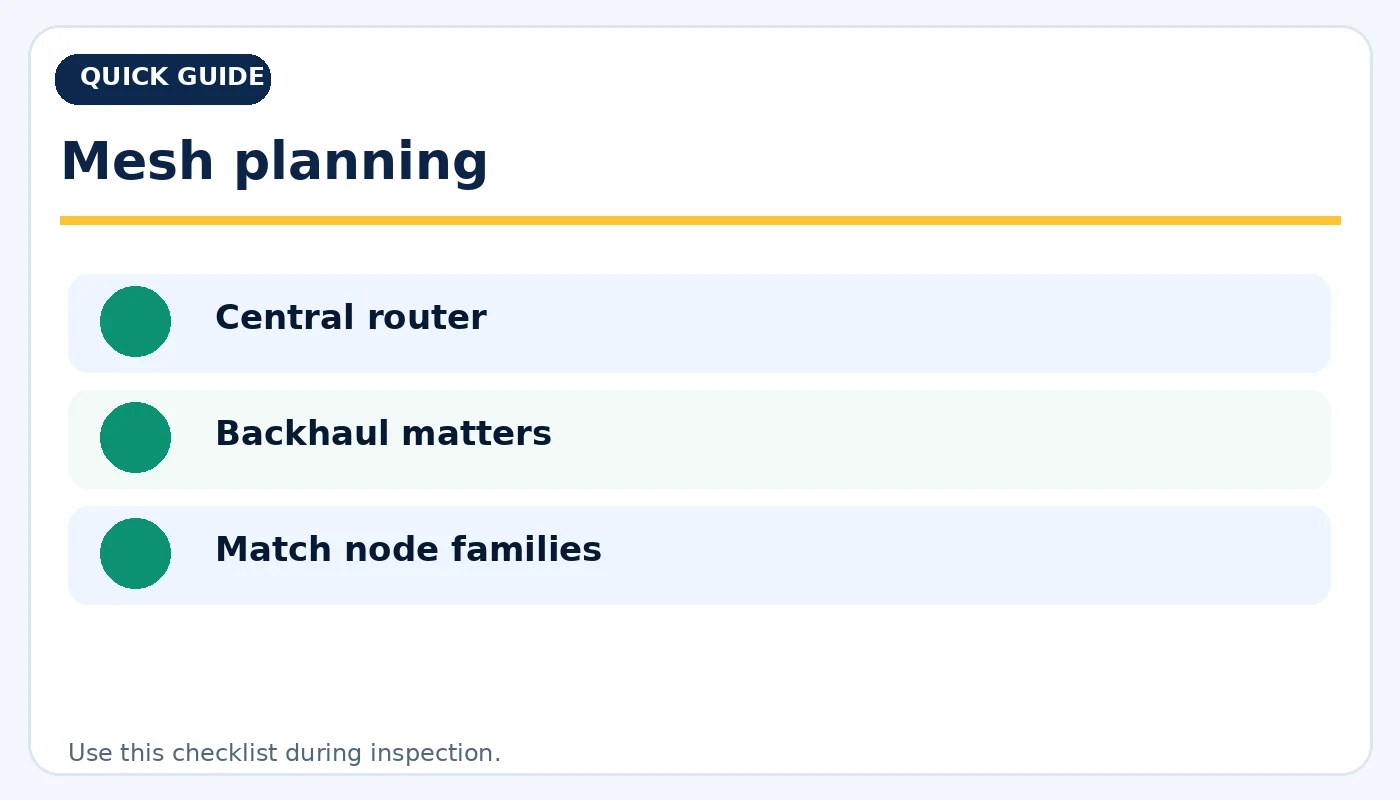
Mesh planning: practical considerations before buying.
When faster internet does not mean faster Wi-Fi
A speed test reflects many things at once: internet service, router, channel choice, device radio and the server being tested. An older laptop with a basic Wi-Fi adapter may never reach the speeds promoted for a new router. Game download rates also depend on the remote service. To identify the bottleneck, compare a wired Ethernet test with Wi-Fi tests at short and long distances. A stable, predictable connection can matter more than the highest peak number displayed on a box.
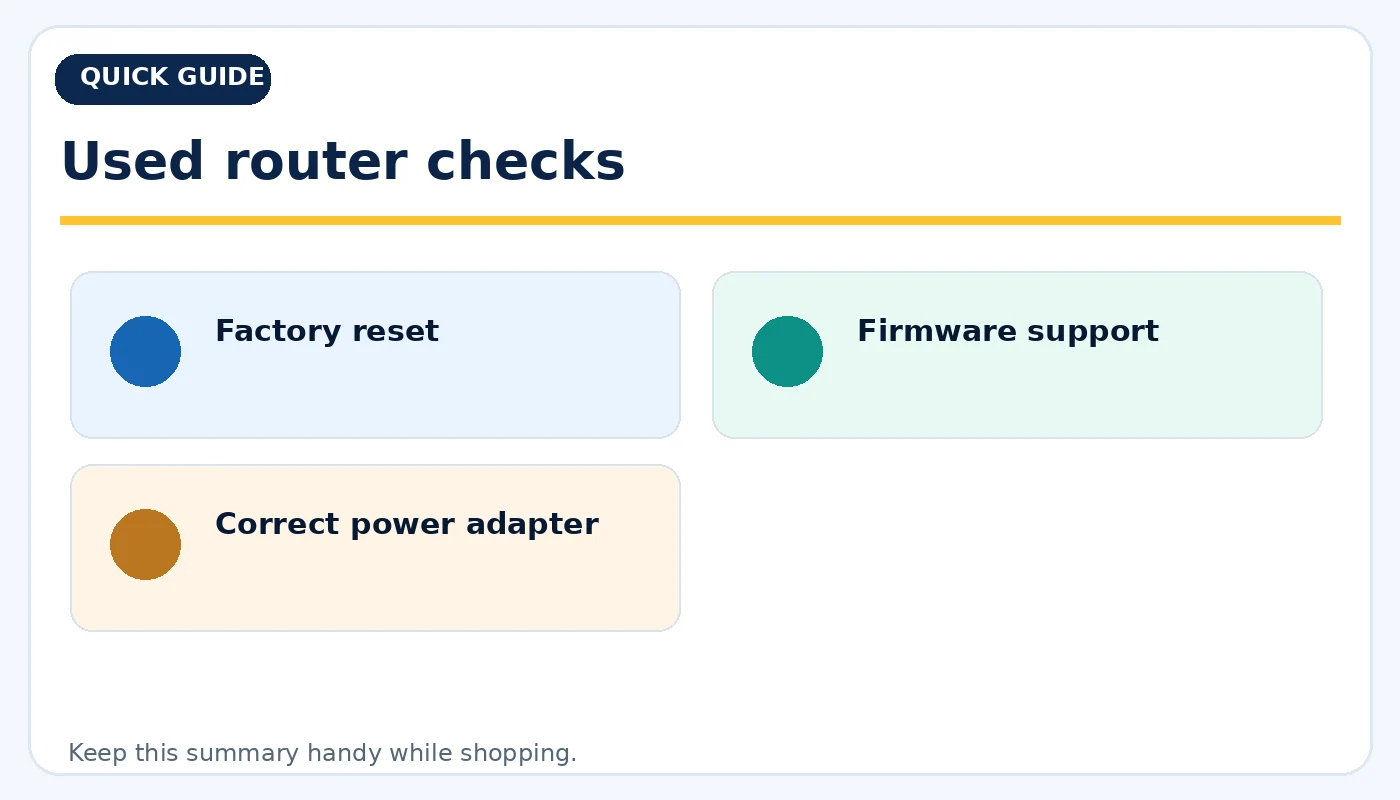
Used router checks: practical considerations before buying.
Buying used networking gear carefully
Confirm the router model, power adapter, supported bands, firmware availability and whether the device was supplied by an internet provider. Reset it, change administrative credentials and update its firmware before connecting sensitive devices. Check for overheating, intermittent restarts and damaged Ethernet ports. If a device is account-managed, make sure it has been released and can be set up under your own account. A properly tested Wi-Fi 6E device may be an excellent value for a household with compatible clients.
Quick buying checklist
- Wi-Fi 6: efficient 2.4/5GHz
- 6E: adds 6GHz
- 7: advanced links
- Check coverage
- Test wired speed
- Inspect client radios
- Central router
- Backhaul matters
- Match node families
- Factory reset
- Firmware support
- Correct power adapter
Frequently asked questions
Will Wi-Fi 7 make my internet plan faster?
No. Your internet service speed remains a separate limitation; Wi-Fi 7 can improve the local wireless connection under suitable conditions.
Can a Wi-Fi 6 phone use a Wi-Fi 7 router?
Generally yes on a supported compatible band, but the phone does not gain Wi-Fi 7-specific capabilities.
Is 6GHz always faster throughout the house?
No. It may be less congested close to the router, but walls and distance can reduce its usefulness.
Explore related tech at TamDo.us
Ready to compare real listings? Shop routers and networking or browse more News & Guides. Listings change frequently; check each item’s condition, included accessories and availability before ordering.