
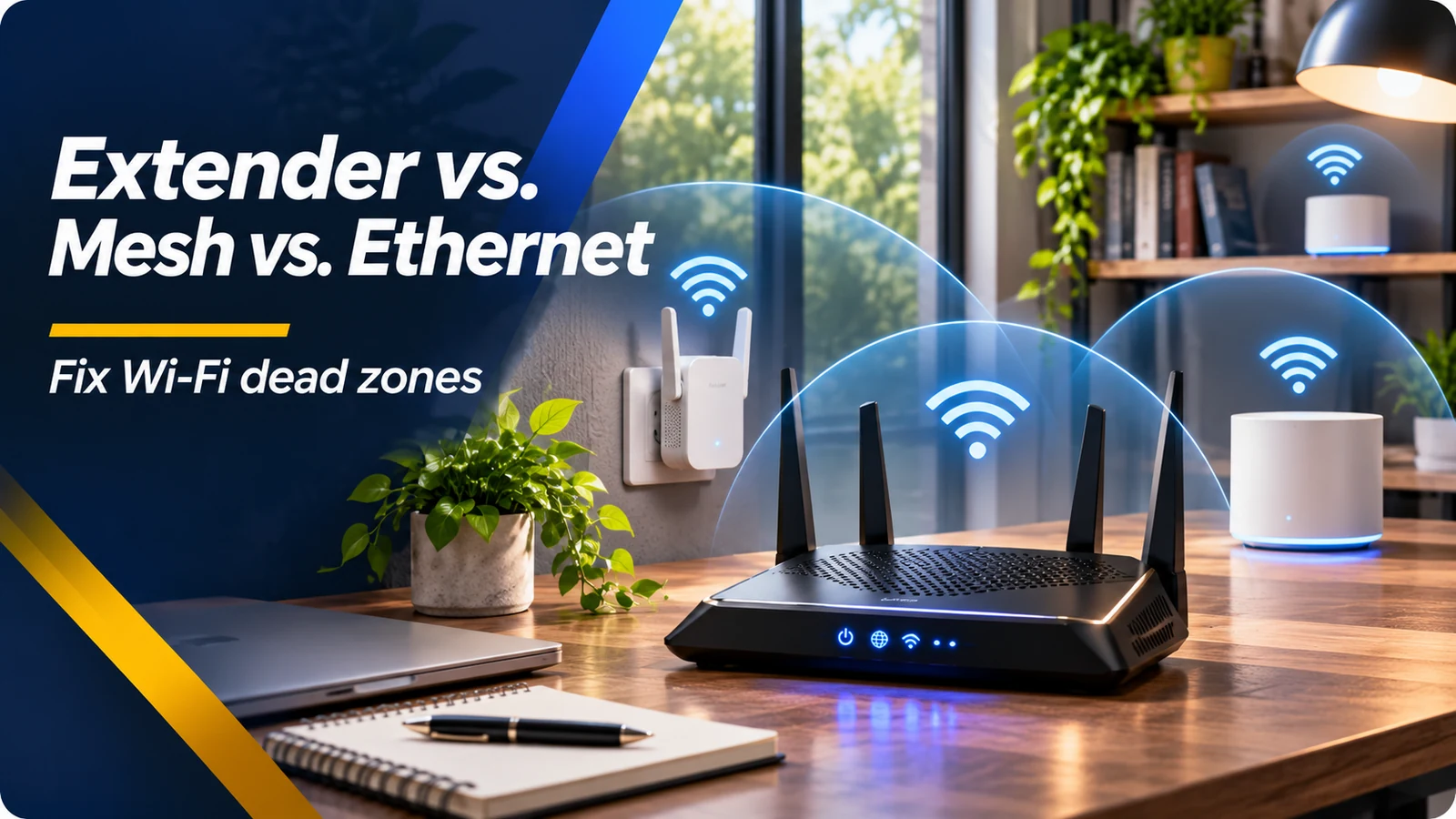
Find the problem before buying new equipment
A slow connection in one bedroom can come from weak Wi-Fi signal, interference, a busy network, a faulty device or a limited internet plan. Start by testing near the router, then repeat the test in the problem room with the same device. If performance is good by the router but weak behind several walls, the issue is probably local coverage rather than your internet service. If every room is slow even over a wired connection, upgrading Wi-Fi equipment may not solve the underlying problem.
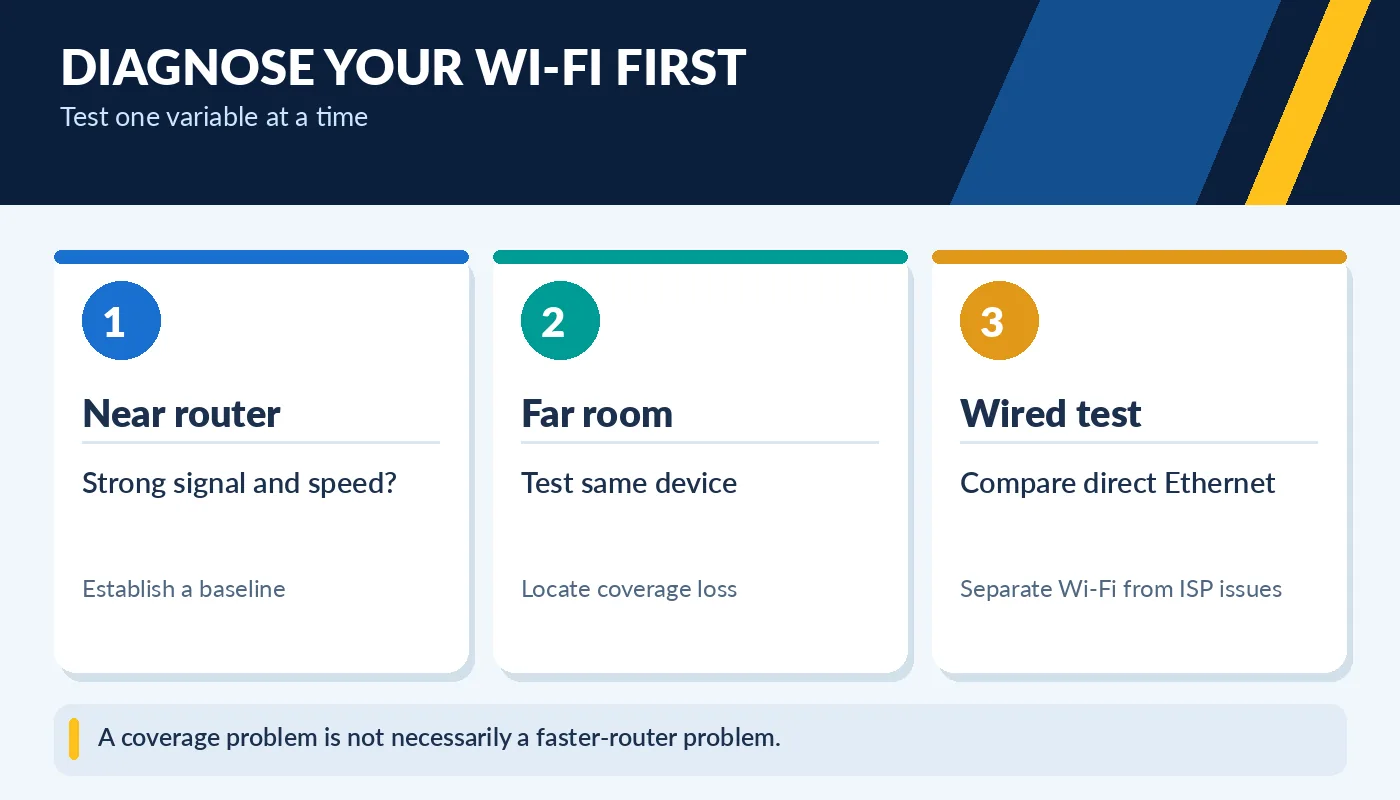
A coverage problem is not necessarily a faster-router problem.
Move the router away from dense cabinets, large metal objects and other sources of interference. A central, elevated location often helps. Check for outdated firmware, and test at different times when many devices may be online. Make changes one at a time and measure the result. This process helps you avoid purchasing expensive equipment to solve a problem caused by simple placement.
When a Wi-Fi extender makes sense
An extender receives and retransmits wireless signals from your existing router. It can be a lower-cost solution when just one room is slightly outside the main router’s usable coverage. Placement is critical: an extender must receive a decent signal itself. Installing it in the dead zone, where it can barely hear the router, usually produces disappointing results.
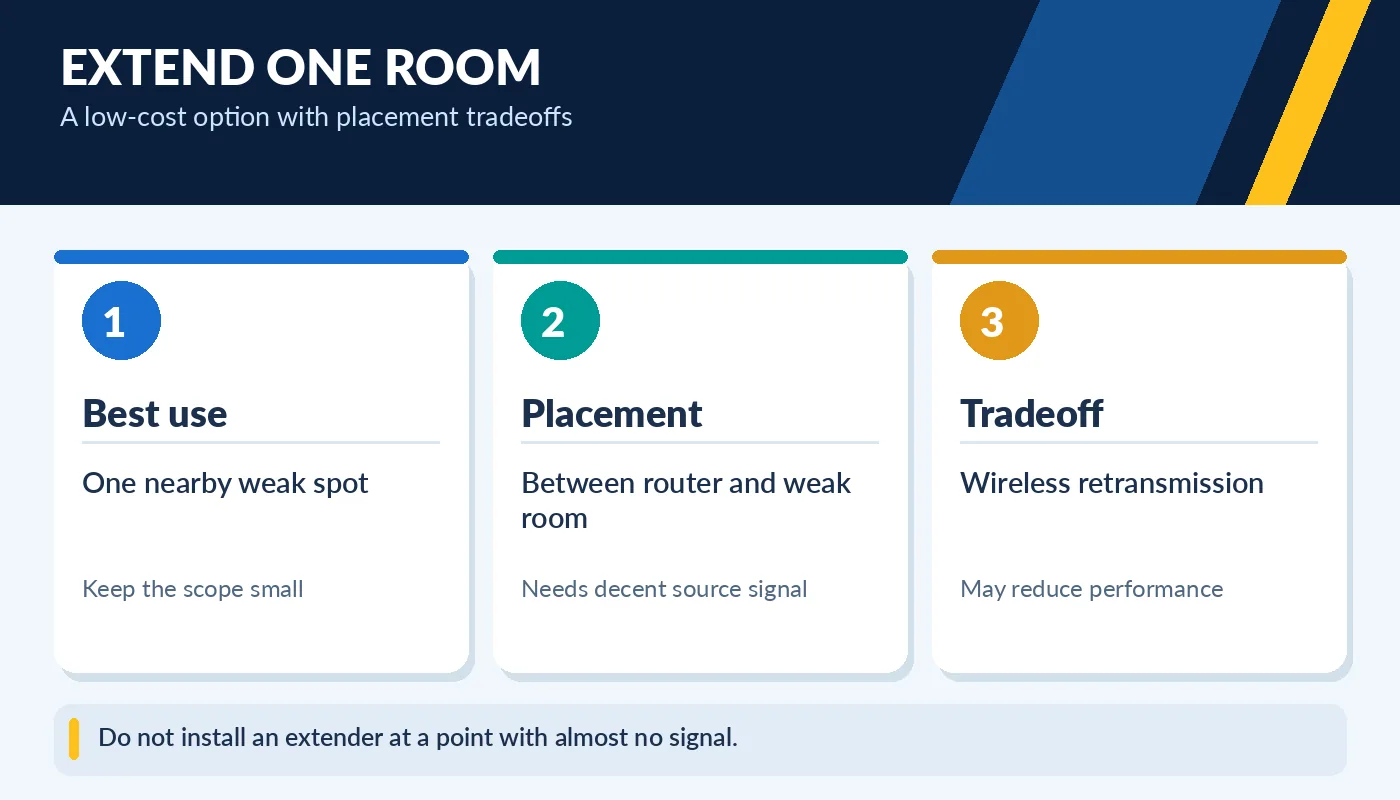
Do not install an extender at a point with almost no signal.
Some extenders create a second network name, while certain mesh extenders can cooperate with an existing router under one name. Wireless repeating can reduce available throughput or add latency depending on the hardware and environment. For casual browsing in a nearby room, that tradeoff may be acceptable. For sensitive video meetings or online gaming, a wired connection or a stronger mesh system may be a better choice.
Why mesh can be easier in larger homes
A mesh Wi-Fi system uses several nodes designed to operate together across a larger area. It can provide more consistent coverage and simpler movement between rooms than a collection of unrelated extenders. A mesh kit is useful when you have several weak zones, multiple floors, or many connected devices spread across the home. Still, it does not create internet speed that the service provider is not delivering.
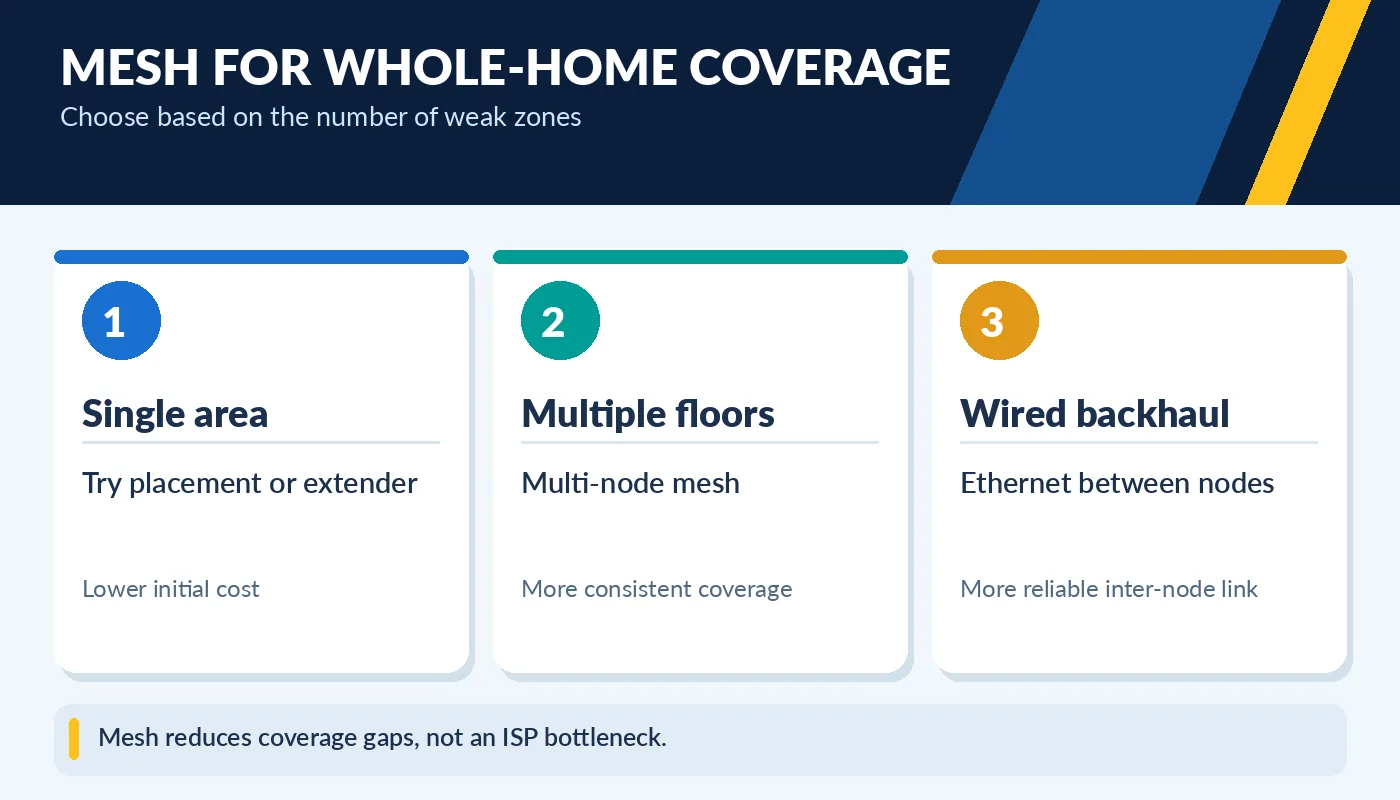
Mesh reduces coverage gaps, not an ISP bottleneck.
Mesh quality depends on node placement, available bands, interference and how nodes communicate. A wireless link between nodes is called backhaul. Some systems use a dedicated radio; others share a band with client devices. Where possible, Ethernet backhaul can offer stronger and more consistent connectivity between access points. Carefully check whether the chosen system supports your cabling and placement plan.
Ethernet is still worth considering
For stationary desktops, TVs, consoles and home-office docks, a direct Ethernet cable can be the simplest way to improve consistency. Wired links are not affected by neighboring wireless networks in the same way as Wi-Fi. If running a cable is practical, you can connect an access point or mesh node closer to the problem room. Before drilling walls, consider existing Ethernet drops or whether a professional installation is needed.
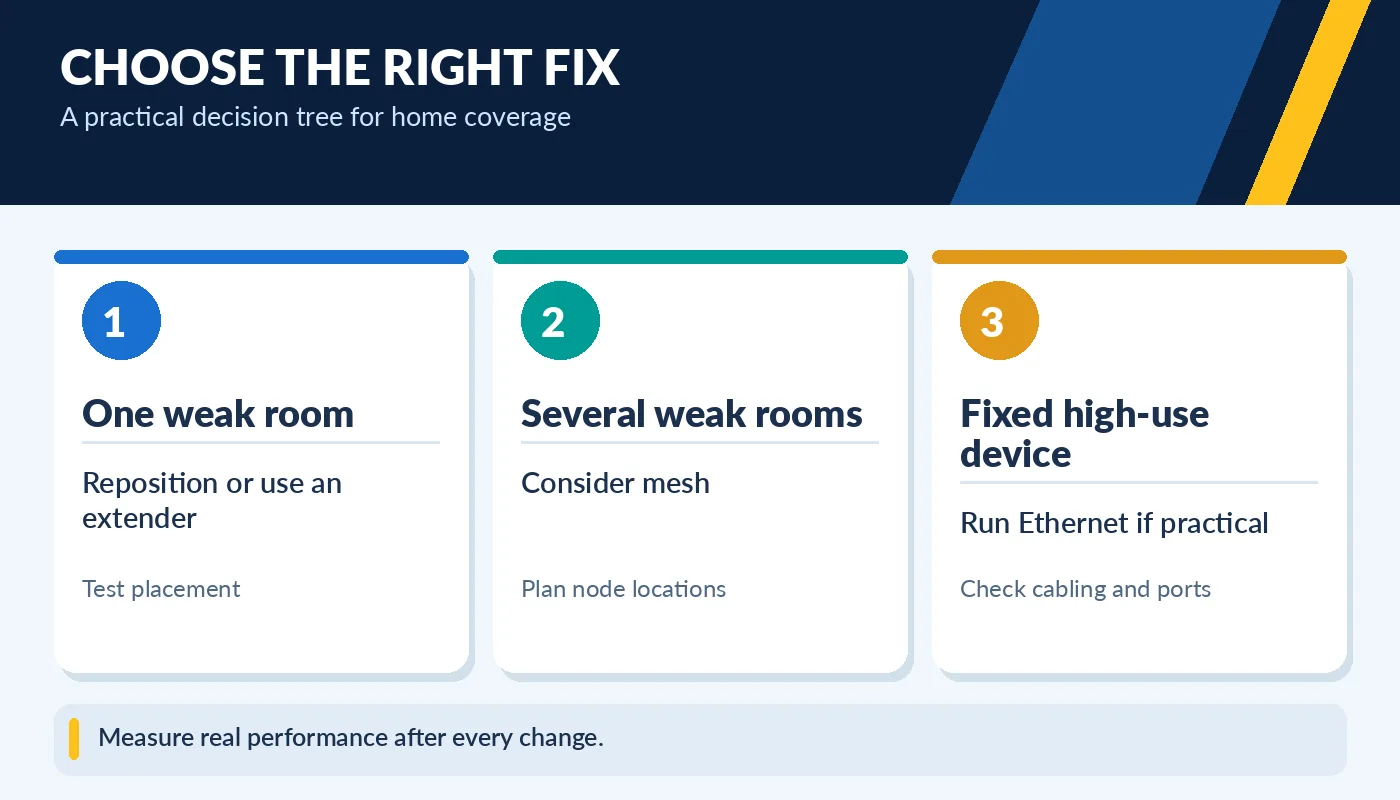
Measure real performance after every change.
Check router and switch port speeds, cable condition and the physical routing requirements. After installing an extender or mesh kit, test both the far room and the main room to verify that you improved coverage without introducing other bottlenecks. Keep network names and passwords secure, update firmware and avoid buying equipment based only on maximum theoretical Wi-Fi ratings.
Keep the router secure while improving coverage
Better signal strength is not worth much if the network is left with an old password, unsupported firmware or an exposed management interface. Change default administrator credentials, enable appropriate modern wireless security and review whether guest devices need access to your main computers. When adding an extender, make sure its firmware and security mode are suitable for the existing router. Older equipment can create a weak link even when its claimed speed sounds impressive.
After a coverage change, check the experience that motivated it: join a video meeting in the remote room, stream to the television, or play the game that previously disconnected. Perform the same test at a similar time and record the difference. If there is still a dead zone, move the node closer rather than immediately buying another device. A simple floor plan with node positions and measured results can guide the next upgrade far better than adding hardware at random.