
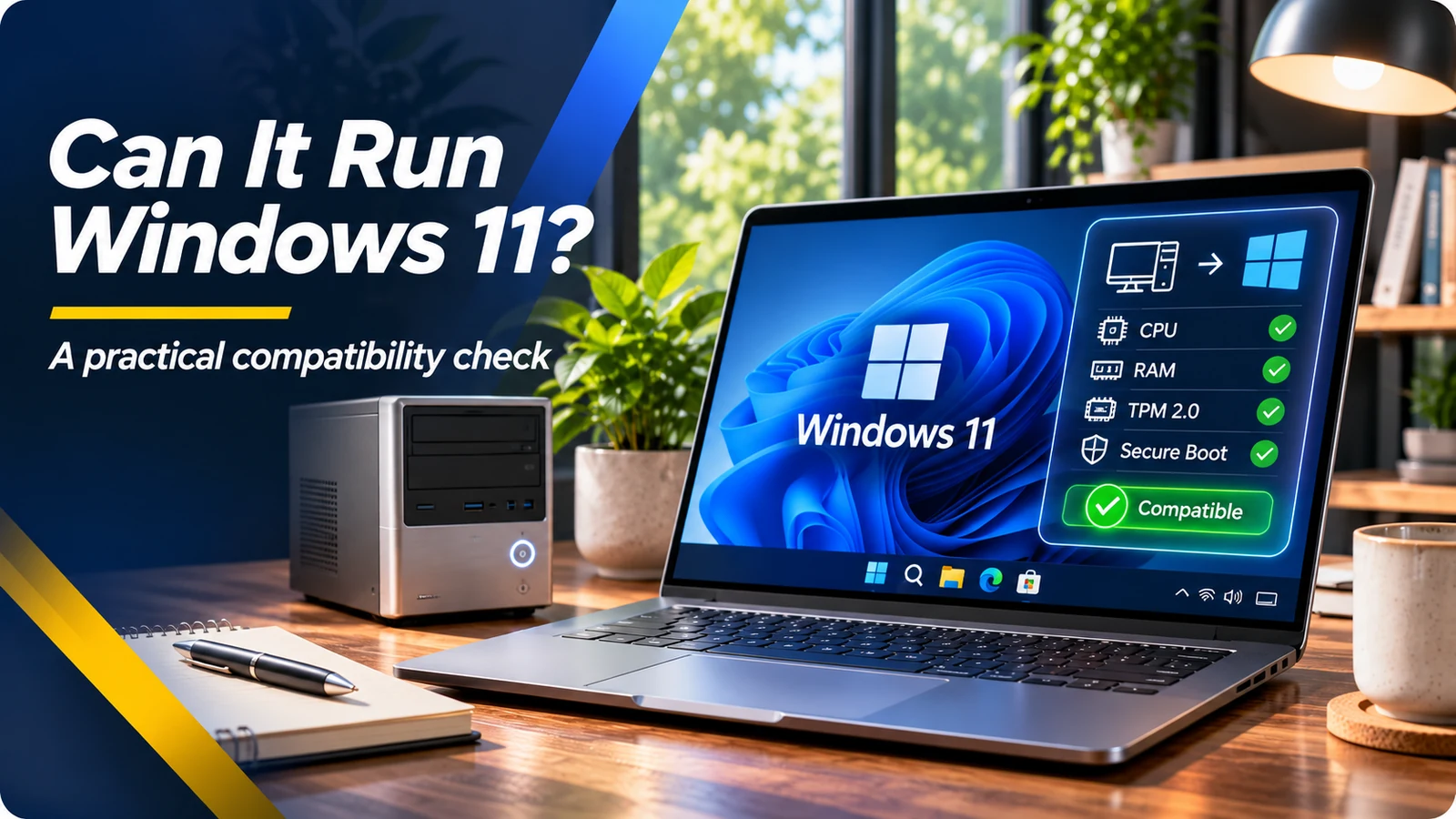
Why a fast computer may still be ineligible
A used laptop can boot quickly, have 16GB of memory and a large SSD, yet still fail the official Windows 11 compatibility check. Microsoft requires a compatible processor, UEFI firmware with Secure Boot capability, TPM 2.0, at least 4GB RAM, 64GB storage and other minimum specifications. Processor eligibility is especially important: adding memory or storage does not turn an unsupported CPU into a supported one.
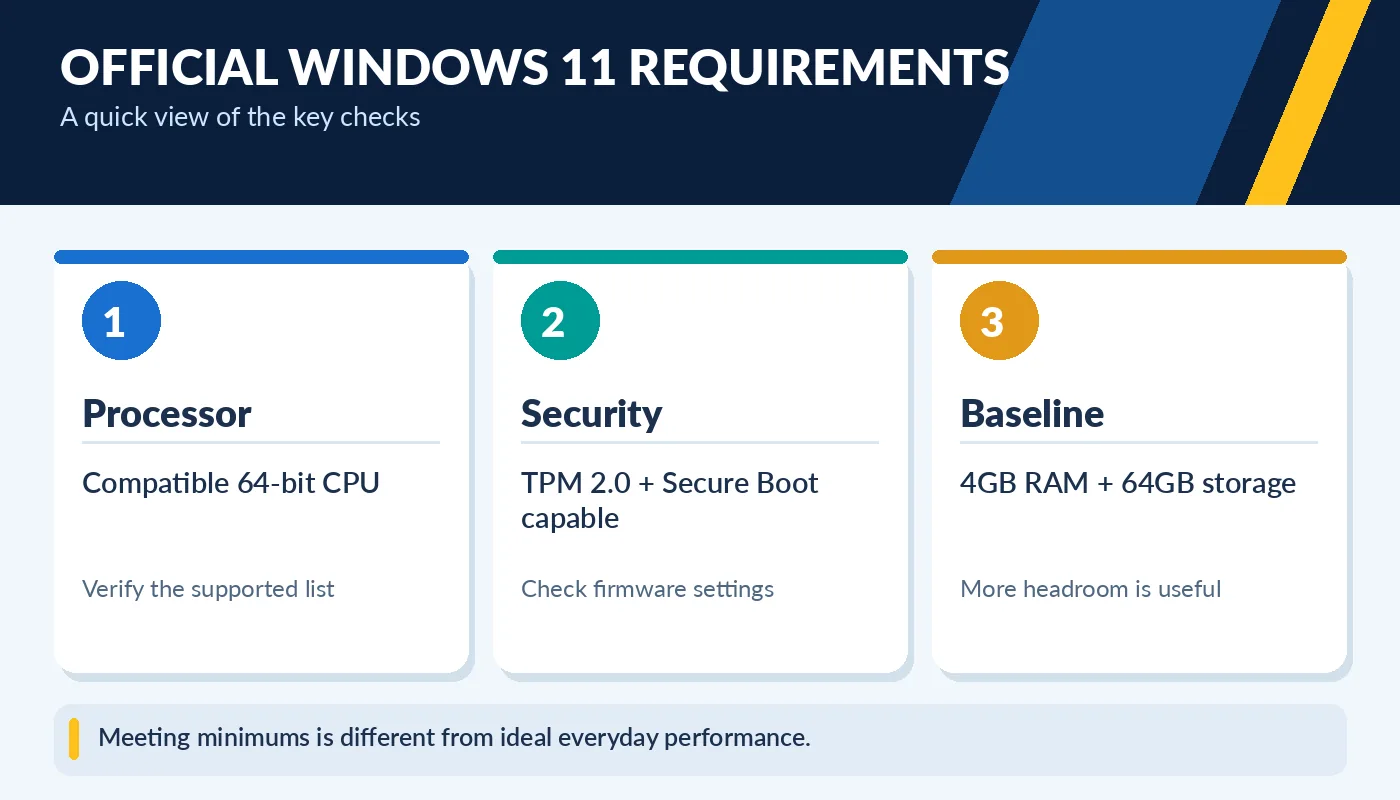
Meeting minimums is different from ideal everyday performance.
The official minimum requirements are a floor, not a promise of smooth performance with many applications. For everyday productivity, 8GB to 16GB RAM and a solid-state drive are generally more comfortable, depending on what you run. Check the exact computer model as well as processor model, because firmware, drivers and manufacturer support influence whether an upgrade is appropriate.
Run Microsoft PC Health Check
The simplest starting point is Microsoft’s PC Health Check app. Install or open it in Windows and choose the Windows 11 eligibility check. The tool reports whether the device meets requirements and can explain major blockers. Do this before paying for an older used PC advertised as “Windows 11 ready.” A screenshot from a seller is useful, but checking the specific unit is better.
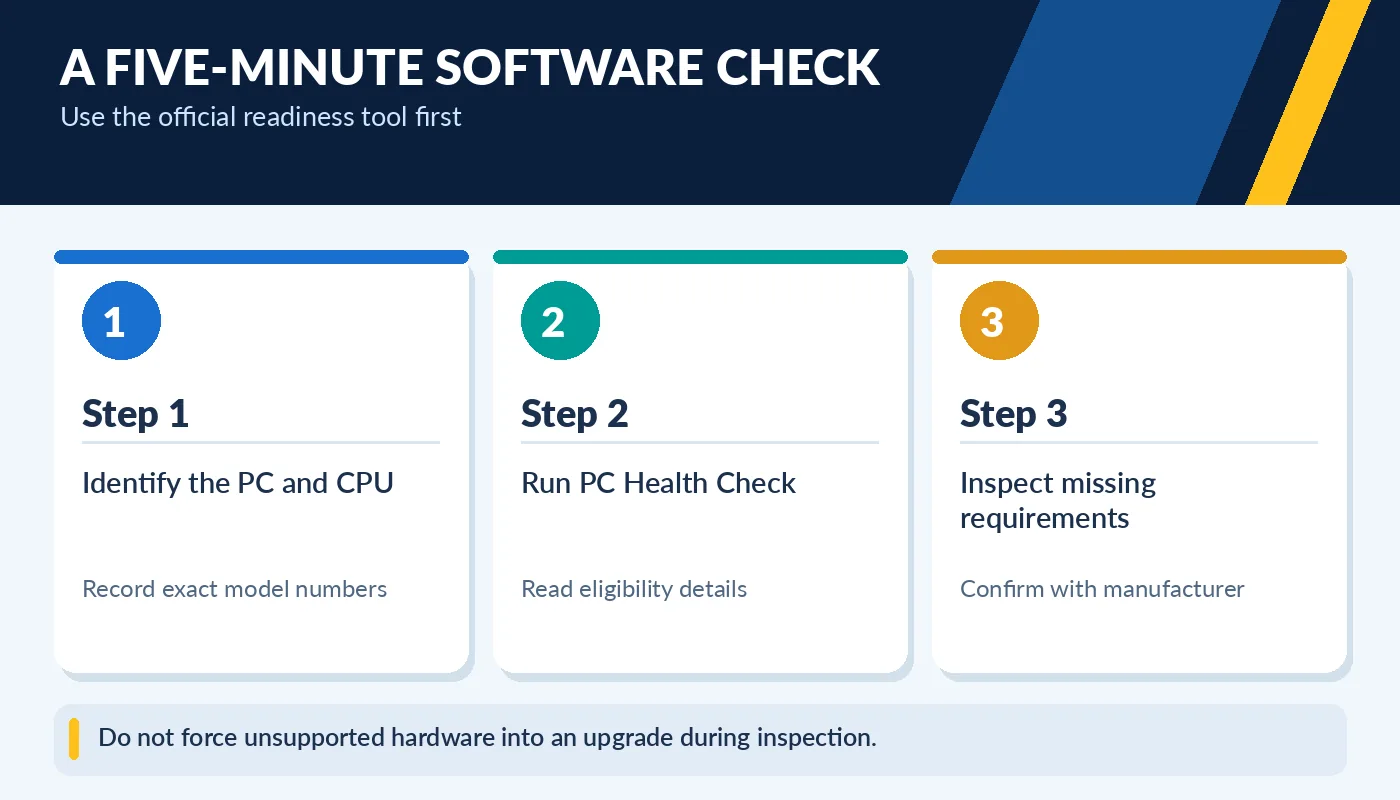
Do not force unsupported hardware into an upgrade during inspection.
You can also open System Information to inspect BIOS mode and Secure Boot state, and use the TPM management console to view TPM details. However, a disabled firmware setting is not the same thing as missing hardware support. Do not casually change firmware or storage boot settings on someone else’s computer, because an incorrect change can prevent Windows from starting. Ask the seller to confirm supported settings or consult the manufacturer documentation.
What if a machine is not compatible?
An incompatibility result does not always mean the laptop is broken. It may have a processor outside Microsoft’s supported list, an unsupported TPM, or firmware settings that need a manufacturer-supported change. Some devices can meet requirements after enabling a supported setting; others cannot meet the requirements without replacing core hardware. The right approach depends on the exact machine.
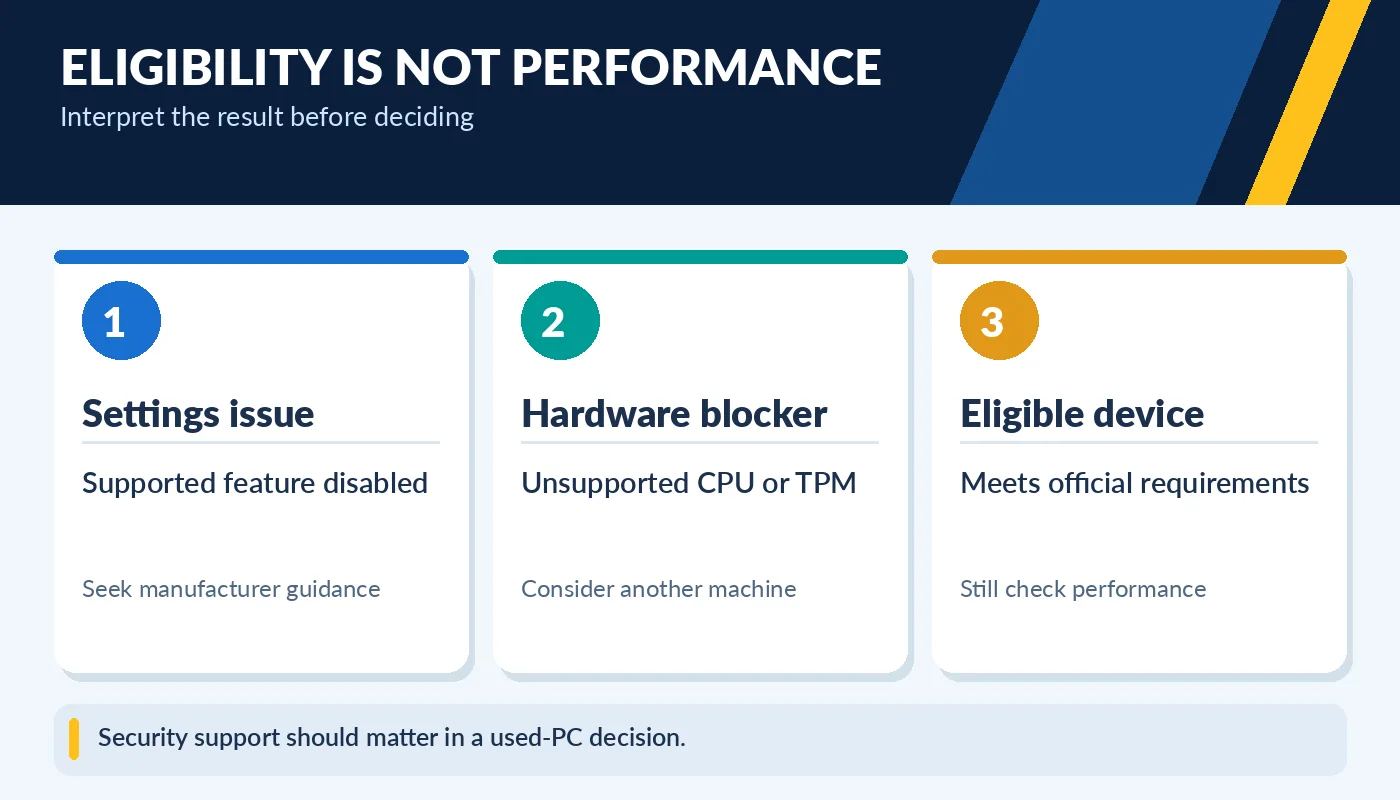
Security support should matter in a used-PC decision.
Windows 10 standard support ended on October 14, 2025. Running an unsupported operating system without an applicable extended security program can expose you to security risks. If you need a computer for online banking, school or business work, prioritize a supported operating system and current security updates. Consider a computer with official Windows 11 support rather than relying on an unofficial bypass for a machine that you plan to use for years.
A better checklist for buying used Windows computers
For any used Windows laptop or desktop, ask for the operating system edition, activation status, full CPU model, RAM, SSD details and a recent eligibility result. Make sure the machine can receive normal Windows updates and that the account on the device can be transferred or freshly set up. A clean installation may be appropriate after buying, but back up anything you need first.
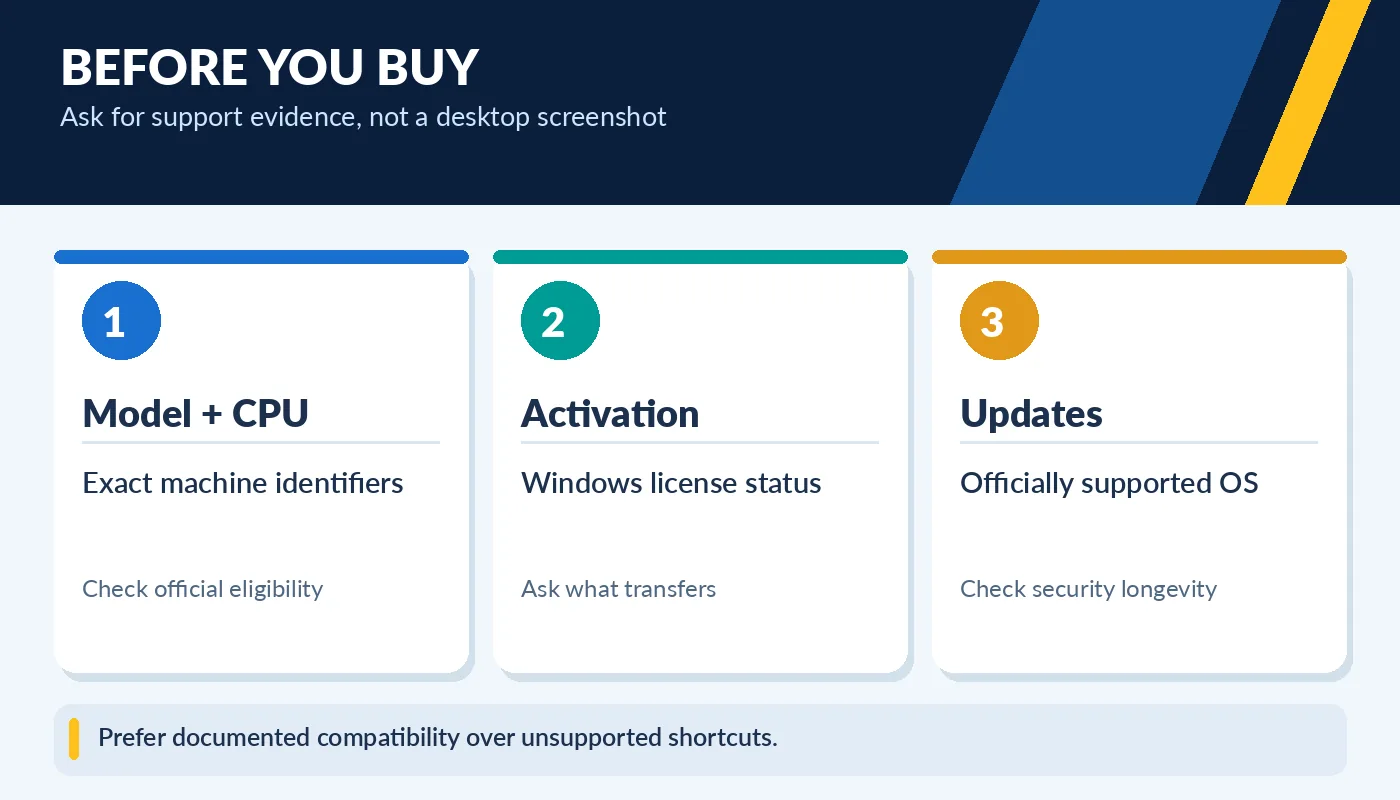
Prefer documented compatibility over unsupported shortcuts.
Do not confuse a product listing that merely states “Windows 11 installed” with verified official support. Some systems can run Windows 11 after unofficial workarounds, yet may lack update or support guarantees. Check the actual unit and ask what license is included. That few minutes of diligence can save the cost of replacing a computer that cannot meet your software needs.
Ask about the operating-system installation
A clean-looking Windows desktop is not evidence of correct licensing or a supported installation. Confirm the edition and activation state, ask whether a fresh setup will be performed, and verify that the device is not still tied to a previous organization’s management account. Enterprise-managed devices can have restrictions unrelated to the CPU or TPM, which may become apparent only during setup or after connecting to the internet. A usable purchase needs both compatible hardware and the ability to configure it for the new owner.
If you plan to run specific business or school applications, check their support requirements separately. A program may require more RAM, a newer graphics driver or a supported processor feature even when Windows 11 itself can install. Also examine the availability of BIOS and driver updates from the computer manufacturer. The best used machine is one that has a clear upgrade path and security lifecycle, not merely one that can display the Windows 11 logo.