
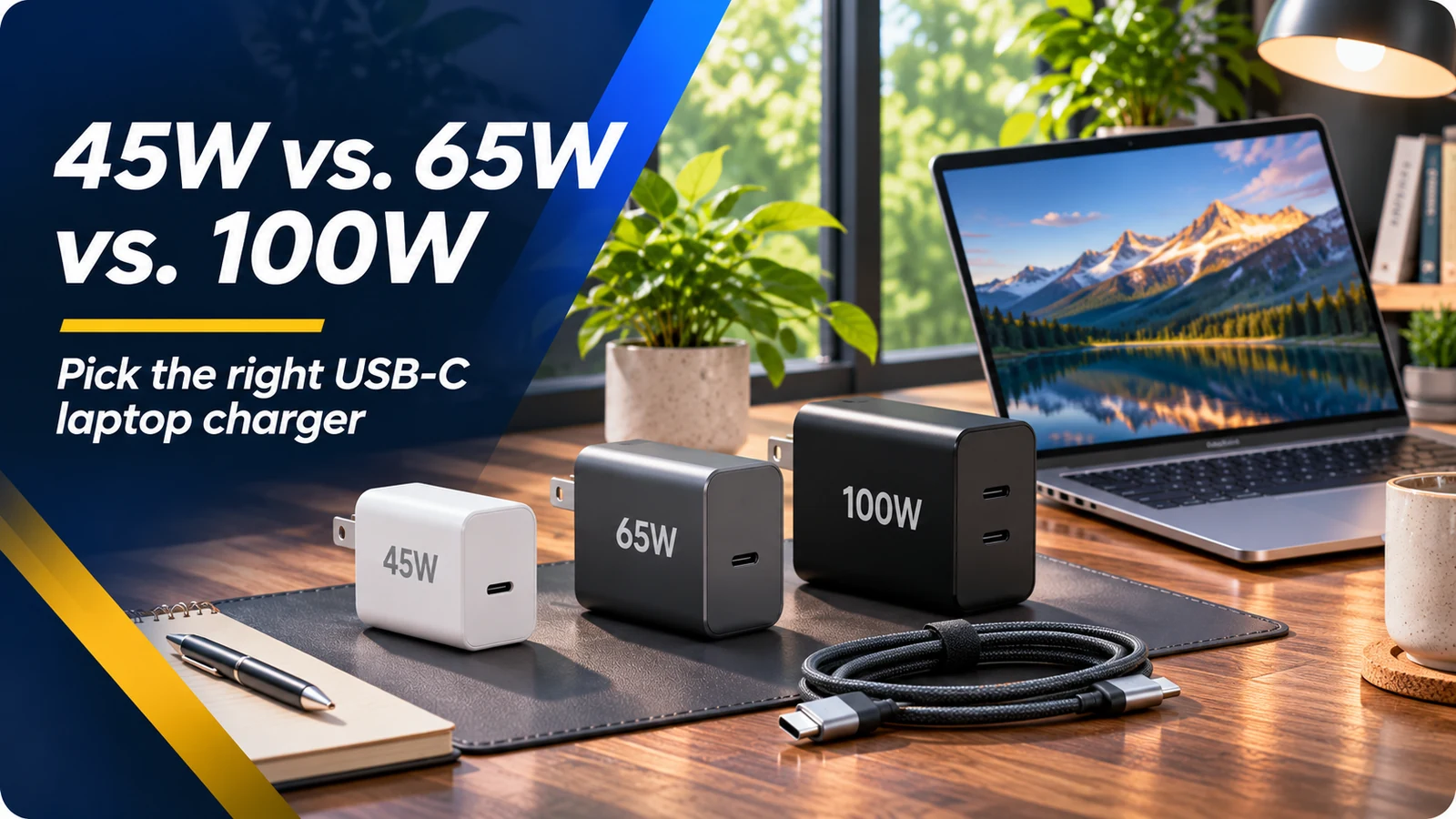
USB-C is a connector shape, not a charging promise
USB-C appears on phones, tablets, docks, and laptops, but devices using the same connector may have very different charging capabilities. The USB Power Delivery standard lets compatible devices and chargers negotiate supported voltage and current levels. That process matters: a cable or charger cannot force a laptop to accept a power level it does not support. A USB-C-shaped port also may not support charging input at all.
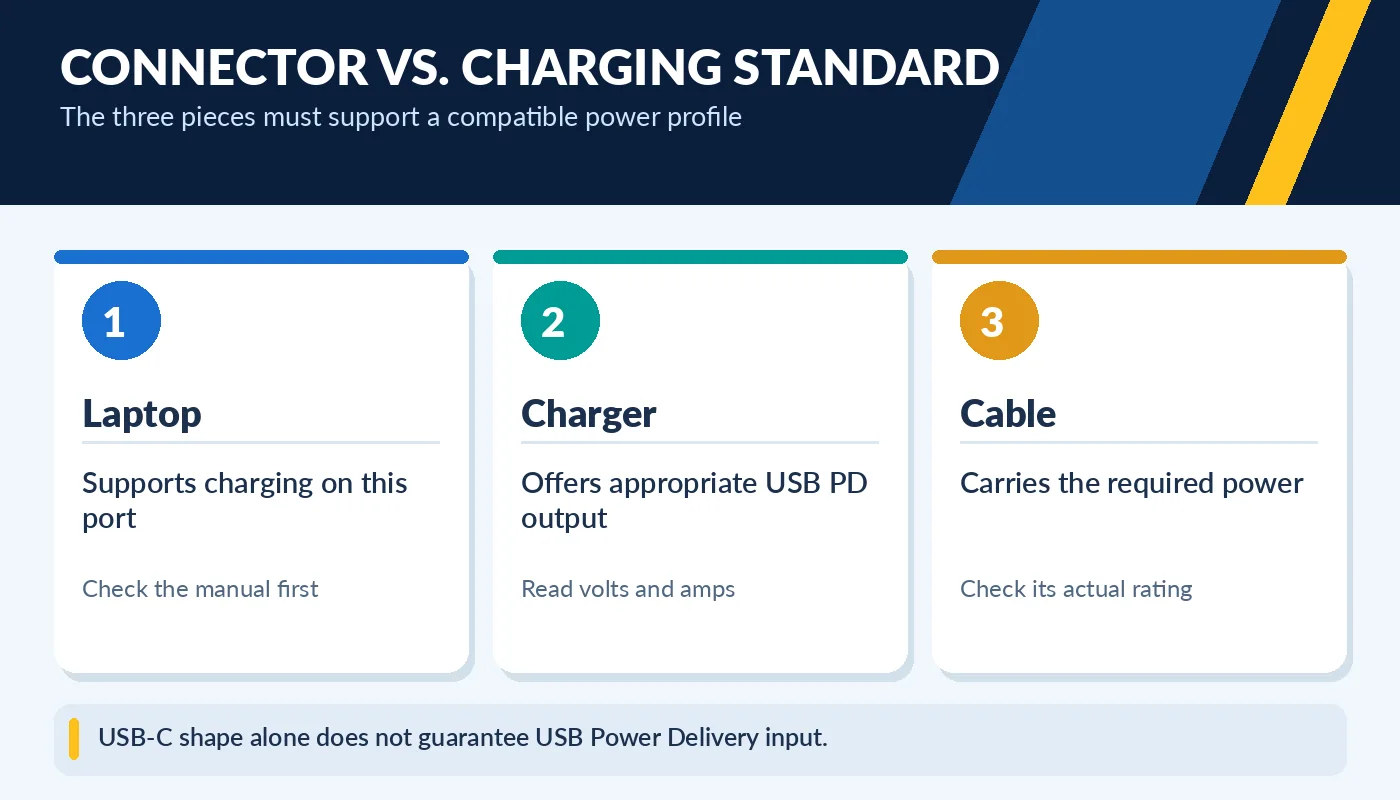
USB-C shape alone does not guarantee USB Power Delivery input.
Start with the laptop manufacturer’s specifications and its original adapter rating. Note whether the laptop accepts USB-C PD, requires a specific proprietary connector, or uses a dedicated high-power adapter when gaming. On some models, the laptop can charge through USB-C while running lightly but may reduce performance or discharge slowly under a heavy load. Do not assume the largest wattage printed on a charger automatically solves every compatibility problem.
What do 45W, 65W and 100W actually mean?
Watts measure electrical power. A typical 45W adapter can be enough for some efficient ultrabooks, while 65W is common on general-purpose office laptops. Higher-performance systems may use 90W, 100W, 140W or proprietary adapters. These are examples, not compatibility rules: always use the requirement for your exact machine. An underpowered adapter may charge only while the computer sleeps or report that a slow charger is connected.
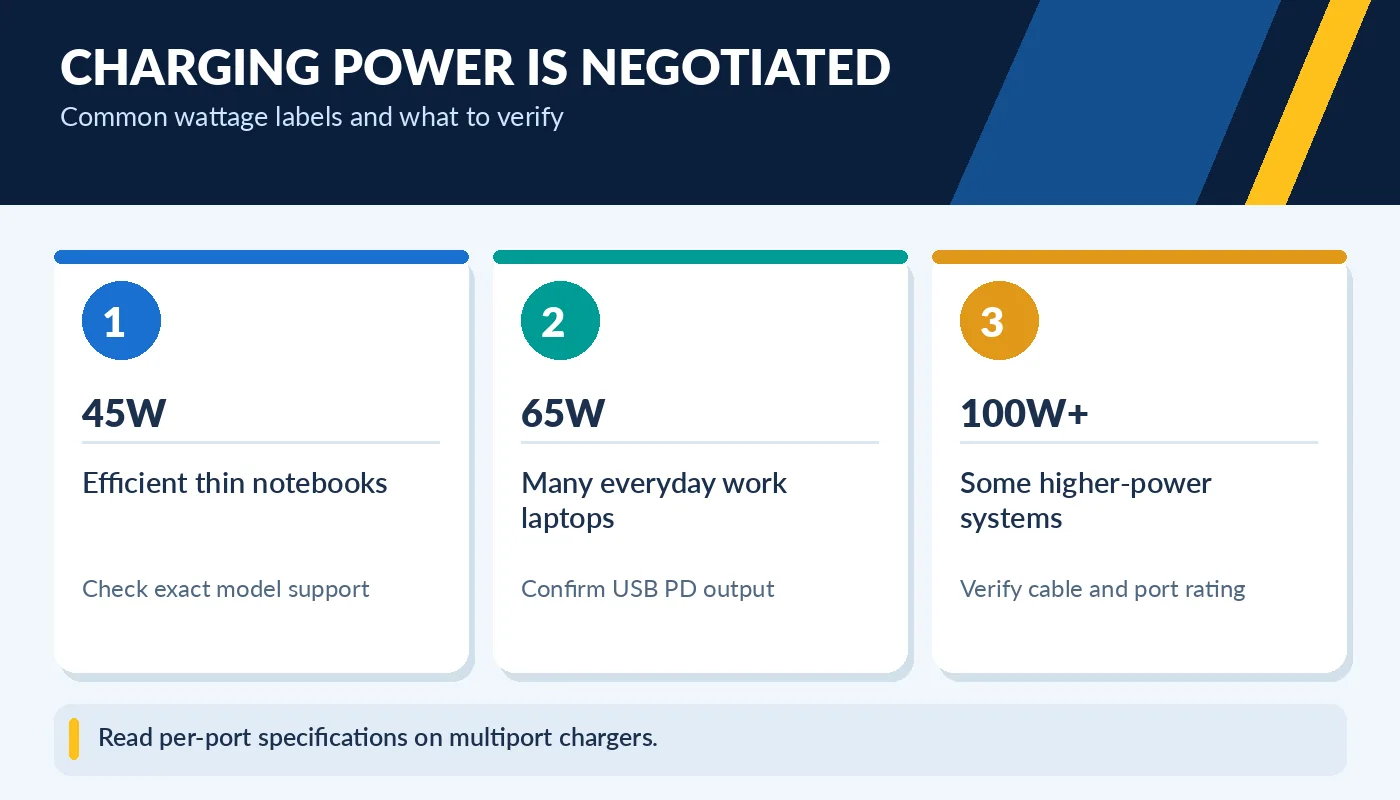
Read per-port specifications on multiport chargers.
USB-IF expanded USB PD to include higher-power Extended Power Range operation up to 240W with appropriate hardware. That does not mean an arbitrary 240W cable, 100W charger and laptop can combine to deliver 240W. The charger, device and cable must support the negotiated level. Multiport adapters may advertise a total wattage that is shared among outlets, so check per-port output before buying.
The cable is part of the system
Not every USB-C cable is rated for the same current or power delivery. For higher-power charging, use an appropriate certified cable and reputable charger that meet your device’s needs. Above 100W USB PD, Extended Power Range-capable equipment and cable are required. An apparently identical cable might also differ in supported data and video features, which is why a charging cable is not automatically a full-featured dock cable.
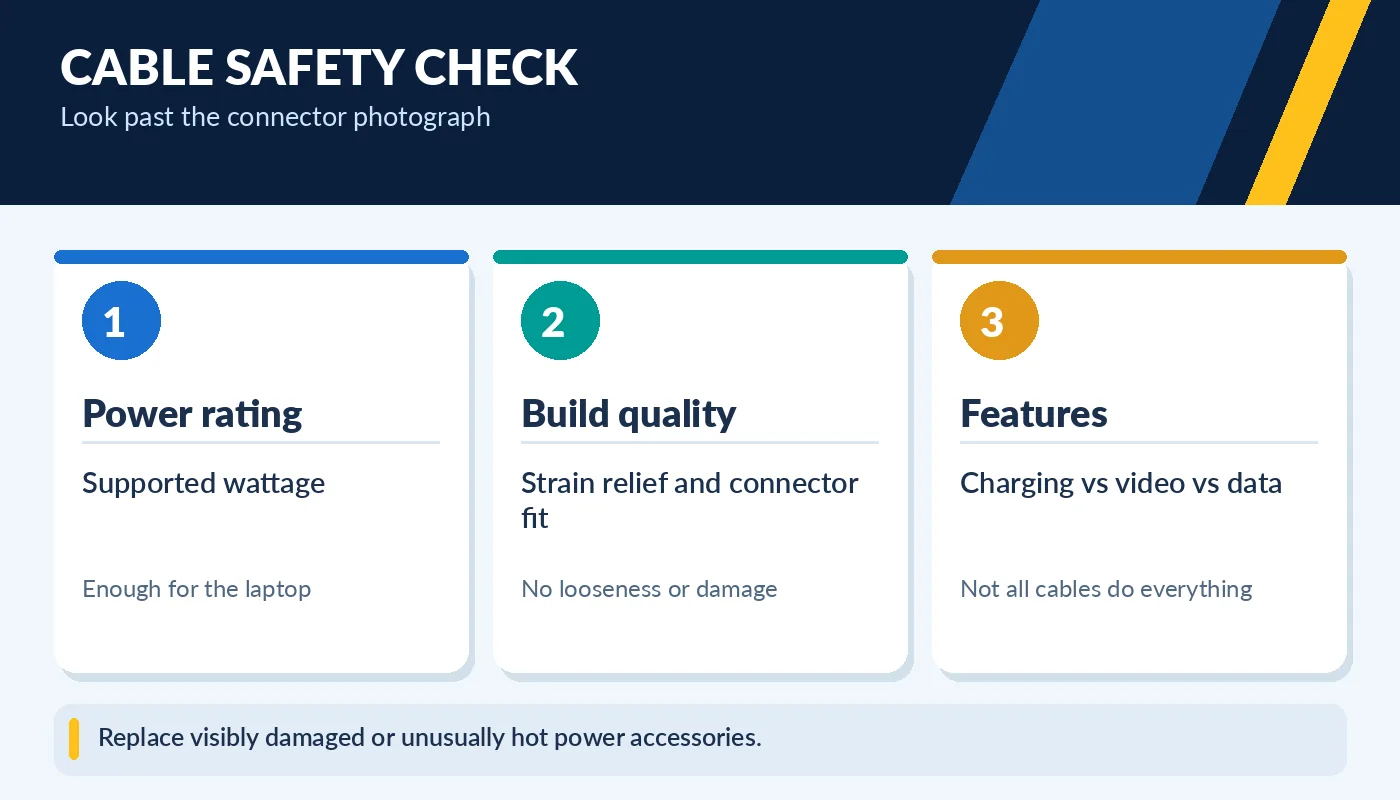
Replace visibly damaged or unusually hot power accessories.
Avoid damaged connectors, bent pins, frayed insulation, counterfeit adapters, and products with unclear safety markings. A loose connection or unusual heat is a reason to stop using the charger. When replacing an old laptop adapter, confirm the input connector, supported voltage, maximum power, and manufacturer instructions. If the original adapter used a barrel jack, do not improvise with a random USB-C-to-barrel cable without a verified conversion solution.
A practical charger shopping checklist
Find the exact model number printed on the laptop, then compare the official specifications with the label on the proposed replacement charger. For USB PD, confirm that the charger supports a voltage/current profile the laptop accepts. For traditional adapters, match the specified connector and electrical requirements. Ask whether a compatible power cable is included, and check for warranty or return provisions.
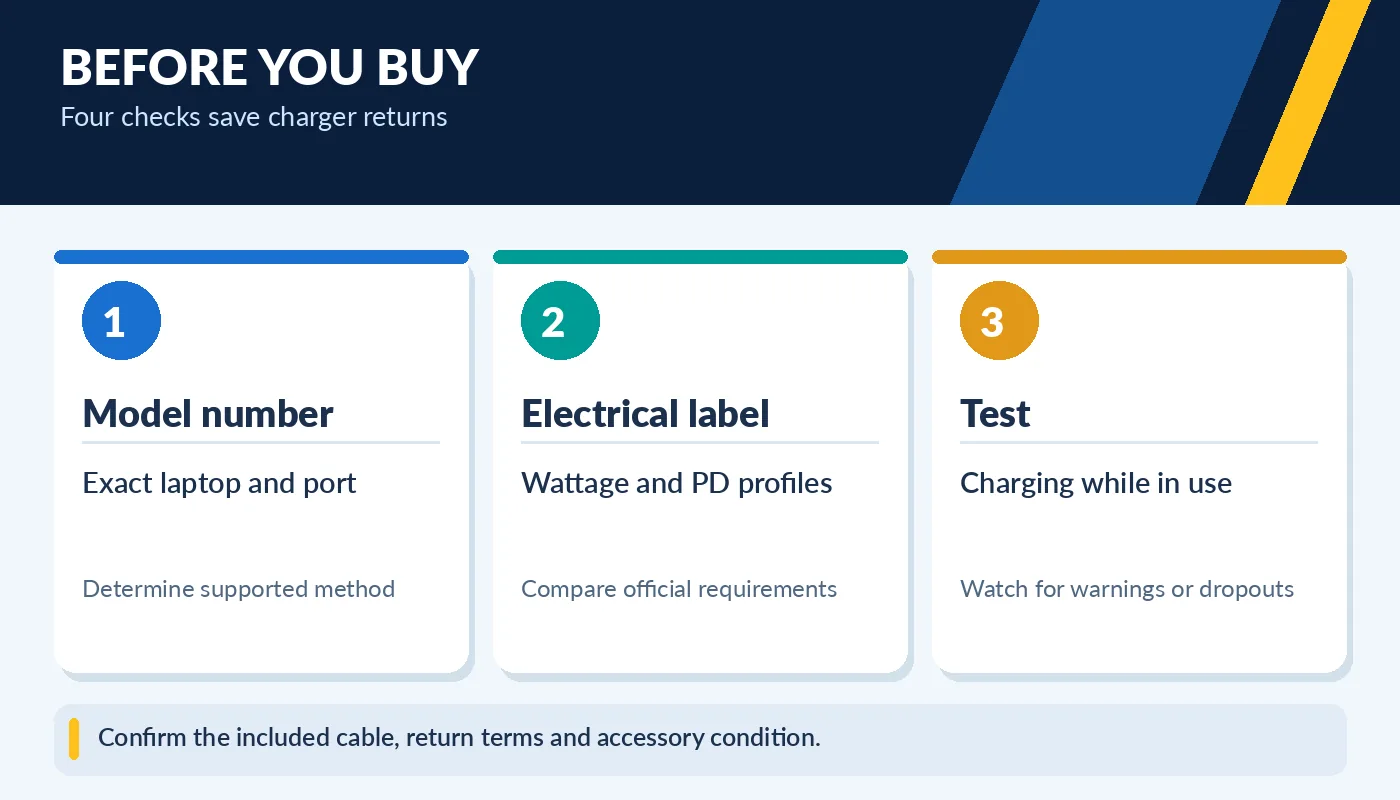
Confirm the included cable, return terms and accessory condition.
After connecting a suitable adapter, verify the charging indicator, system notification and battery percentage over time. Try it with the machine awake and doing ordinary work; look for unexpected disconnects or warnings. A larger, expensive adapter may bring no benefit if the laptop is limited to a lower input power. Conversely, a cheap, undersized adapter can be a daily frustration. Buy for verified compatibility—not just for the biggest number on the package.
What to bring when traveling with one charger
When you want a single USB-C charger for your laptop, phone and tablet, first check the maximum input requirement of the most demanding device. Then read the charger’s output specification when several ports are occupied. A product labeled 100W total might allocate 65W to one port and the rest to another. Do not assume every port will deliver the full advertised number simultaneously. A compact GaN charger can be convenient, but the specification and reputable construction matter more than its size.
For international travel, check the adapter’s supported AC input range and use the proper wall-plug adapter for the destination. USB-C Power Delivery negotiates DC output to the device; it does not make damaged or incorrectly rated wall hardware safe. Keep a spare approved cable if charging is mission-critical. If a laptop requires a large proprietary adapter for peak performance, carry it for intensive workloads even if a smaller USB-C charger works for light use.