
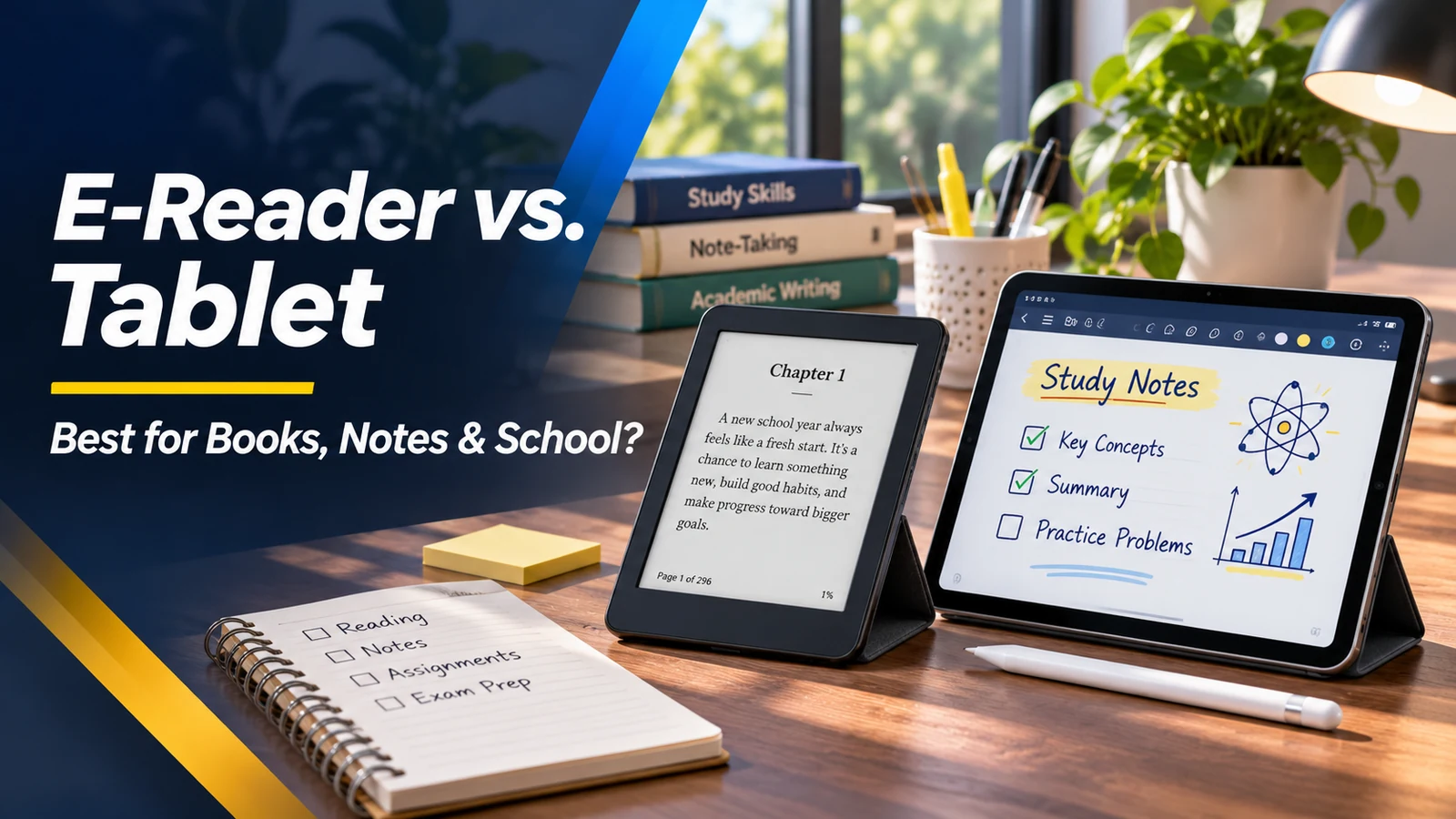
Is it smarter to buy a dedicated e-reader, a digital paper notebook or an iPad-style tablet? All three can display books and documents, but they are designed around different habits. E-ink screens favor comfortable long-form reading and low-power static pages; conventional tablet screens offer color, fluid touch interaction, video and a broad selection of apps. Students and professionals should also think about annotation, cloud syncing, file formats and how much distraction they want near their reading. Let's compare the actual use cases rather than choosing by appearance.
How e-ink is different from a conventional display
Most e-ink readers reflect ambient light rather than using a continuously refreshed backlit image like a typical LCD or OLED tablet. That paper-like behavior is pleasant for many people when reading text, especially in bright conditions. Page changes are slower and ghosting can occur, so animation and video are usually poor matches. Modern e-ink devices may have front lights for darker environments, but not all models offer color. Inspect the exact display generation and whether its responsiveness suits your work.
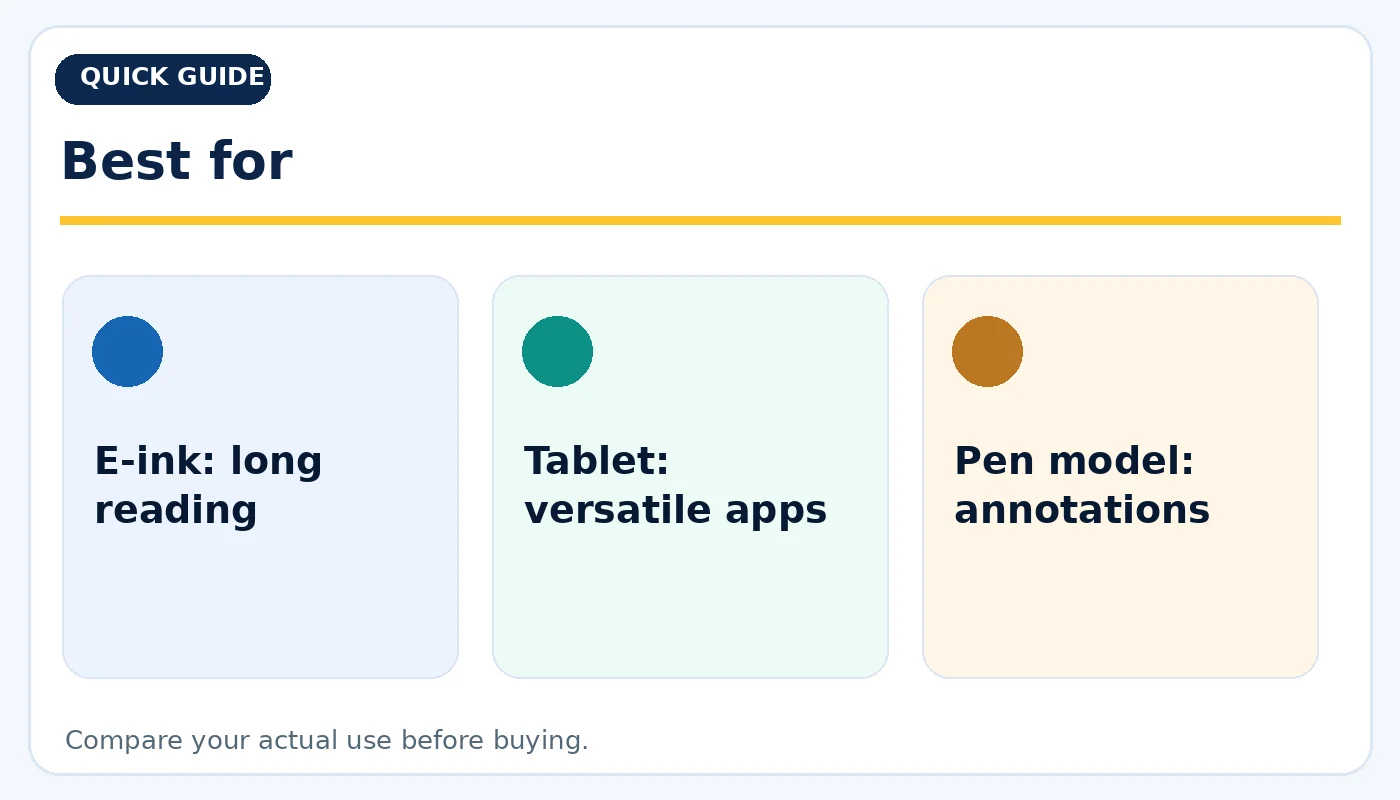
Best for: practical considerations before buying.
When a tablet is the more flexible choice
Choose a tablet when you need a browser, video lectures, interactive worksheets, color diagrams, email or creative apps along with your books. Tablets can enlarge PDFs quickly and switch between several apps, but notifications and entertainment can make distraction harder to avoid. Their bright displays also require more charging under active use. If all your reading happens inside a school app or interactive platform, check that application first; it may not exist on a dedicated e-reader.
Reading novels, comics and technical PDFs
Novels and simple text documents are a natural fit for compact e-ink devices. Color comics, textbooks and technical PDFs with dense tables benefit from a larger screen and often from color. A ten-inch or larger display may reduce constant zooming on letter-size documents. Check how each device handles your actual file types and DRM-protected books. A device can support PDF files without offering smooth markup, reflow or cloud syncing. Test one of your real textbooks before purchasing.
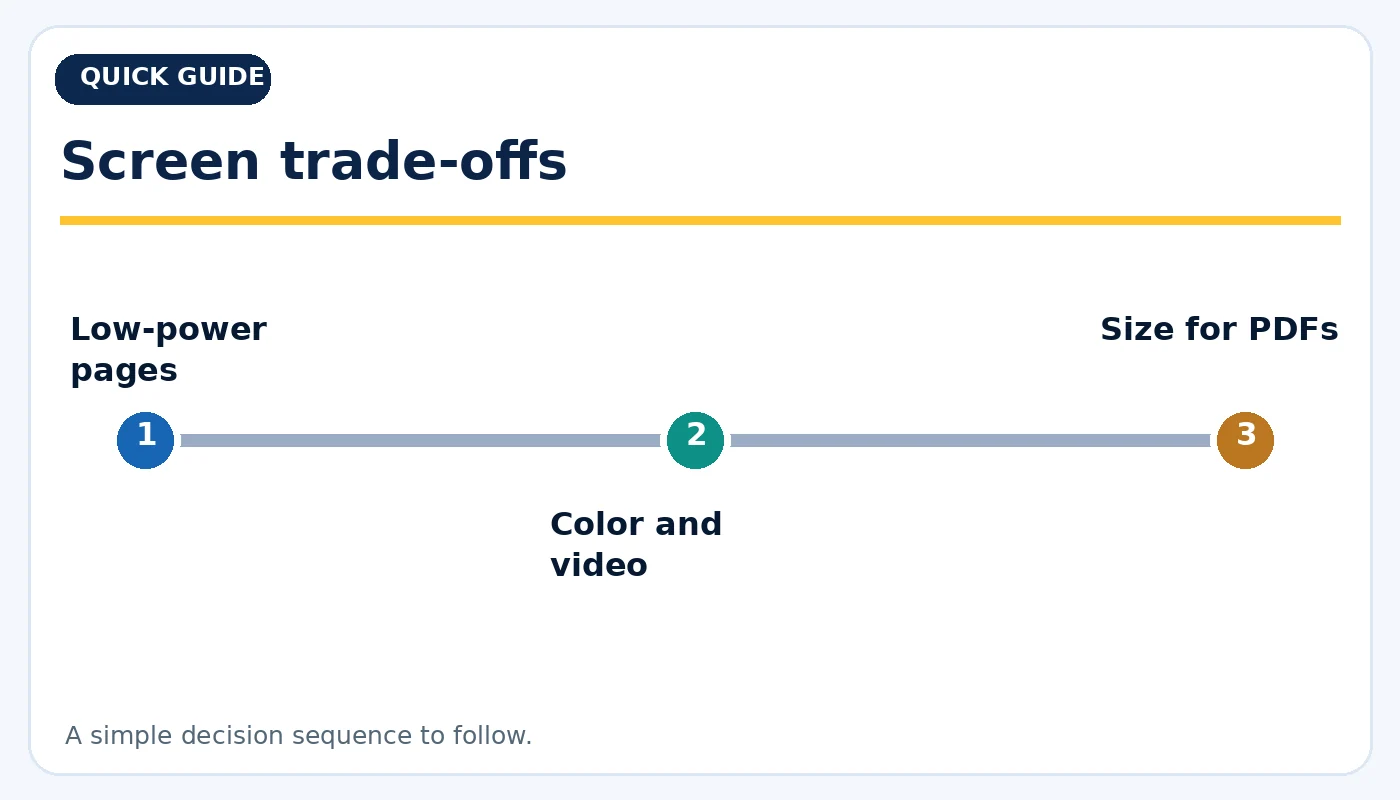
Screen trade-offs: practical considerations before buying.
Handwriting and annotation: check the workflow
Some e-ink note-taking devices support pens, searchable handwriting and document annotations; other e-readers do not. Conventional tablets often support richer handwriting apps, audio recording or drag-and-drop images. Pen support can depend on the exact device generation and stylus model. Ask whether handwritten notes export in a format you can use elsewhere. If a device only synchronizes through a particular account or optional service, verify how offline notebooks, cloud backups and sharing work.
Battery life is not the whole story
E-ink devices typically use much less power while a page remains static, so many last a long time between charges during ordinary reading. Tablets can consume more power from their display, apps and radios, but provide far more tasks in return. Manufacturer battery claims often use very different test conditions. Consider how often you travel without an outlet and whether you can tolerate a slower page-turning experience. Carrying one multipurpose tablet may still be simpler than carrying multiple devices.
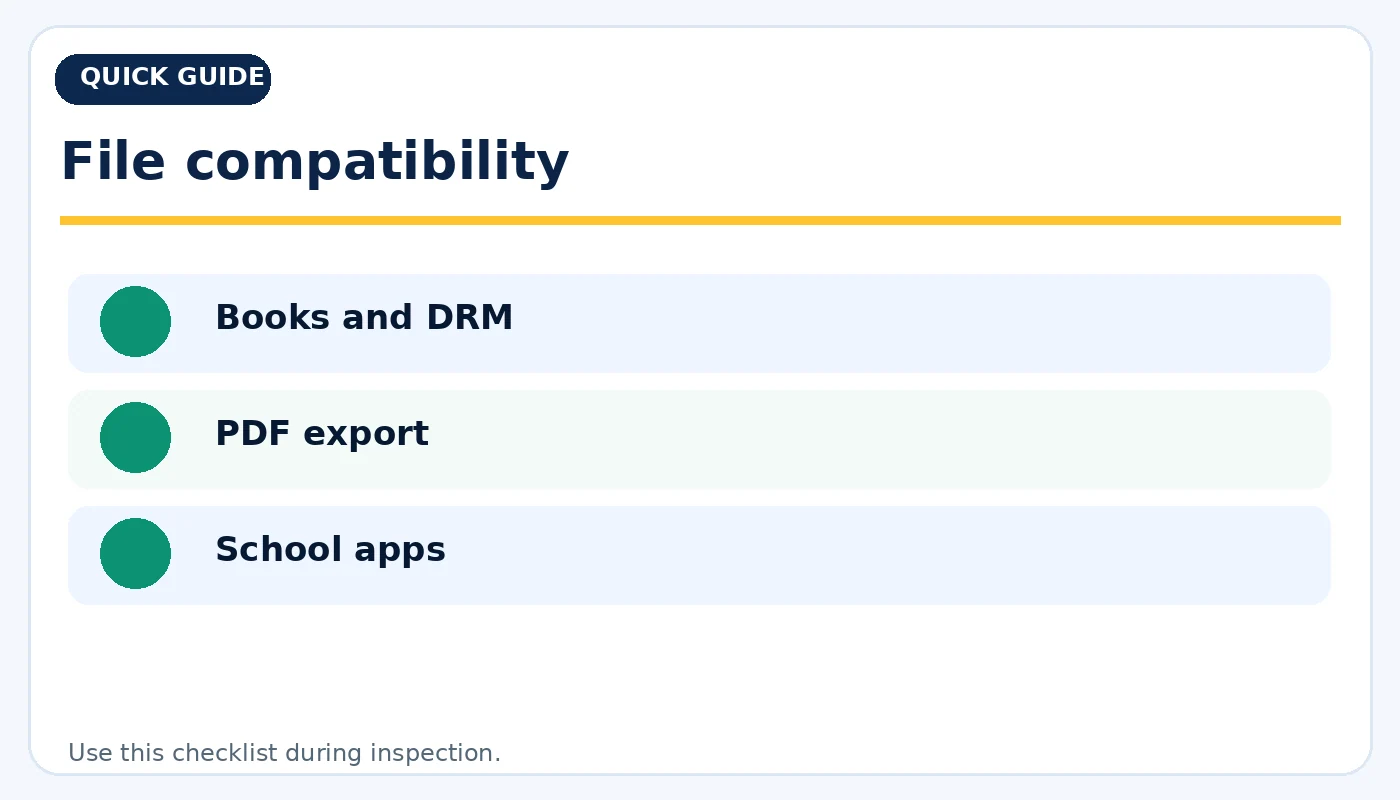
File compatibility: practical considerations before buying.
Used-device buying checklist
Inspect screen uniformity, ghosting, scratches, dead touch areas, buttons and charging port. Pair any included stylus and test it across the screen, especially near the edges. Confirm the device can be reset and signed into your own account; check supported firmware and app access. For LCD/OLED tablets, examine battery performance and display brightness. For e-ink readers, check front-light consistency and page refresh. Ask whether a cover, charger or pen is included and compatible.
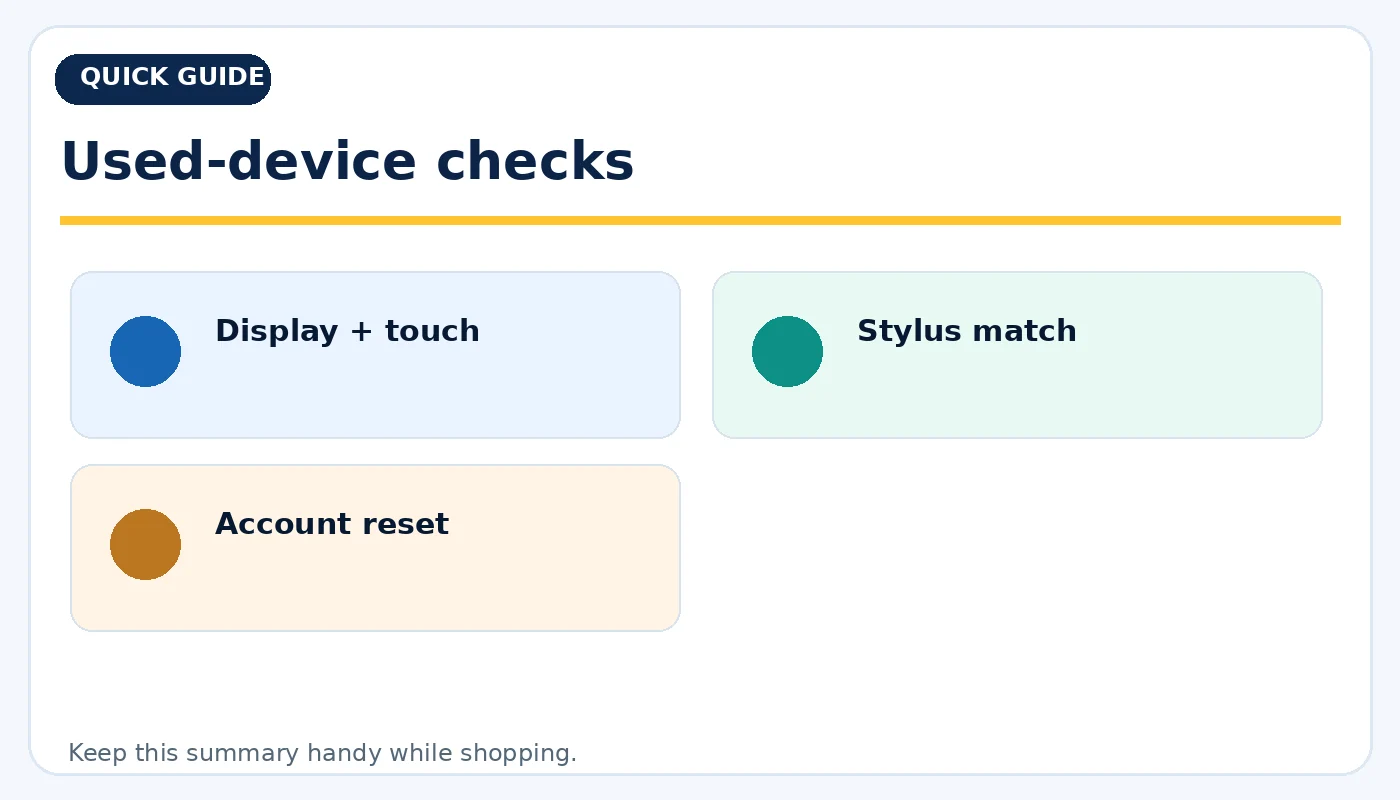
Used-device checks: practical considerations before buying.
Choose around the hours you actually spend reading
A lightweight e-reader is attractive for distraction-free novels. A pen-enabled e-ink notebook may appeal to people who read PDFs and write notes without wanting app distractions. A standard tablet is more versatile for school portals, research, handwriting, video meetings and color reference material. Rather than asking which category is best, decide which task occupies most of your time. Used devices can be excellent value when the software ecosystem and accessories match your requirements.
Quick buying checklist
- E-ink: long reading
- Tablet: versatile apps
- Pen model: annotations
- Low-power pages
- Color and video
- Size for PDFs
- Books and DRM
- PDF export
- School apps
- Display + touch
- Stylus match
- Account reset
Frequently asked questions
Is an e-reader better for studying?
It can be for sustained reading, but interactive assignments, video classes and school apps often require a tablet or computer.
Can I read PDFs on an e-reader?
Many support PDFs, but dense layouts and small screens may make zooming and annotation cumbersome.
Are e-ink screens completely free of eye strain?
No display guarantees that. Reading posture, lighting, breaks, text size and individual needs all matter.
Explore related tech at TamDo.us
Ready to compare real listings? Shop tablets and e-readers or browse more News & Guides. Listings change frequently; check each item’s condition, included accessories and availability before ordering.