
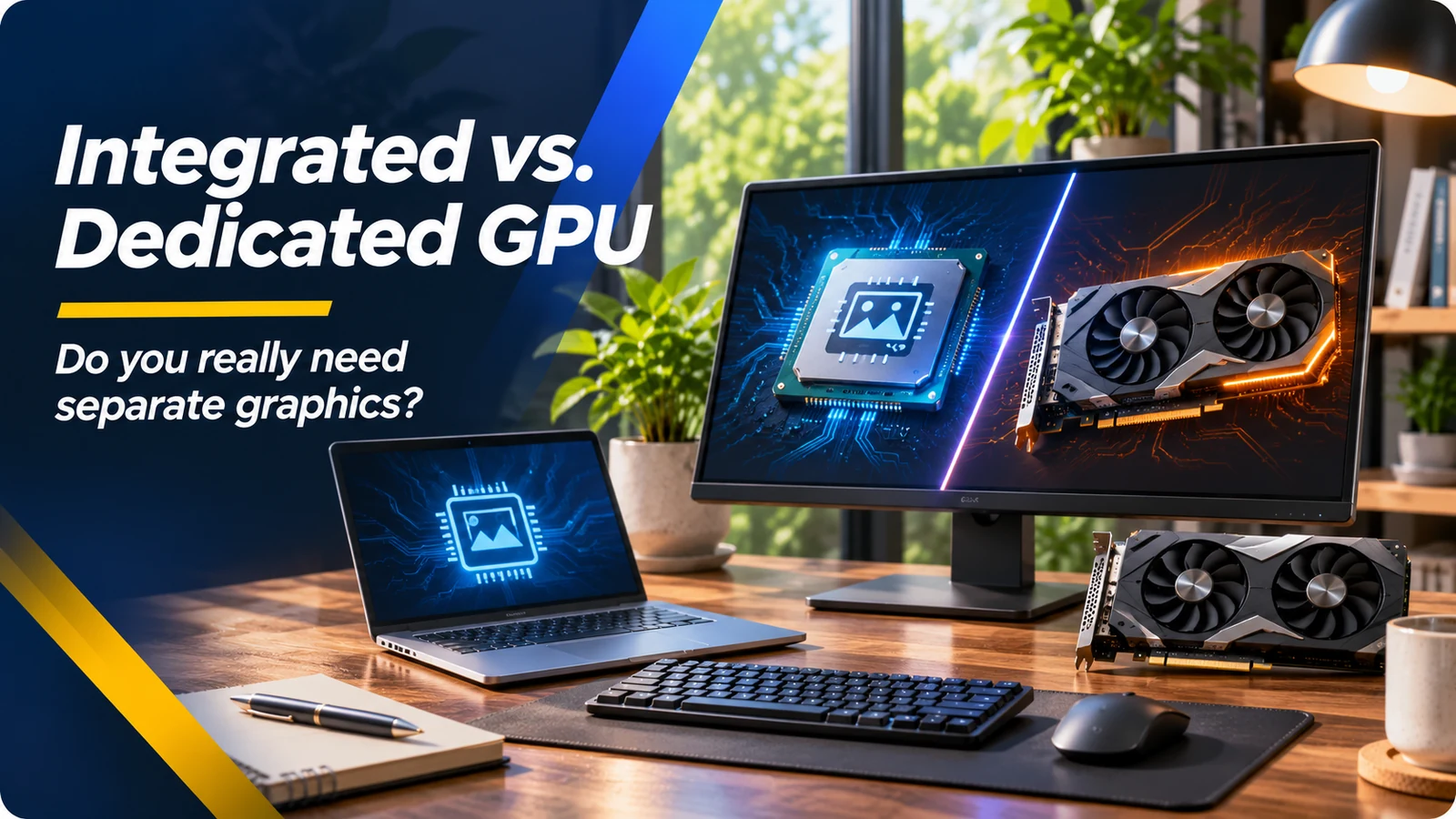
What is the difference between an iGPU and a dGPU?
Integrated graphics, often called an iGPU, are built into the processor or the same chip package. They typically use system memory and are designed to handle the desktop, web browsers, video playback and many everyday visuals efficiently. A dedicated graphics processor, or dGPU, is separate graphics hardware, often with its own video memory and additional power requirements. NVIDIA GeForce, AMD Radeon and workstation GPUs are examples of dedicated options in many PCs.
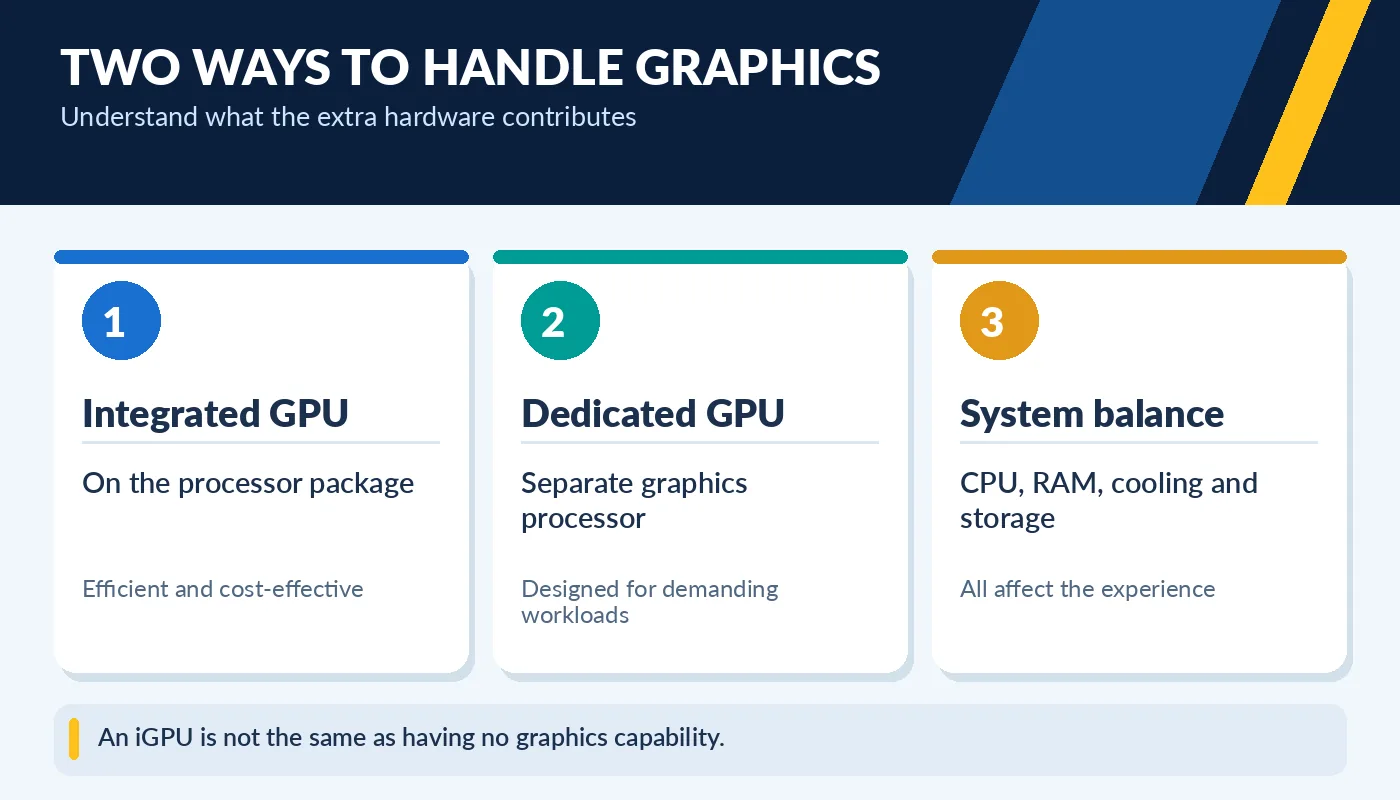
An iGPU is not the same as having no graphics capability.
A separate graphics card is not automatically better for every buyer. Modern integrated graphics can run everyday applications, decode video and even play certain games at sensible settings. A dedicated GPU can offer higher performance in demanding 3D games, rendering, some AI tools and creative software. But it can increase price, power draw, heat, and repair complexity—especially in used gaming laptops.
When integrated graphics are enough
For writing, spreadsheets, streaming, school portals, video meetings, and online shopping, integrated graphics usually make excellent sense. A well-configured laptop with 16GB RAM, an SSD and a good screen may feel more useful than a machine with a dedicated GPU but weak battery life. Some contemporary iGPUs can handle casual games, older titles and lightweight editing; performance depends heavily on the exact processor, memory configuration and graphics drivers.
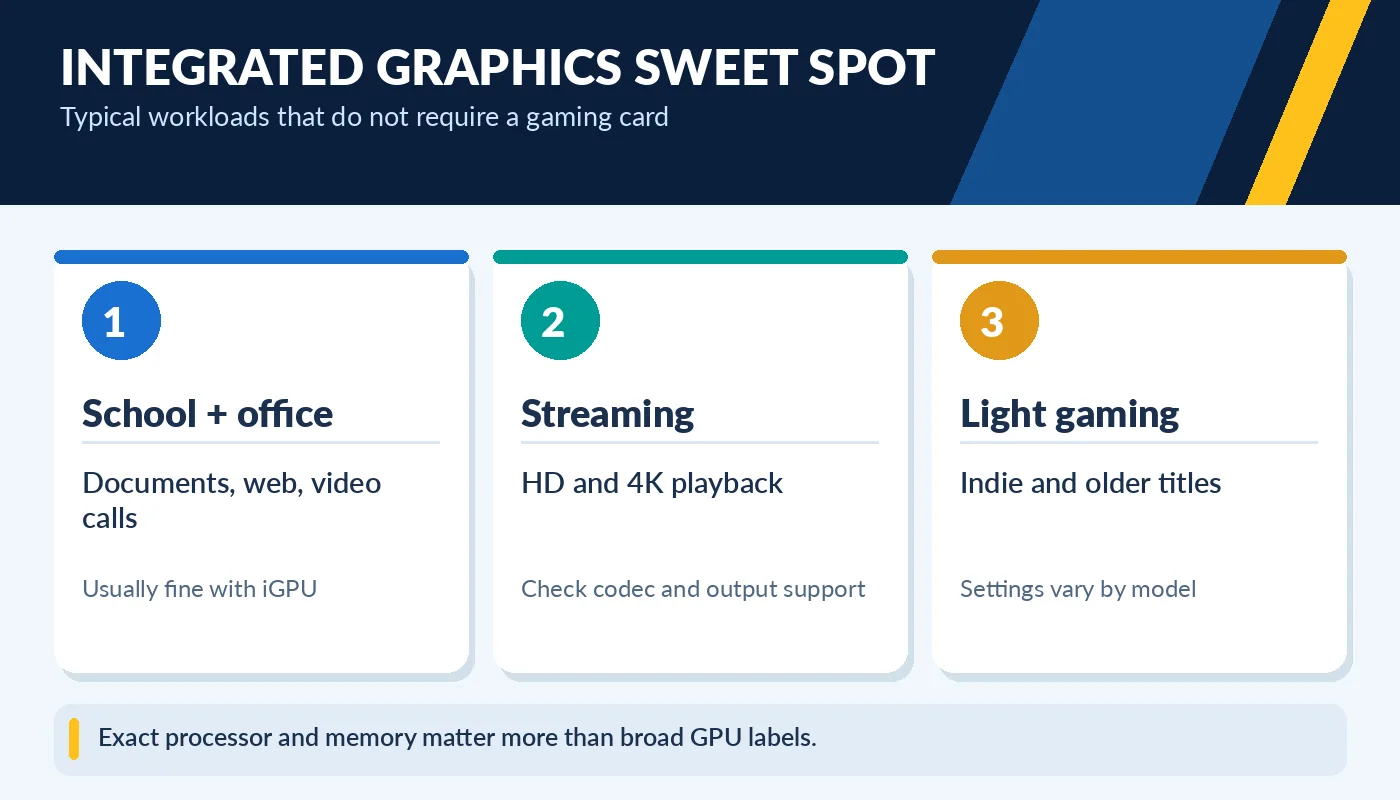
Exact processor and memory matter more than broad GPU labels.
For a family laptop, a small office desktop, or a student who does not need specialized 3D software, not paying for a dGPU can improve value. It may also help the machine run cooler or quieter. Do not rely on the phrase “Intel graphics” alone: integrated GPU generations vary greatly. Check the exact CPU and graphics model when evaluating a used laptop.
When a dedicated GPU is worth it
Modern AAA games, 3D modeling, GPU rendering, certain machine-learning workflows, and color-heavy creative projects can benefit substantially from a dedicated GPU. Compare the actual graphics model, video memory, memory bandwidth, laptop power limit and software requirements. Two laptops both marked “RTX” can deliver quite different results, especially when one operates at a lower power budget.
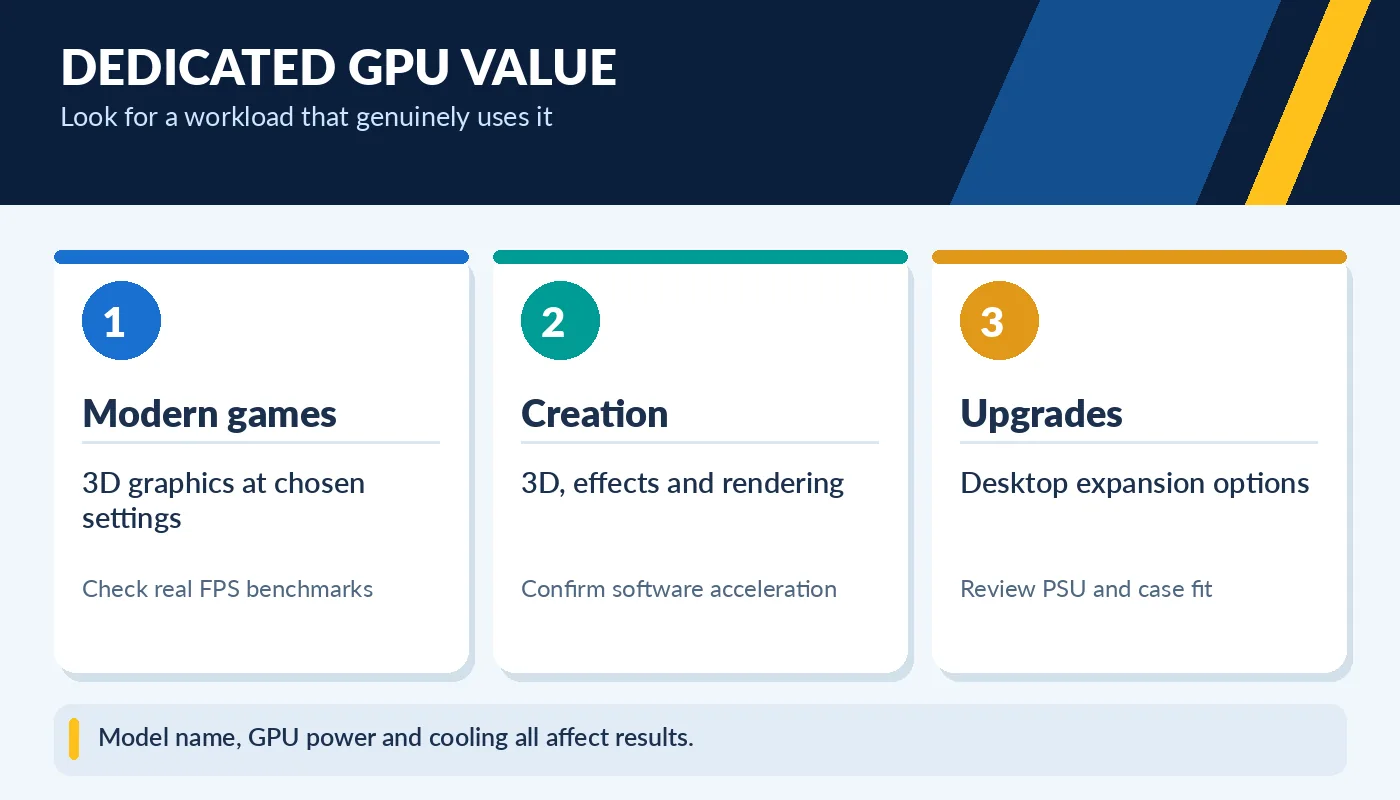
Model name, GPU power and cooling all affect results.
A desktop with a removable graphics card may be easier to upgrade later than a laptop with permanently integrated graphics hardware. On a used gaming PC, check stable GPU temperatures, fan operation, ports, and normal operation under a reasonable game or benchmark. Ask whether the correct power supply and graphics drivers are present. A dGPU should solve a clear need—not merely make a listing look impressive.
Choose the better complete system
When shopping used, compare battery condition, RAM, SSD, CPU, screen, keyboard and included charger before deciding that a separate graphics card is worth more money. If all your apps are web-based, paying for a graphics-heavy laptop could divert money from a better screen or longer battery life. If you edit complex videos or play competitive games, do not underbuy a GPU and then expect miracles from settings.
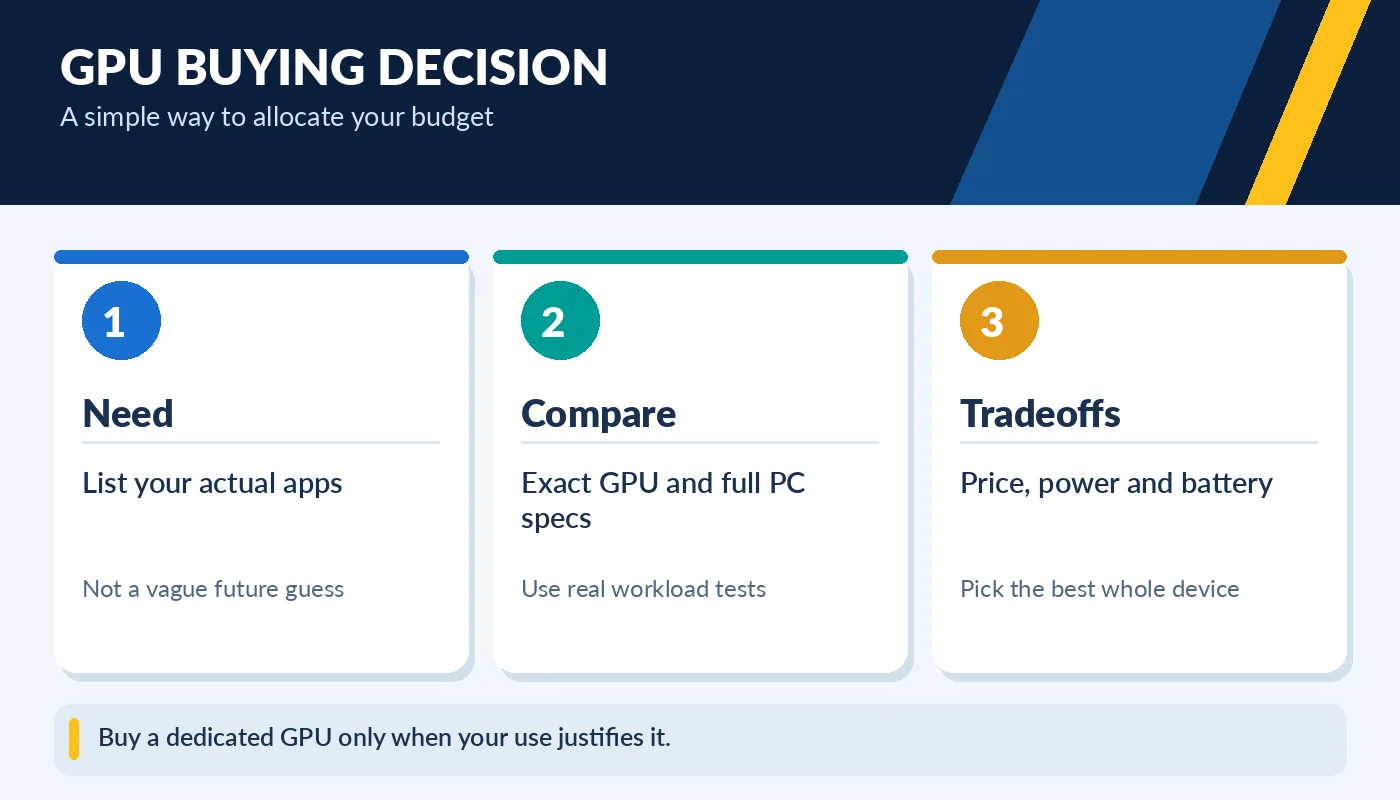
Buy a dedicated GPU only when your use justifies it.
Look up the real application recommendations for your chosen software, then compare the exact GPU in listings. Confirm outputs if you plan to connect high-resolution or high-refresh displays. For desktops, ask whether the card can be upgraded; for laptops, assume the graphics hardware is not replaceable unless the manufacturer explicitly says otherwise.
What about video editing and multiple monitors?
Creative work sits between everyday office use and demanding 3D gaming. Many editors can handle ordinary 1080p footage with integrated graphics, especially when the CPU has suitable hardware media engines. Large 4K timelines, many effects and 3D scenes are different. Before shopping, look at the recommended hardware for your exact editing program and the codecs you record. Some software uses dedicated GPUs heavily; others benefit more from strong CPU decoding, memory and fast storage.
Multiple external monitors also do not automatically require a dedicated GPU. Integrated graphics may support two or more screens, but the number, resolution and refresh rate are limited by the processor, laptop ports and docking hardware. Verify those limits in the computer specifications. Paying for an RTX laptop to run two office monitors may be unnecessary, while assuming a basic laptop supports three 4K displays can be equally costly. Check the whole video-output path.