
When shopping for a used gaming PC, listings with GeForce RTX 4060, RTX 4060 Ti, and RTX 4070 can look remarkably similar. All three belong to NVIDIA's RTX 40 series, but they are not interchangeable. Your monitor's resolution, the games you play, the CPU paired with the GPU, and your budget should drive the decision more than the lighting inside the case.
1. Know the real differences—not just the names
According to NVIDIA's official specifications, the RTX 4060 has 8GB of GDDR6 video memory. The RTX 4060 Ti came in 8GB and 16GB configurations, while the standard RTX 4070 has 12GB and may use GDDR6 or GDDR6X depending on version. CUDA core counts, power requirements, and cooling designs also differ. Check the exact card installed in a used system rather than assuming all “4060 Ti” listings have 16GB.
The amount of VRAM alone is not an overall speed ranking. Architecture, processing resources, memory bandwidth, game optimization, and graphics settings influence results. More memory can help certain workloads, but it does not magically turn a 4060 Ti into a 4070. The distinction matters when sellers advertise memory capacity as though it were a direct FPS promise.
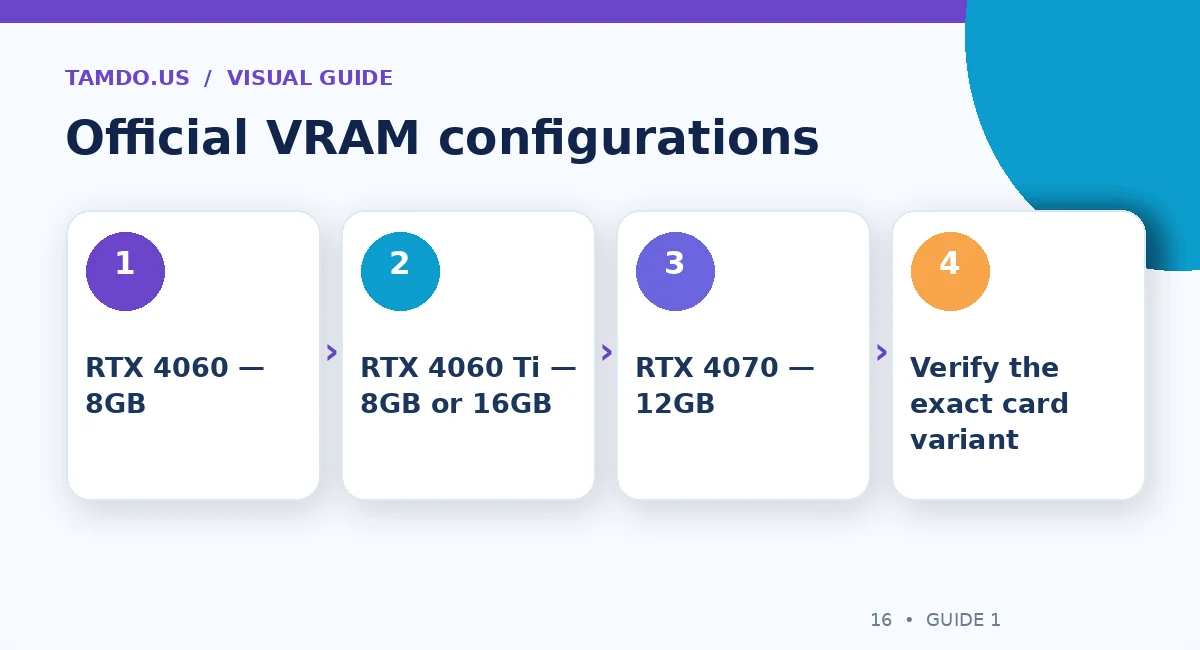
Official VRAM configurations — original educational illustration created for TamDo.us.
2. A smart place to start: your monitor
If you play primarily at 1920 × 1080 (1080p), an RTX 4060 desktop may be a sensible budget choice, especially in games with moderate graphics demands. The RTX 4060 Ti gives you additional headroom, depending on title and settings. The RTX 4070 can make more sense if you prioritize 2560 × 1440 (1440p), more demanding games, or heavier graphics workloads.
These are buying directions, not guaranteed frame-rate numbers. Competitive games at low settings can behave very differently from cinematic games with ray tracing. Look up independent benchmarks for the specific games, resolution, graphics preset, and DLSS settings you intend to use before paying a premium.
3. The 4060 Ti 8GB versus 16GB question
The 16GB version can be attractive for certain memory-heavy games, content-creation tasks, and applications that benefit from a larger VRAM pool. But its additional capacity does not necessarily bring proportional gaming performance gains across all titles. A used 16GB card priced close to a stronger GPU deserves careful comparison.
Ask the seller for the precise GPU model, installed memory, and system screenshot. Verify that the listing does not confuse system RAM (for example, 16GB or 32GB DDR4) with graphics-card VRAM. They are separate capacities used for different purposes.
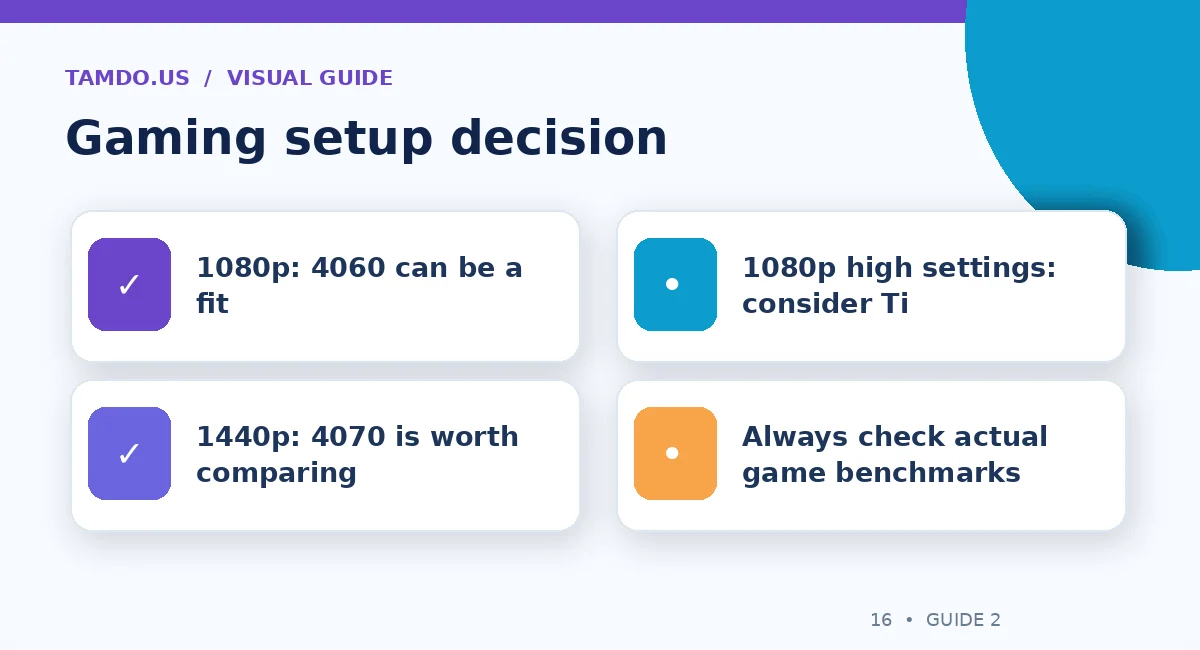
Gaming setup decision — original educational illustration created for TamDo.us.
4. Do not overlook CPU, RAM, and storage
A powerful graphics card paired with an underperforming processor can struggle in CPU-heavy games or at very high frame rates. Check processor generation, core configuration, memory capacity, and whether the machine uses an SSD. A good cooling setup helps the CPU and GPU sustain performance rather than throttling during a long gaming session.
For many mainstream gaming setups, 16GB of system RAM is a practical starting point, while more demanding games, multitasking, streaming, and creative work may justify 32GB. SSD capacity matters for a modern game library, but a faster SSD by itself is not a shortcut to higher average FPS.
5. Inspect the power supply and the GPU itself
A used PC should have a power supply suited to its components, with proper connectors and safe cable routing. Look for a legible PSU model and adequate manufacturer-recommended wattage, allowing room for the CPU and other parts. Avoid improvising power adapters or assuming that any power supply can handle a GPU upgrade.
Ask whether the GPU has been repaired or heavily modified, check that all fans spin normally, and inspect for bent connectors or physical damage. Running an actual game or repeatable benchmark can reveal crashes, artifacting, unusual fan noise, and unstable temperatures. A brief idle screenshot is not proof of stability under load.
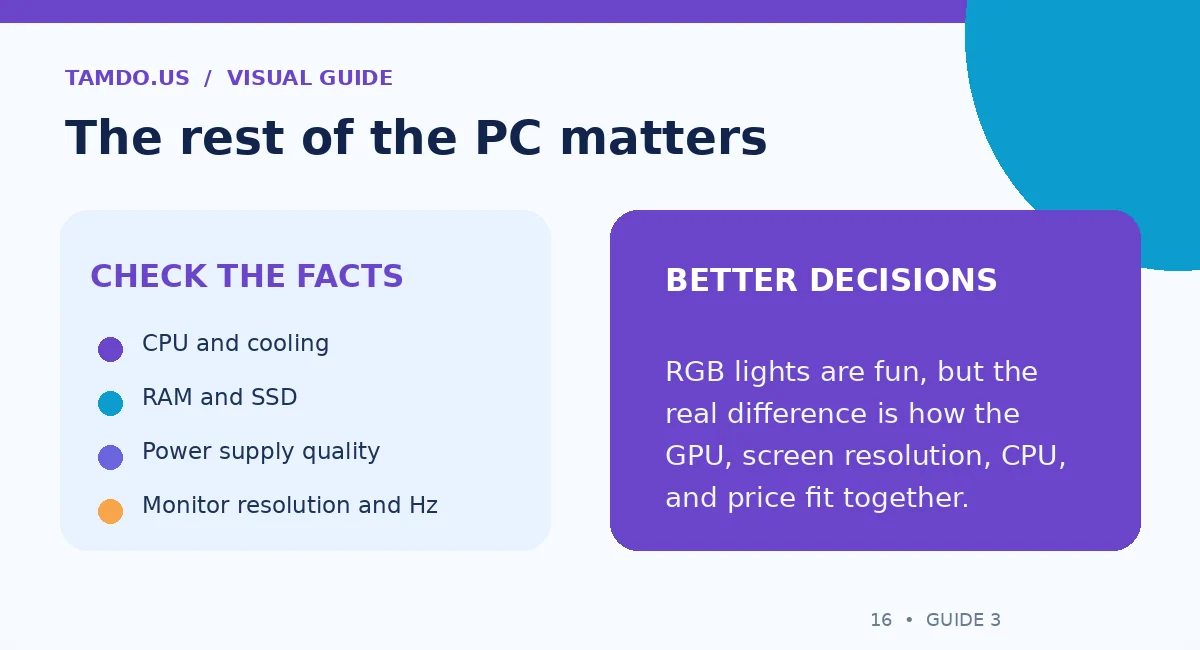
The rest of the PC matters — original educational illustration created for TamDo.us.
6. Which one provides better value used?
Compare complete system prices, not GPU names in isolation. A 4060 desktop with a modern CPU, 32GB RAM, an SSD, and clean cooling may be a better overall deal than a discounted 4070 tower with weak supporting parts and an unreliable PSU. On the other hand, a well-balanced 4070 machine may be worth paying more for if 1440p gaming is your real goal.
Remember to include a suitable monitor. If your existing display is 1080p at 60Hz, an expensive GPU may not deliver the visible improvement you expect until you upgrade the screen. Look at used desktops, PC components, and monitors together when planning a system.
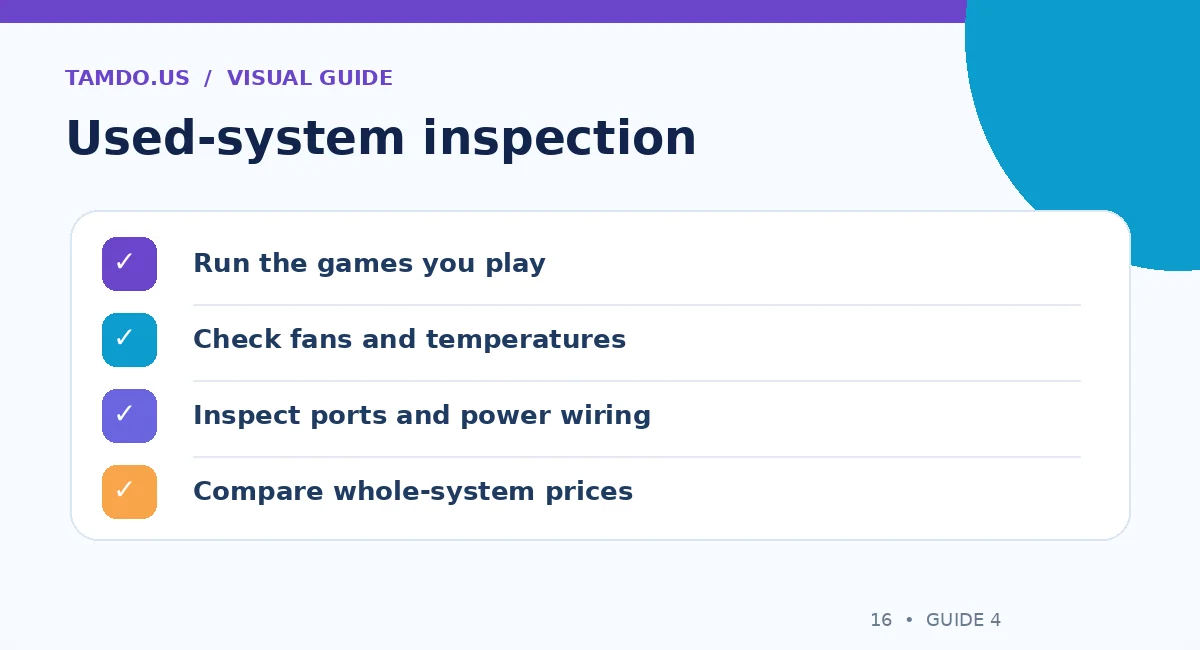
Used-system inspection — original educational illustration created for TamDo.us.
7. Five questions to ask before you pay
Get the exact CPU and GPU model, the graphics-card memory configuration, and the storage drive type. Ask for functional test results, any known faults, and clear photos of the inside and outside of the case. Confirm what is included: Wi-Fi antennas, power cable, monitor, peripherals, or none of those. Check local pickup or shipping arrangements for a large desktop.
A good listing should let you judge the entire computer. A GPU model is only one line of the specification.
Final takeaway
For 1080p value, start by comparing RTX 4060 systems. For extra 1080p headroom, consider the 4060 Ti. For 1440p and heavier demands, evaluate the 4070—then confirm real benchmarks, CPU balance, temperatures, and total price.
Frequently Asked Questions
Is a 4060 Ti 16GB always faster than an RTX 4070?
No. Additional VRAM does not make the 4060 Ti universally faster than a stronger GPU.
Can an RTX 4060 run games at 1440p?
Many games can run, but results depend heavily on the game and graphics settings; check benchmarks.
Should I buy a desktop based only on the GPU?
No. CPU, RAM, SSD, power supply, cooling, condition, and price are all essential.