
An attractive used iPhone may be a great deal, but the first question is not how many cameras it has. It is whether the phone can connect to your wireless plan. In the United States, buyers frequently encounter three similar-looking terms—unlocked, carrier locked, and eSIM—that describe different things. Confusing them can turn a bargain into a phone that only works on Wi-Fi.
1. What does an unlocked iPhone mean?
An unlocked iPhone is not restricted to a single wireless carrier. That gives you more flexibility if you want to use a different compatible carrier, change plans, or travel. However, unlocking does not guarantee compatibility with every network. The exact model, supported cellular bands, carrier activation rules, and account eligibility still matter.
A carrier-locked iPhone is restricted by its carrier until the carrier authorizes an unlock. Buying a locked phone can make sense when you already use that carrier and have confirmed that the device is eligible for your account, but it is less flexible. Do not assume that paying a third party to “unlock” a device is a safe or reliable fix. Apple's guidance states that only the current carrier can unlock it.
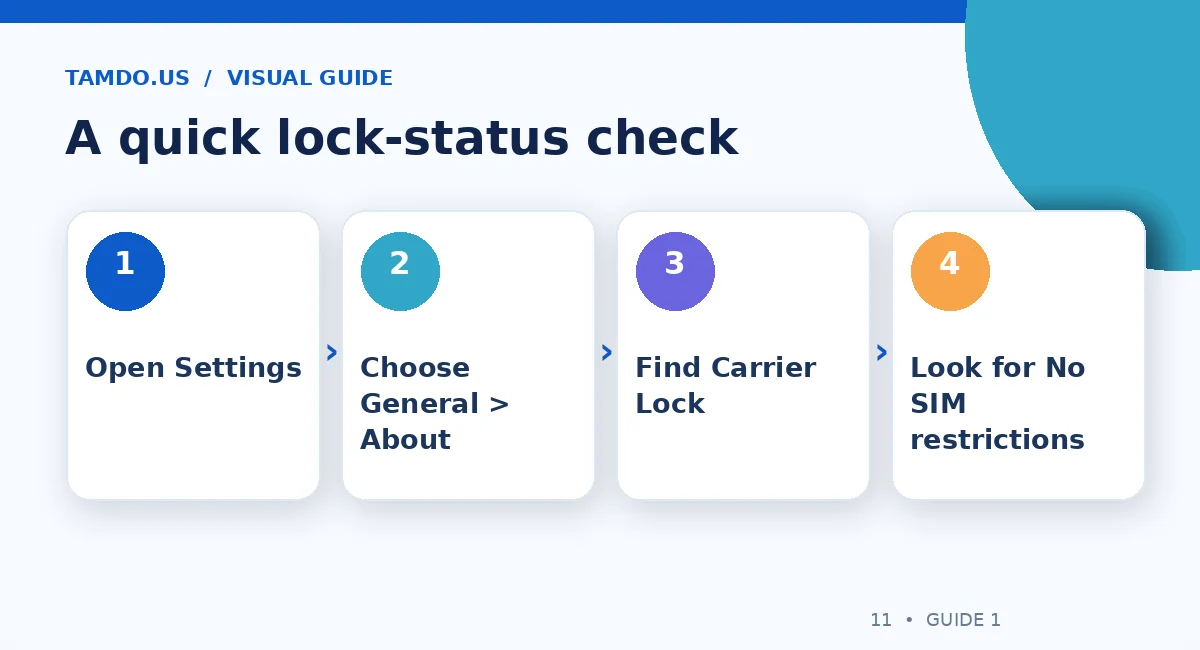
A quick lock-status check — original educational illustration created for TamDo.us.
2. Check Carrier Lock directly on the phone
On a compatible iPhone running a current version of iOS, open Settings > General > About. Scroll to Carrier Lock or Network Provider Lock. If it displays No SIM restrictions, Apple identifies the iPhone as unlocked. If another status appears, ask the seller and the original carrier for clarification before making payment.
A screenshot is useful for initial screening, but an in-person check is stronger. If possible, examine the actual device after a restart, confirm it completes activation, and try your own SIM or eSIM plan. A phone may show an unlocked status yet still have separate problems with its account, blocked IMEI, or activation.
3. eSIM is not the same thing as unlocking
An eSIM is a digital cellular profile activated through a carrier instead of a removable plastic SIM card. Some iPhones support both methods; other regional models are eSIM-only. Many U.S.-market iPhone models from the iPhone 14 generation onward have no physical SIM tray, but the exact model and market of sale should always be verified.
A phone that supports eSIM can still be carrier locked. Likewise, an unlocked phone may not activate with a specific carrier if its model is unsupported. Before buying, confirm the phone's model number, its SIM hardware, and your intended carrier's eSIM policy. Ask your carrier whether it can activate that exact device, particularly if you use a prepaid plan or are switching networks.
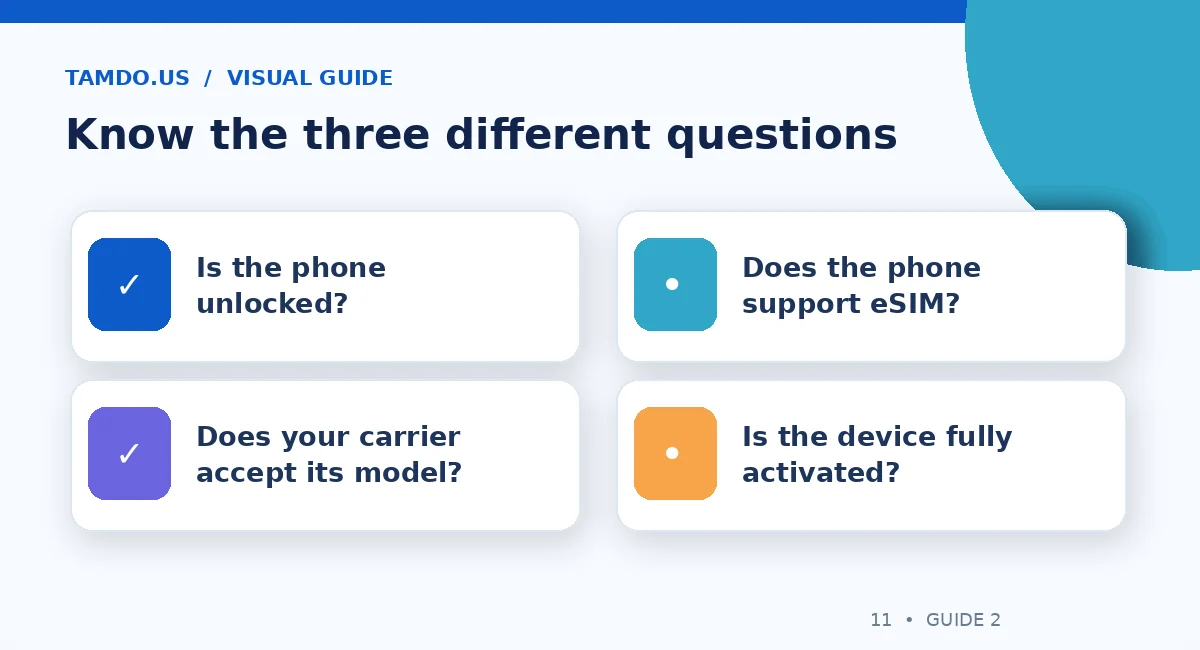
Know the three different questions — original educational illustration created for TamDo.us.
4. What to ask about the IMEI
The IMEI identifies a cellular device to networks. Request it when appropriate and check the status through your carrier's own eligibility or bring-your-own-device tool. An IMEI check may flag compatibility, loss or theft reports, or other activation concerns depending on the carrier, but a clean result is not a guarantee of a trouble-free purchase.
Ask whether the phone is fully paid off, free of outstanding financing restrictions, and eligible for activation. Avoid sellers who cannot explain why a phone is locked or who promise an unlock “later” without evidence. A carrier's device-unlock policies vary; verify them instead of relying on a verbal promise.
5. A practical five-minute inspection
Check the screen and cameras, test the charging port, and connect to Wi-Fi. Then confirm that the phone is not tied to another owner's Apple Account. If the device has been erased, complete enough of the setup process to establish that it is not asking for somebody else's credentials. Carrier Lock and Apple's Activation Lock are different protections and both should be addressed.
If you will use eSIM, make sure your carrier can transfer or issue a profile and that you have access to its app, QR code, or customer support. Do not delete the eSIM on your current phone until you understand how your line will move. Keep your old phone available until calls, texts, and cellular data work on the replacement.
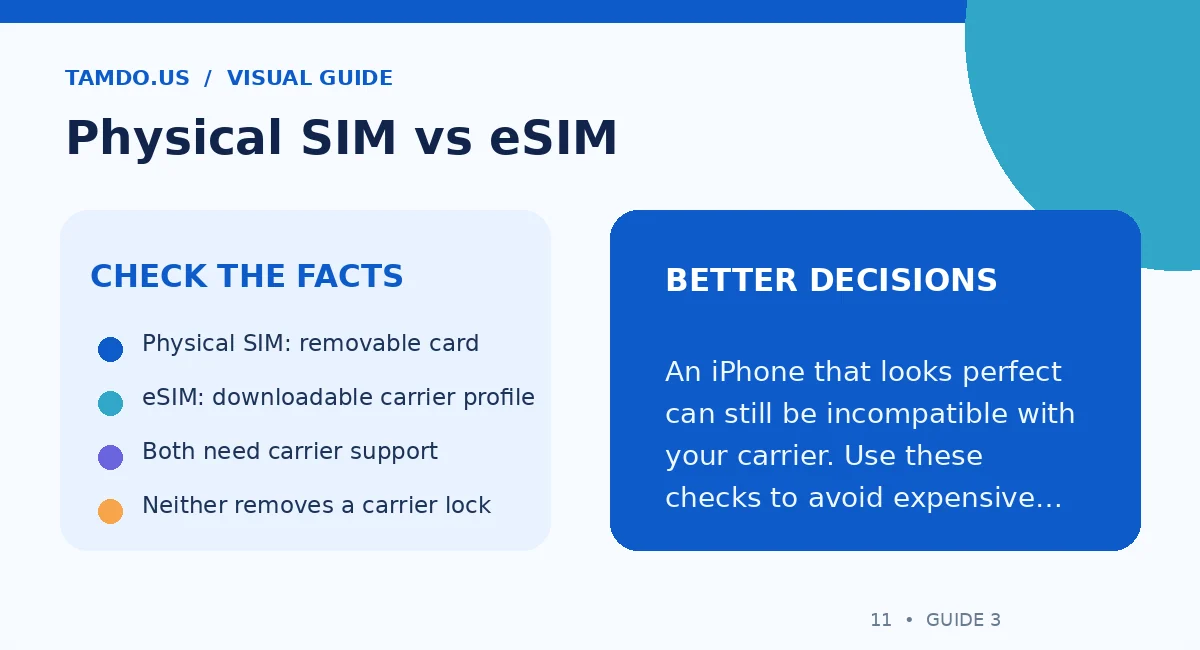
Physical SIM vs eSIM — original educational illustration created for TamDo.us.
6. Is an unlocked phone worth paying more for?
Usually, flexibility is the main benefit, not a guarantee of faster service. Unlocked phones can be easier to resell and can give you more options if a carrier raises prices. A locked phone can still be a reasonable budget purchase when you are staying on the original network and have confirmed the seller's claims.
When comparing two used iPhones, place carrier status alongside battery condition, storage capacity, cosmetic wear, repair history, and total purchase cost. A slightly cheaper locked model is not better value if you have to change carriers or spend time resolving activation. TamDo.us shoppers can review device-specific descriptions and photos in our pre-owned phone selection; inventory and compatibility vary by listing.
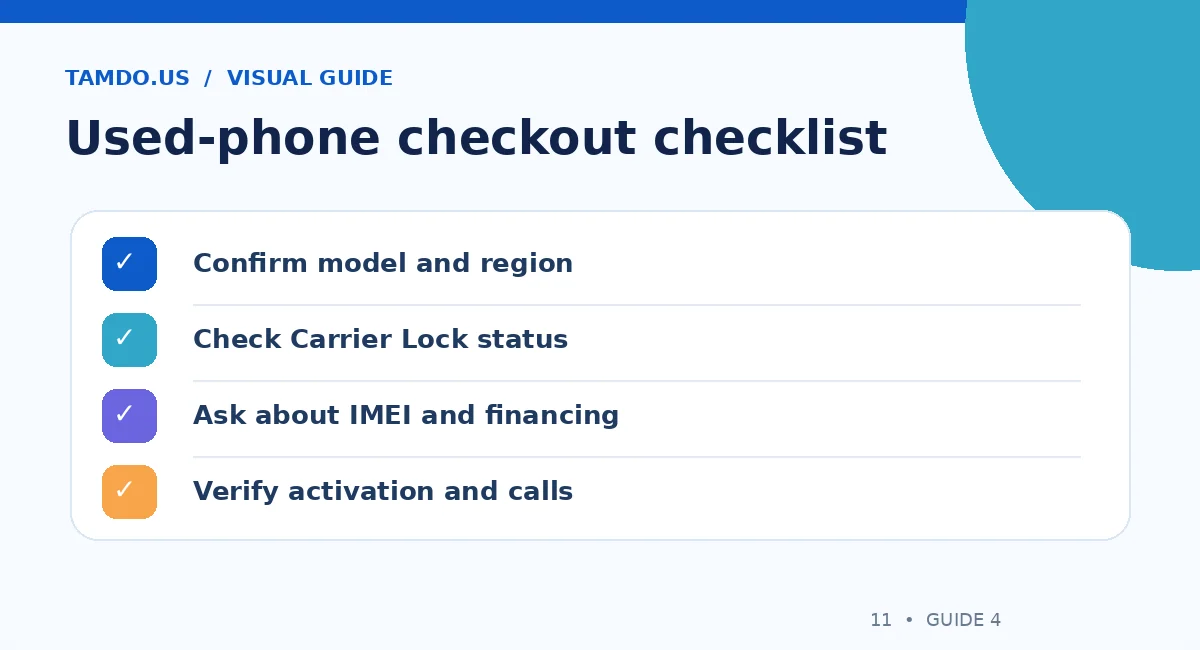
Used-phone checkout checklist — original educational illustration created for TamDo.us.
Final takeaway
Check the actual Carrier Lock status, verify the exact model with your carrier, and treat eSIM compatibility as a separate question. A few minutes of verification before paying can save hours of troubleshooting afterward.
Frequently Asked Questions
Does “No SIM restrictions” mean any SIM will work?
It indicates an unlocked iPhone, but your carrier must still support its model and activation requirements.
Can eSIM unlock a carrier-locked iPhone?
No. eSIM is a SIM technology; it does not override carrier restrictions.
Should I buy a locked used iPhone?
Only after confirming the carrier, activation eligibility, financing status, and the total cost compared with an unlocked alternative.