
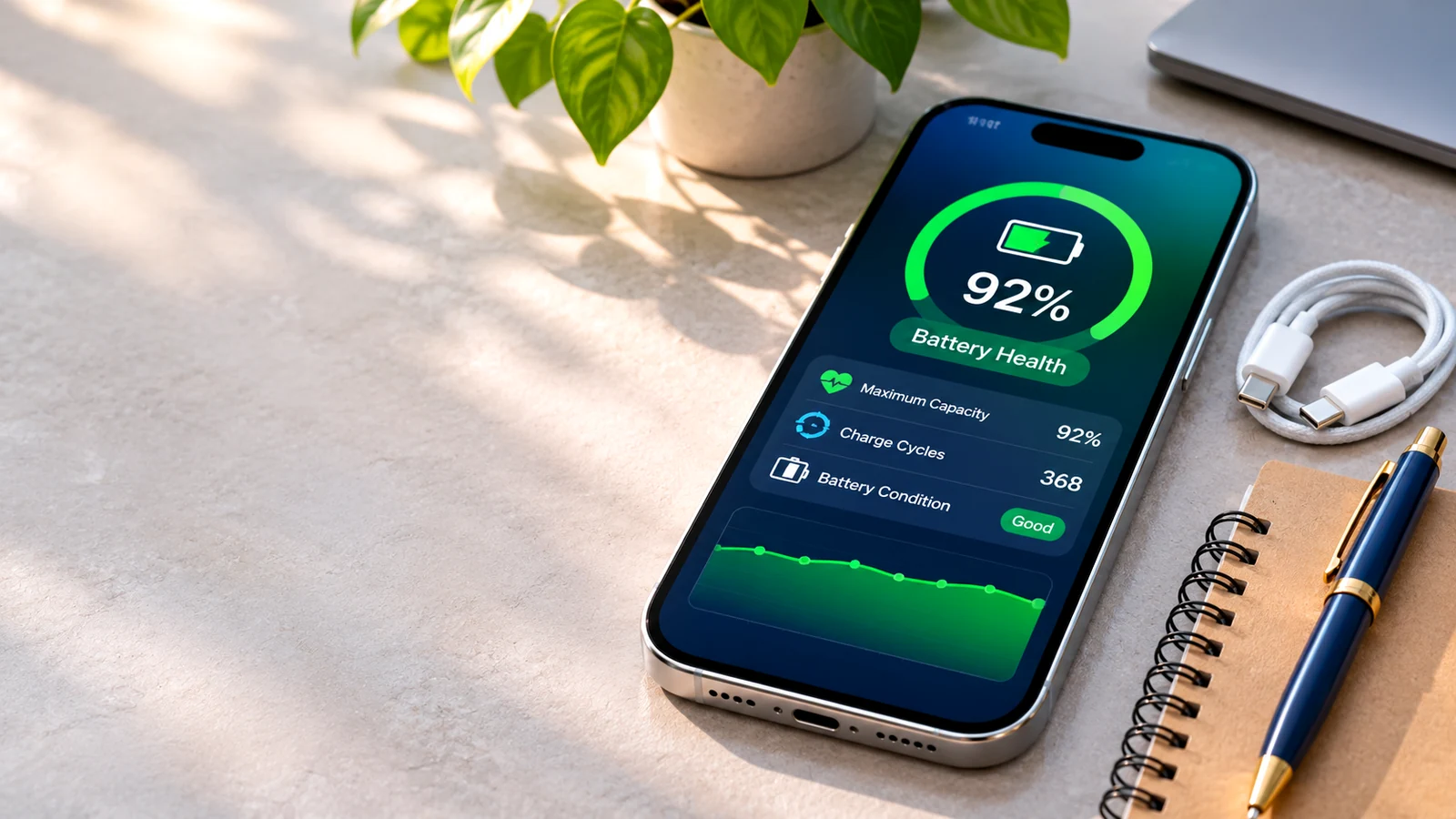
- 1. What does iPhone Maximum Capacity actually measure?
- 2. How to check battery health on a used iPhone
- 3. Is 80% battery health bad?
- 4. Check the battery’s repair history, not just its percentage
- 5. A five-minute battery sanity check before checkout
- 6. How to help your iPhone battery last longer
A used iPhone can be an excellent value, but one number often determines whether shoppers feel comfortable buying it: Battery Health. Is 91% great? Is 85% a deal-breaker? What should you do when a phone says its battery has been replaced? The answers are more useful than a simple pass-or-fail rule.
Battery condition matters because it affects the time you can use the phone between charges. But the displayed percentage is an estimate, not a promise that every iPhone with the same number will last the same amount of time. Model, screen brightness, cellular reception, software activity and temperature also influence the experience.
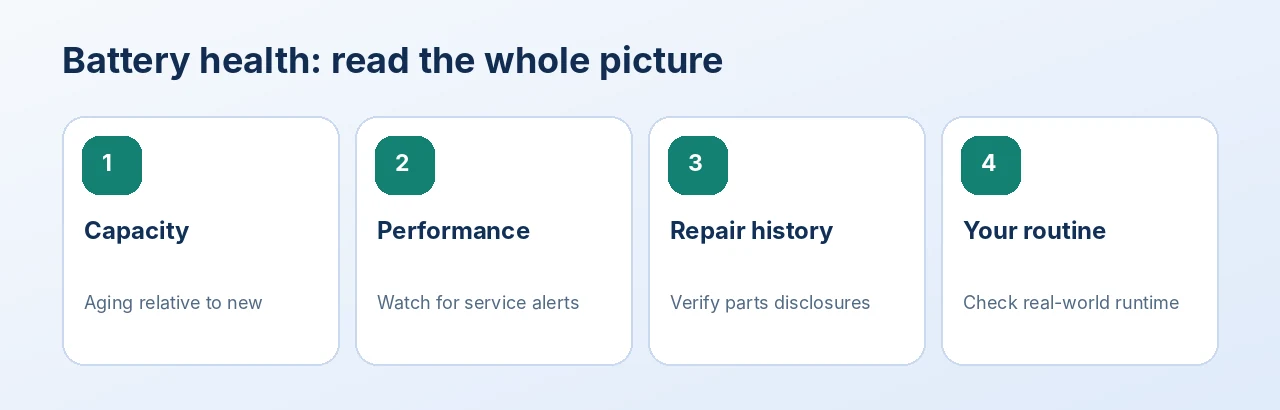
Illustration: an editorial quick-reference guide, not a device settings screenshot.
1. What does iPhone Maximum Capacity actually measure?
Maximum Capacity compares the battery’s estimated capacity today with its capacity when new. A phone showing 88% can generally store less energy than that same battery could when new. This is different from the ordinary charge level at the top of your screen. A battery can be charged to 100% today while its long-term Maximum Capacity is 88%.
Apple explains that rechargeable lithium-ion batteries age chemically. You may notice shorter runtime, and an aged battery may eventually be less able to supply the short bursts of power the phone needs. That is why you should look for performance warnings as well as the percentage.
2. How to check battery health on a used iPhone
- Unlock the phone and open Settings.
- Tap Battery.
- Open Battery Health or Battery Health & Charging, depending on the model and iOS version.
- Read Maximum Capacity and any battery-service or performance message.
- On supported newer models, review any available cycle-count and battery-information fields.
If you are shopping online, ask for a recent screenshot from the actual phone, not a stock illustration. Confirm the screenshot matches the model in the listing. A seller who provides clear current photos and accurate condition notes makes comparison easier.
3. Is 80% battery health bad?
80% is an important reference point, not an automatic failure threshold. Apple designs iPhone 14 and earlier batteries to retain 80% of original capacity at 500 complete charge cycles under ideal conditions. For iPhone 15 and later, Apple describes an 80%-at-1,000-cycle design target under ideal conditions. Actual capacity depends on usage and charging conditions; these figures are neither guarantees nor direct predictions for a used phone.
For comparison shopping, the following ranges can be practical starting points, not official Apple grades:
- 90–100% — Encouraging starting point; still check performance, runtime and repairs.
- 85–89% — Often workable for moderate use, especially if the price reflects battery age.
- 80–84% — Plan for shorter runtime and consider the future cost of service.
- Below 80% — Ask about battery-service options and compare the total ownership cost.
A heavy user who streams video or relies on navigation all day may prefer a stronger battery. Someone buying a backup phone may happily accept more wear at the right price. The right choice depends on your routine.
4. Check the battery’s repair history, not just its percentage
On supported iPhone models running iOS 15.2 or later, open Settings > General > About and look for Parts and Service History if the device has recorded eligible repairs. Apple may show labels including Genuine, Used or Unknown, depending on the model, component and service history.
An Unknown message can have several explanations, including an unverified replacement or incomplete verification; it is not proof of one specific repair outcome. Ask the seller to explain the battery replacement and whether any functions are affected. A recently replaced battery can be valuable, but transparency matters more than a confident claim.
5. A five-minute battery sanity check before checkout
- Inspect the battery page. Note capacity and any service warnings.
- Check repair history. Ask about replacement batteries or unexpected shutdowns.
- Try normal tasks. Open the camera, scroll a website, play a short video and see if the phone becomes unusually hot.
- Connect a charger. Make sure charging is detected and the connector is not loose.
- Review the listing. Confirm whether a cable or power adapter is included; do not assume accessories are bundled.
Five minutes cannot prove how long a battery will run over an entire day. For an online purchase, the alternative is to review condition disclosures carefully and ask for clarification before placing the order.
6. How to help your iPhone battery last longer
Limit exposure to extreme heat, avoid leaving the phone in direct sunlight while charging and keep iOS updated when the phone supports updates. Optimized charging features can be helpful, but available options vary by model and software version. Reducing unnecessary background activity, brightness and poor-signal streaming may improve daily runtime without changing Maximum Capacity.
A final buying tip: compare total cost, not only the listing price. A less expensive phone with an aging battery might still be a good deal, but account for a potential replacement and the inconvenience of service.
Frequently asked questions
Is 85% battery health good on a used iPhone?
It can be acceptable, particularly for lighter use and a well-priced device. Look at the model, performance messages, repair history and your expected daily use before deciding.
Does a 100% Battery Health reading prove the iPhone is new?
No. A device may have a recently replaced battery, and a percentage alone does not establish the phone’s age, condition or repair history.
Can an iPhone work normally below 80% capacity?
Yes, some will continue working, but shorter battery life and service recommendations may make a replacement worthwhile. Check the actual device and any warnings.
Should I buy a used iPhone with a battery-service warning?
Only if you understand the warning, the total cost including service, and the seller’s return terms. Do not treat a warning as a minor cosmetic issue.
The bottom line
A smart used-iPhone purchase balances battery capacity, repair transparency, model age, daily needs and the price you pay. Explore pre-owned phones at TamDo.us and compare the actual photos and condition notes for each available unit.