
A used iPhone with more storage often costs more, but paying for the largest capacity is not automatically a smarter purchase. The right size depends on whether you stream or download entertainment, how often you record video, and how long you want to keep the phone.
Think of storage as room for iOS, apps, conversations, downloaded media, and the originals of your photos and videos. Here is a practical way to shop without guessing. Capacity options vary by iPhone model; not every generation was sold in every size.
Start with what is already on your current phone
Before comparing prices, open Settings > General > iPhone Storage on your current iPhone. The bar chart shows how much space is being used and identifies the largest categories. You may discover that a messaging app, offline video library, or downloaded game is consuming more space than your photo library.
Write down the total used space, then ask whether it is a typical month or a temporary spike. If you already use 105GB, moving to another 128GB phone leaves little room for travel videos, iOS updates, and new apps. If you use only 45GB after several years, paying a steep premium for 512GB may not provide real value.
- Check used space, not just the capacity printed on the box.
- Allow breathing room for apps, updates, and future photos.
- Remember that system data also occupies storage.
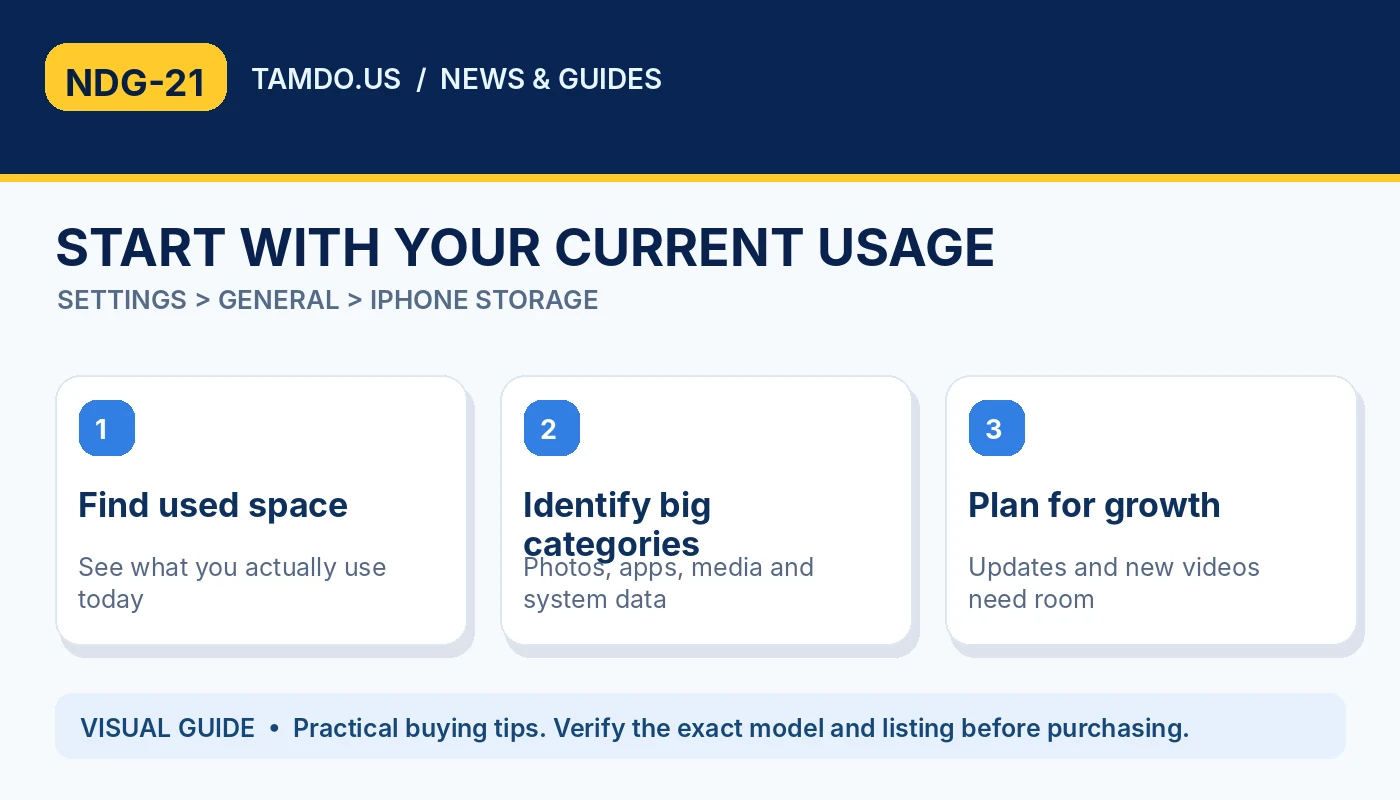
START WITH YOUR CURRENT USAGE — SETTINGS > GENERAL > IPHONE STORAGE
Who can comfortably choose 128GB?
A 128GB iPhone can be a good-value purchase for someone who mainly calls, messages, browses, streams music, and takes a moderate number of photos. It works best for people who routinely remove large downloads, use cloud services intentionally, and do not keep a huge library of high-resolution video on the device.
However, 128GB is not a promise that 128GB will remain free for your personal files. The operating system and preinstalled components use part of the capacity. Buyers who store offline maps, multiple large games, or lengthy 4K recordings may run out of space sooner than expected. Storage is generally not upgradeable after purchasing an iPhone.
- Good fit: light-to-moderate use and streaming.
- Less ideal: large offline libraries and frequent long-form video.
- Review each used listing for its exact capacity.
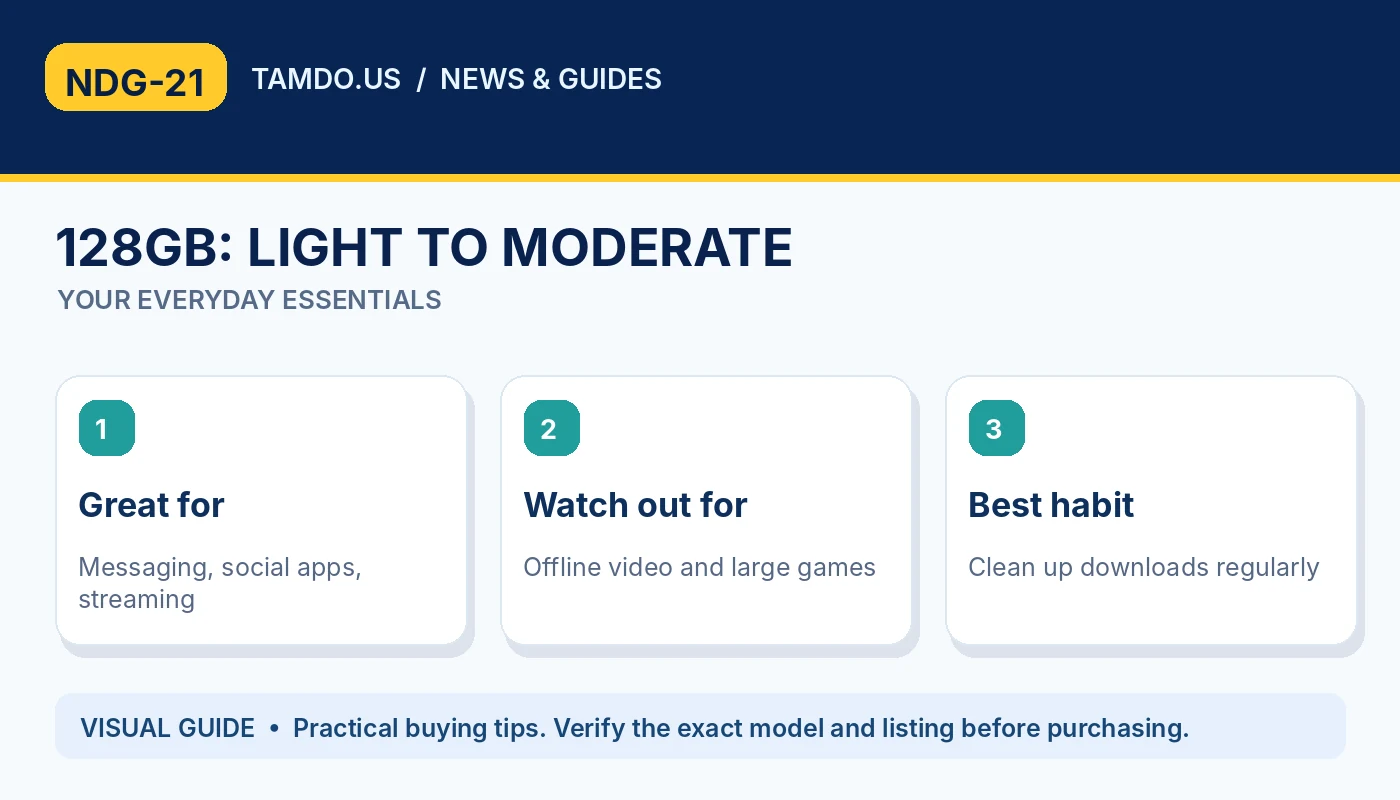
128GB: LIGHT TO MODERATE — YOUR EVERYDAY ESSENTIALS
Why 256GB is often the comfortable middle ground
For many buyers, 256GB balances everyday convenience and price. It offers more breathing room for years of family photos, larger apps, maps, and a collection of videos without requiring constant cleanup. It is particularly attractive when the used-market price difference from 128GB is modest.
A parent recording school performances, a college student downloading lectures, and someone who travels without reliable internet can all benefit from the additional local space. Still, the right decision is personal. Compare the actual price of two phones in similar condition, battery health, carrier status, and generation rather than treating storage as the only difference.
- A strong default for frequent photo and app users.
- Compare same-model prices and conditions.
- Extra storage is convenience, not extra processing speed.
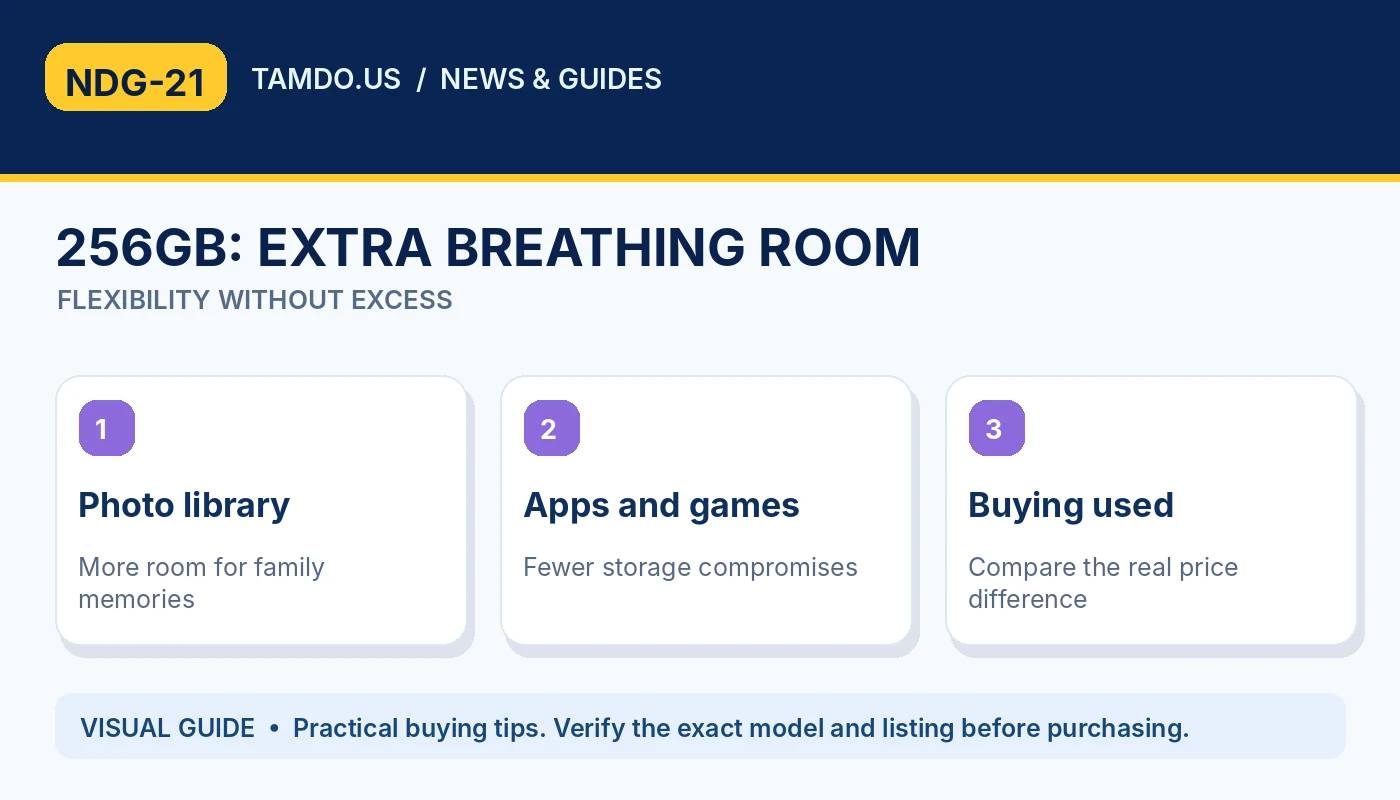
256GB: EXTRA BREATHING ROOM — FLEXIBILITY WITHOUT EXCESS
When 512GB or more is worth the premium
Consider 512GB when you regularly film high-resolution video, shoot content for social media or work, install many large games, or need substantial files available while offline. For creators, the main benefit is fewer interruptions and less dependence on clearing files during an important shoot.
A larger capacity does not automatically produce better photos, longer battery life, or faster cellular speeds. A newer iPhone with a better camera and 256GB might suit your needs more than an older 512GB model at a similar price. Look at your workflow and the hardware generation as a complete package.
- Useful for frequent video capture and offline-heavy workflows.
- Not a substitute for a backup strategy.
- Check camera and model features separately.
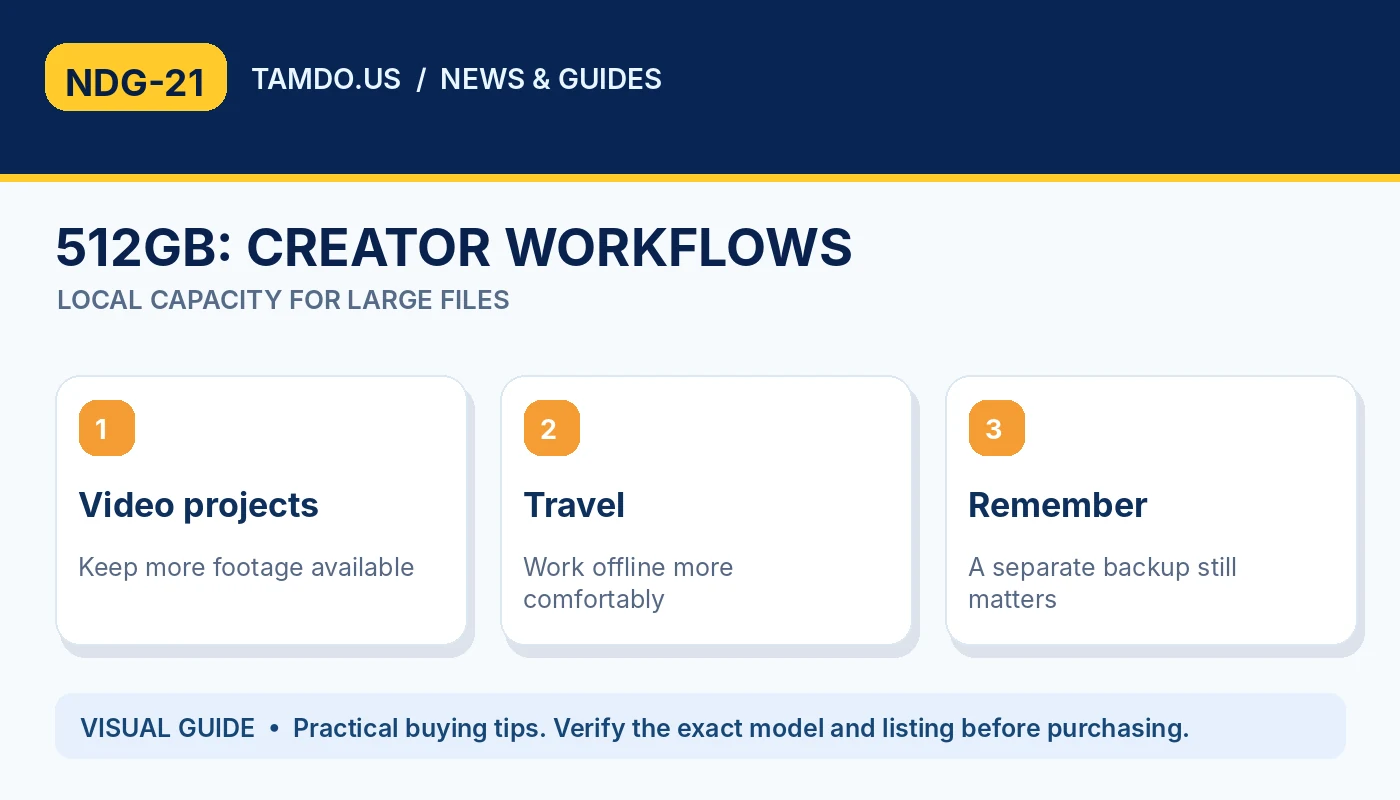
512GB: CREATOR WORKFLOWS — LOCAL CAPACITY FOR LARGE FILES
Understand iCloud versus phone storage
iCloud storage is online account storage; it does not physically turn a 128GB iPhone into a 256GB iPhone. With iCloud Photos and Optimize Storage, an iPhone can keep smaller local versions while storing full-resolution originals in iCloud. This can reduce device usage but may require a network connection to retrieve originals.
Also understand what syncing means: when iCloud Photos is enabled, deleting a picture from one synced device typically deletes it from the other devices using the same photo library. Keep a separate backup for irreplaceable memories. Cloud storage may involve a recurring subscription, so compare the long-term cost with paying more for local capacity.
- iCloud can reduce local pressure, not expand physical capacity.
- Synced deletion is different from a standalone backup.
- Cloud plans and internet access have ongoing trade-offs.
Five questions to ask before buying used
Match the phone to your real habits: how much you use now; the growth of your library; how often you record large videos; whether you use offline files; and whether the price premium would be better spent on a newer model or healthier battery.
Finally, confirm the exact storage in the listing and, when possible, in Settings > General > About. Do not assume a phone has a capacity based on its color or appearance. At TamDo.us, you can browse current smartphone listings and check the model, condition, and storage of each individual unit before deciding.
- Current space used?
- Expected growth over two years?
- Offline access and 4K video needs?
Frequently asked questions
Is 128GB still enough for an iPhone?
Yes for many light-to-moderate users, especially if they stream media and manage downloads. Check current usage before deciding.
Does iCloud add storage to my iPhone?
No. It provides separate online storage and may reduce the amount stored locally when optimization is enabled.
Can I install more storage in an iPhone later?
Internal storage is not designed to be upgraded by the buyer. Choose capacity carefully when purchasing.
Bottom line
Browse the exact storage and condition shown on each available iPhone listing; a good purchase balances capacity, battery, and price.
Explore related products
Shop used iPhones and smartphones · Read iPhone buying guides