
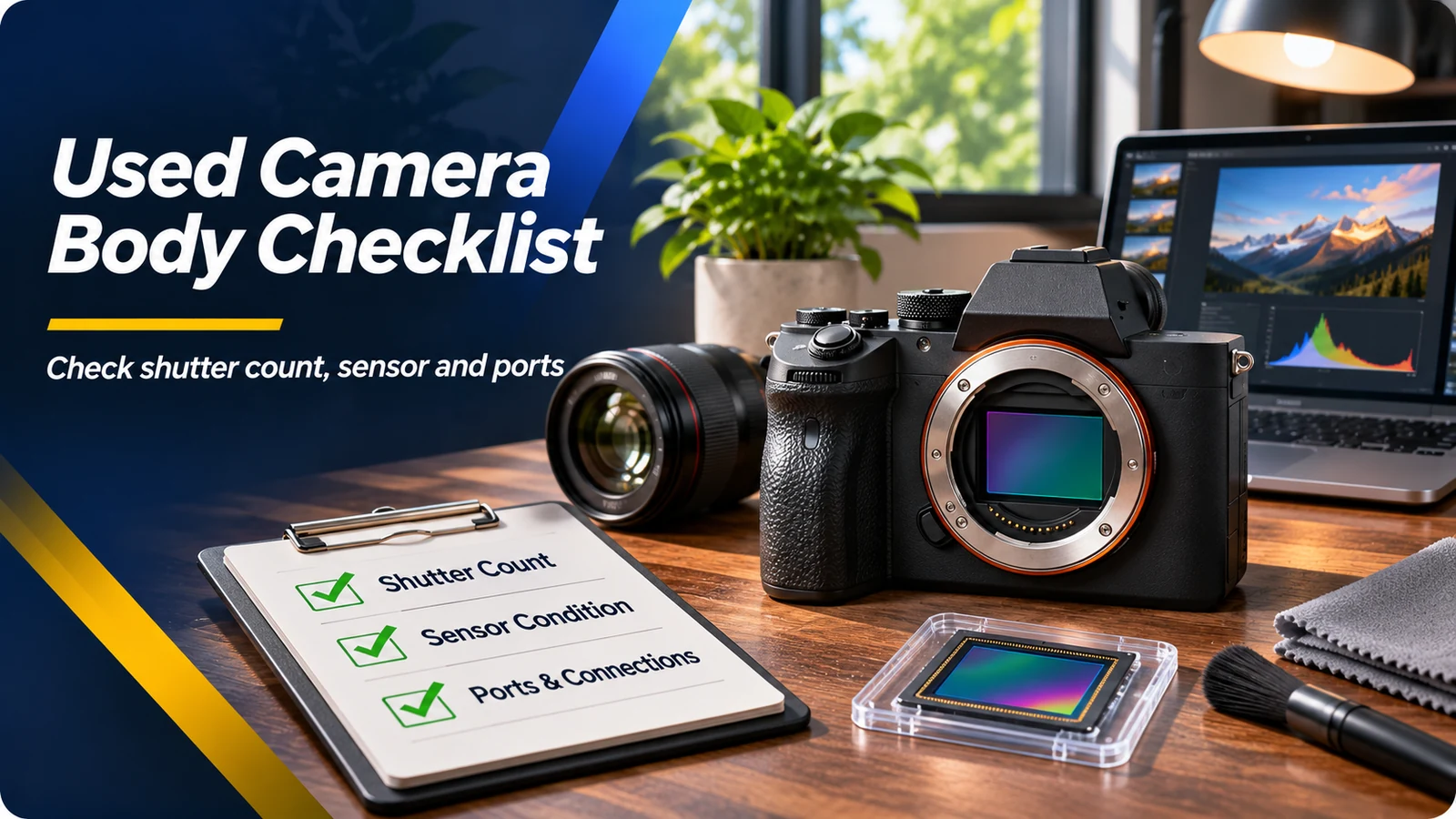
Shutter count is useful, but easy to overvalue
For many mechanical-shutter cameras, an actuation count is somewhat like mileage: it gives an indication of use, not a countdown to failure. Manufacturer endurance testing is based on expected ranges under specified conditions. A camera can operate long beyond a published figure, while another could fail earlier. Different models and brands count mechanical and electronic exposures differently, and some camera models do not expose a reliable total count at all.
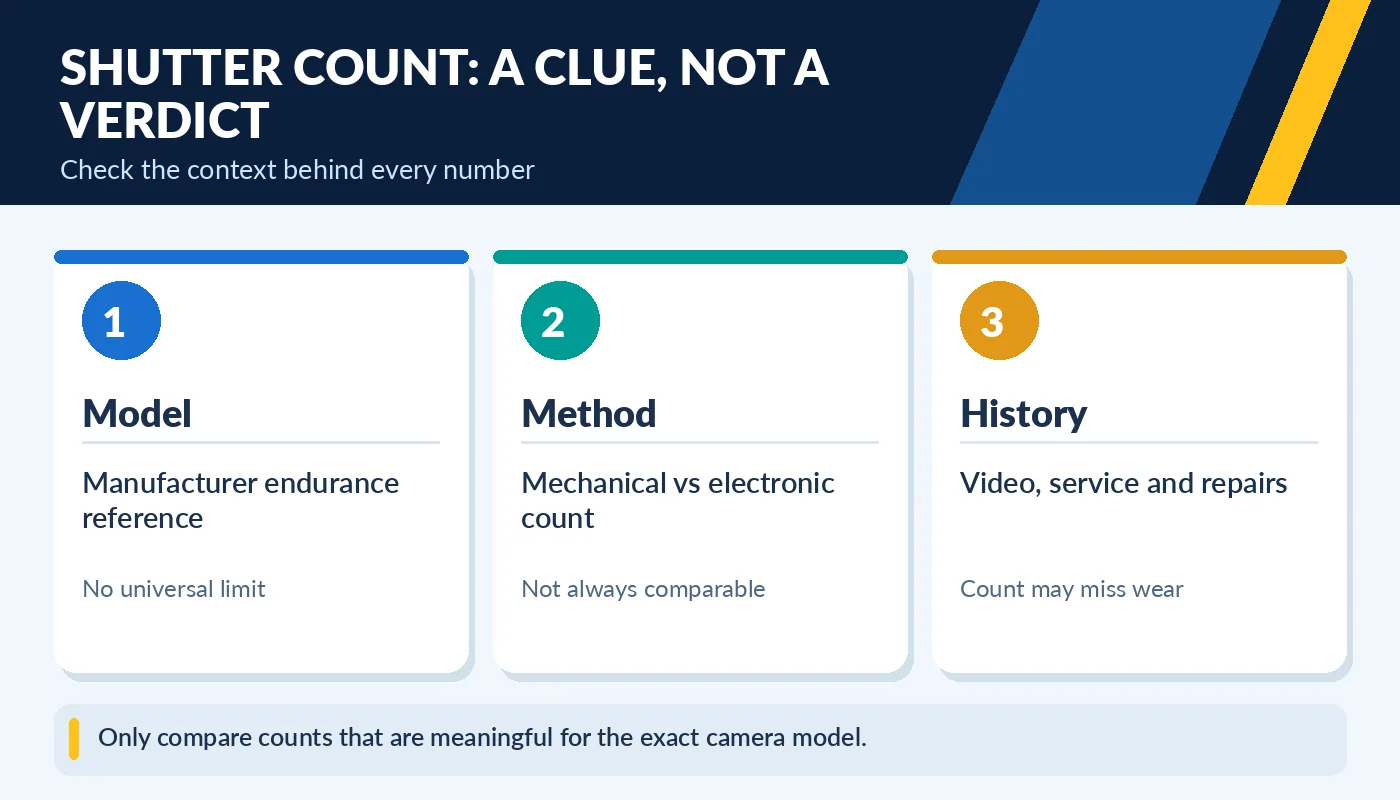
Only compare counts that are meaningful for the exact camera model.
Nikon’s support guidance specifically warns that software-derived shutter counts may not accurately represent total releases and that service work or firmware changes can affect readings. A low count also says little about hours of video recording or repeated use of ports and buttons. Compare the count with the exact model, physical condition and repair history rather than applying a universal “50,000 shots is bad” rule.
Inspect the sensor and take original test photos
Bring a compatible lens and memory card if the seller allows it. Photograph an evenly lit wall or sky at a small aperture such as f/16, with the scene out of focus, and inspect the file for dark dust spots. A few removable dust specks are common; scratches, oil contamination or unusual artifacts deserve more caution. Do not touch the sensor while inspecting it, and avoid attempting any cleaning without proper equipment.
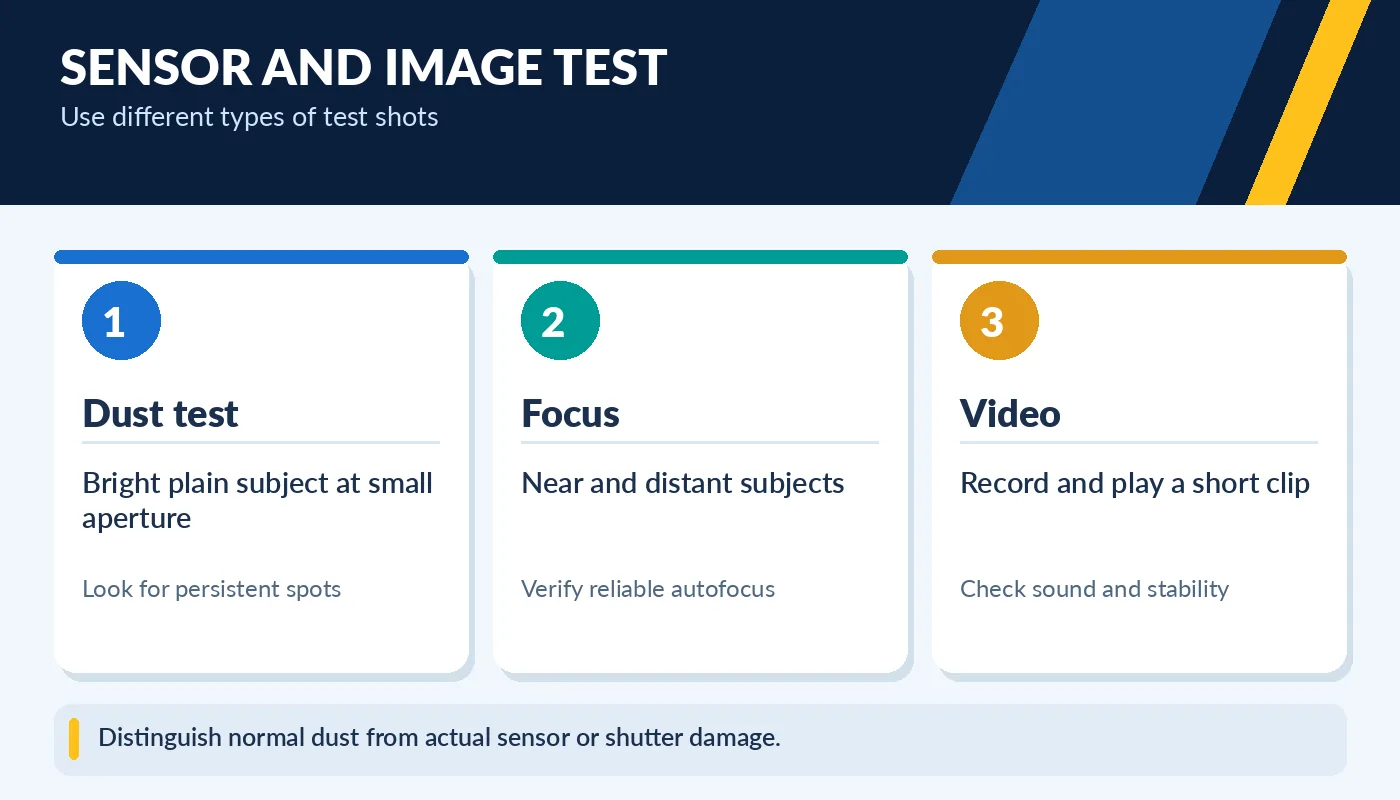
Distinguish normal dust from actual sensor or shutter damage.
Take additional images across low and higher ISO settings, and examine them on a larger display when possible. Test focus on nearby and distant subjects, check that exposure changes are reflected correctly, and record a short video clip. One polished sample image from a seller is not enough to prove that every camera function works. A fresh photo created in front of you is stronger evidence.
Controls, ports and mechanical condition
Test every button, dial, rear screen, viewfinder, card slot, battery door and connector that matters to your workflow. Insert and remove a memory card, confirm the camera can save and replay a file, and inspect the battery contacts for corrosion. Try the hot shoe if you use flashes, and verify image stabilization where available. Look closely at the lens mount for bent screws, deformation or excessive play.
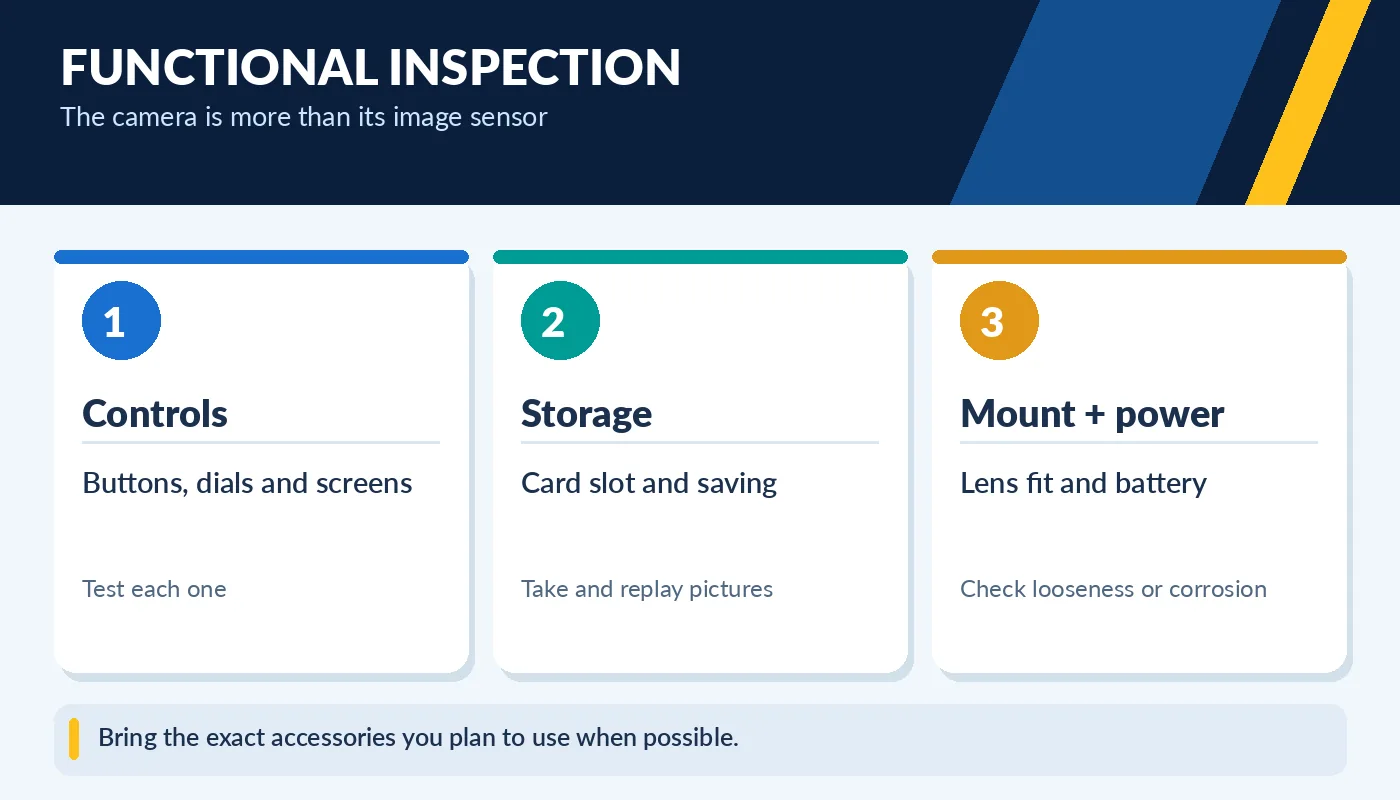
Bring the exact accessories you plan to use when possible.
Signs of impact, saltwater exposure or repeated repair may be more costly than cosmetic scratches. The included battery and charger matter because replacement parts for older cameras can be expensive or hard to find. Confirm the model’s supported media type and video output options. A clean-looking camera may still have worn connectors, so do not skip physical testing.
How to price a used camera realistically
Compare the exact body model, included lens or body-only configuration, shutter count where meaningful, cosmetic condition, manufacturer support and accessory bundle. Consider whether the listing includes genuine batteries, a charger, strap, protective caps and a warranty. Missing items can turn a low asking price into a more expensive final purchase.
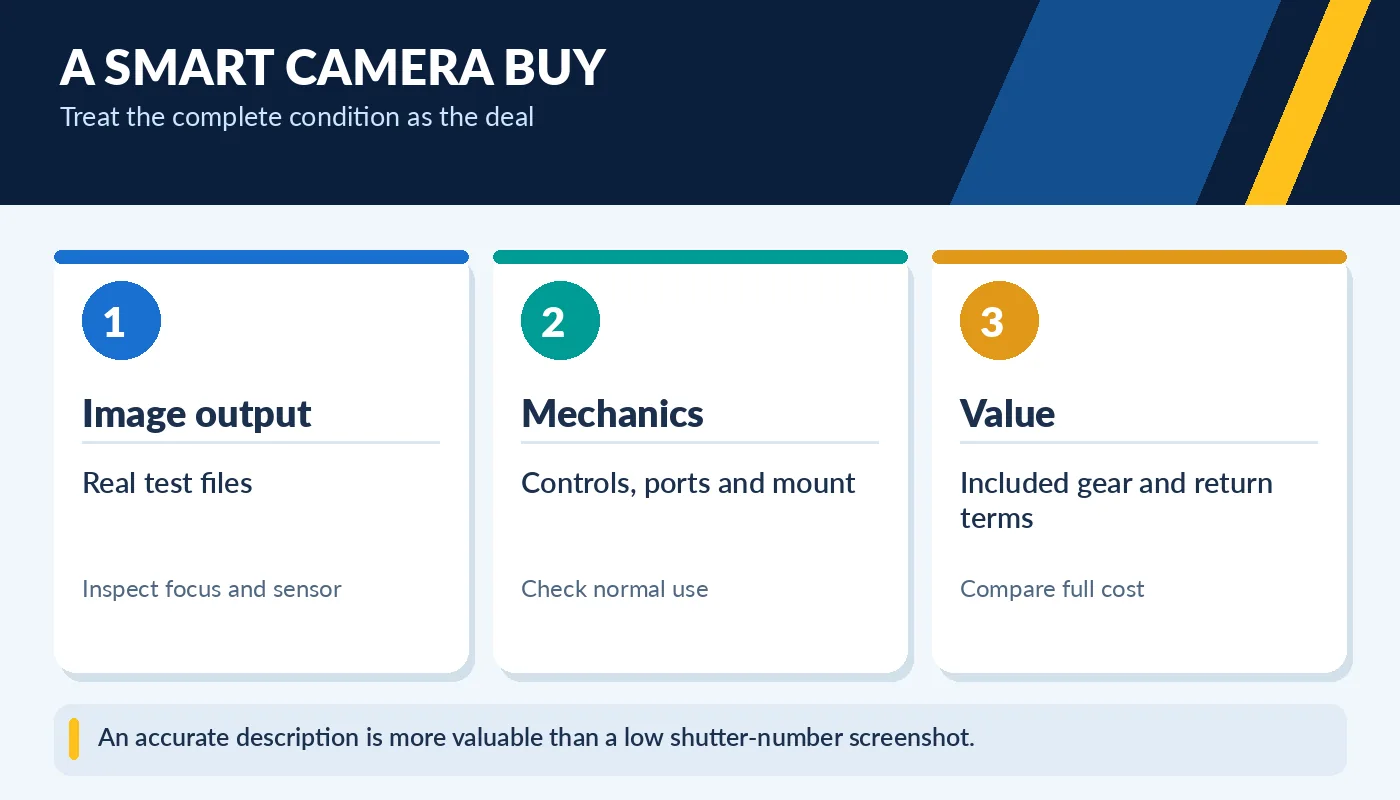
An accurate description is more valuable than a low shutter-number screenshot.
A camera with moderate wear but strong test results may be a better choice than a pristine body with intermittent errors. Avoid making a decision based on an unverified actuation claim or a short video of the power button turning on. When practical, buy from a seller who supplies photographs of the exact unit and clear information about returns. That lets you budget for the actual camera you are receiving.
Video use can change the condition story
A camera used primarily for video might have a low mechanical shutter count despite long operating hours. Video production puts repeated use on recording buttons, HDMI or USB ports, hot shoes, card slots and the cooling system. Test the features that match the purpose of your purchase: sustained video recording, autofocus tracking, microphone input, headphone monitoring and stabilization where supported. A used camera may perform perfectly for still photos but have a noisy input jack or a failing connector needed for livestreaming.
Model support matters as much as cosmetic condition. Some older cameras record only short clips, lack modern video autofocus, or require proprietary batteries and chargers. Review original technical specifications and current replacement accessory availability. If you cannot test the exact function you will depend on, budget a risk allowance or choose a listing with clearer return protection. Make your acceptance criteria specific before negotiating; a great photo camera and a great video camera are not always the same device.