
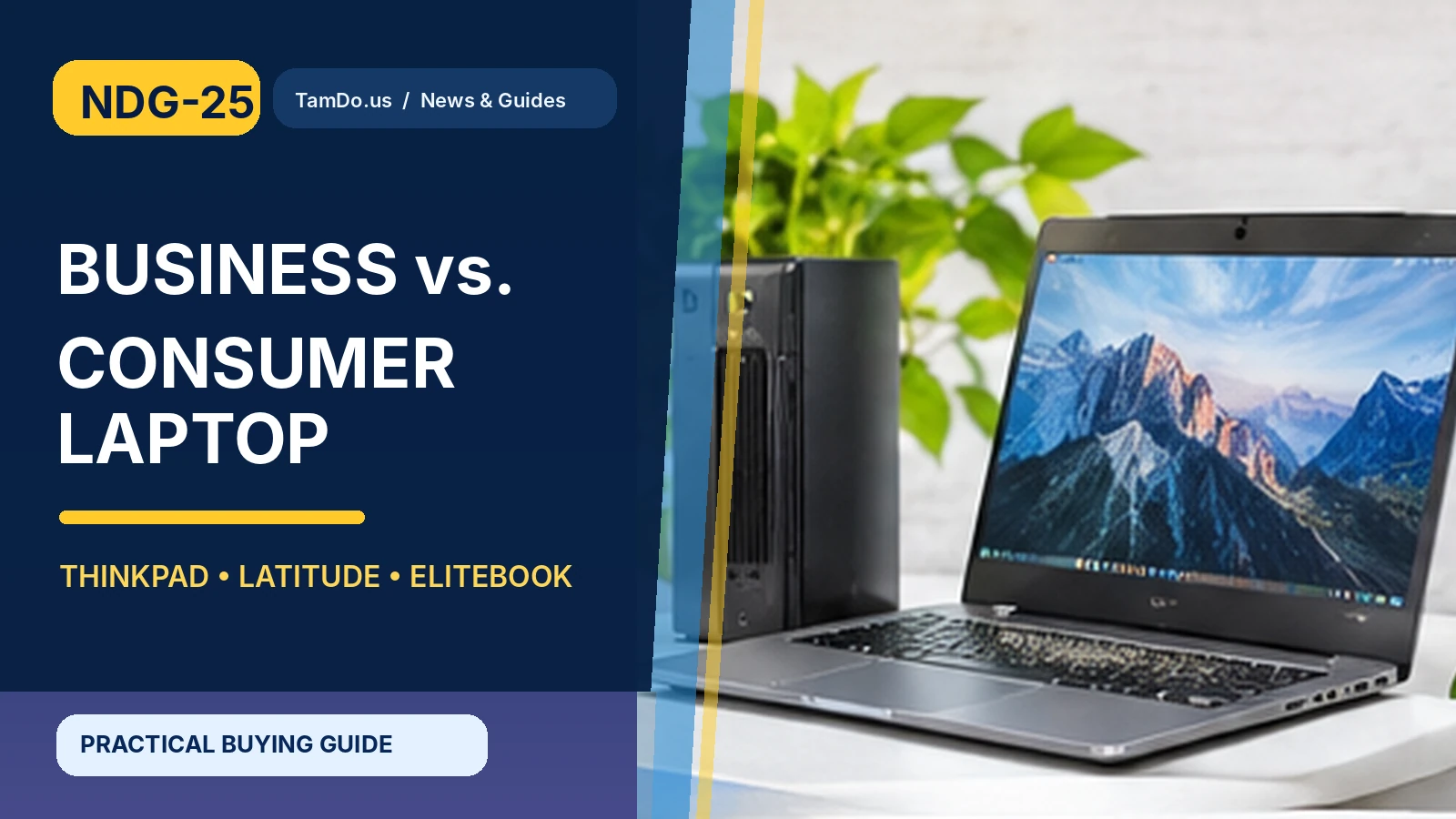
A laptop originally purchased for a company can become an excellent secondhand computer for someone working from home, studying, or running a small business. That is why older Lenovo ThinkPad, Dell Latitude, and HP EliteBook systems often appear alongside consumer models in the used market.
Business branding can indicate a different design focus: keyboards, manageability, ports, serviceability, or extended fleet use. But it is not a guarantee of condition or speed. A heavily worn business laptop with an outdated processor can be less useful than a newer consumer model at the same price.
What makes a laptop business-class?
Business-oriented product lines are generally designed for professional fleets and workplace needs. You may find features such as docking support, wired networking on selected models, additional security options, easier servicing, and consistent enterprise configurations. Some emphasize keyboard feel and practical port selections over decorative styling.
Consumer notebooks, in contrast, cover a wide range—from inexpensive everyday machines to premium ultraportables and powerful creator laptops. They may prioritize thin designs, vivid displays, sound quality, or competitive pricing. The boundary is not absolute: premium consumer models may be better constructed than entry-level business machines.
- Business line is a design category, not a condition grade.
- Professional features vary by model and generation.
- Consumer models can also be high-end.
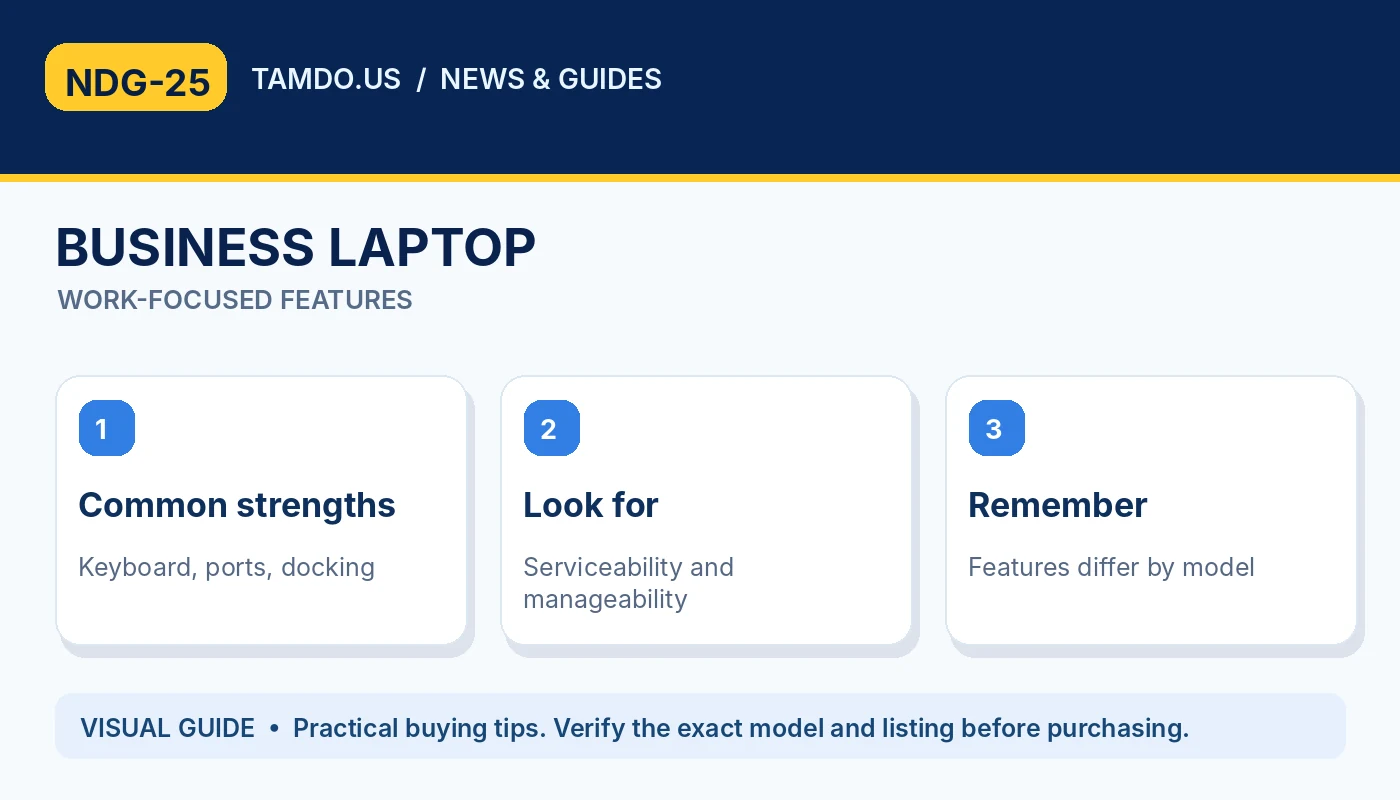
BUSINESS LAPTOP — WORK-FOCUSED FEATURES
Three familiar business laptop families
ThinkPad is Lenovo's long-running business-focused family, with sub-series that vary considerably in size, materials, and capabilities. Dell Latitude has traditionally targeted business mobility and manageability; Dell's lineup and naming have evolved over time. HP EliteBook similarly serves professional use with different sizes and security or docking options.
Instead of buying on brand name alone, compare the exact model numbers and specifications. A ThinkPad X1 Carbon, ThinkPad T-series, and entry-level ThinkPad E-series can differ substantially. The same is true of older versus newer Latitude or EliteBook units. Read the full configuration, not only the family name printed on the lid.
- ThinkPad: check series and generation.
- Latitude: identify model, year and configuration.
- EliteBook: verify actual screen and ports.
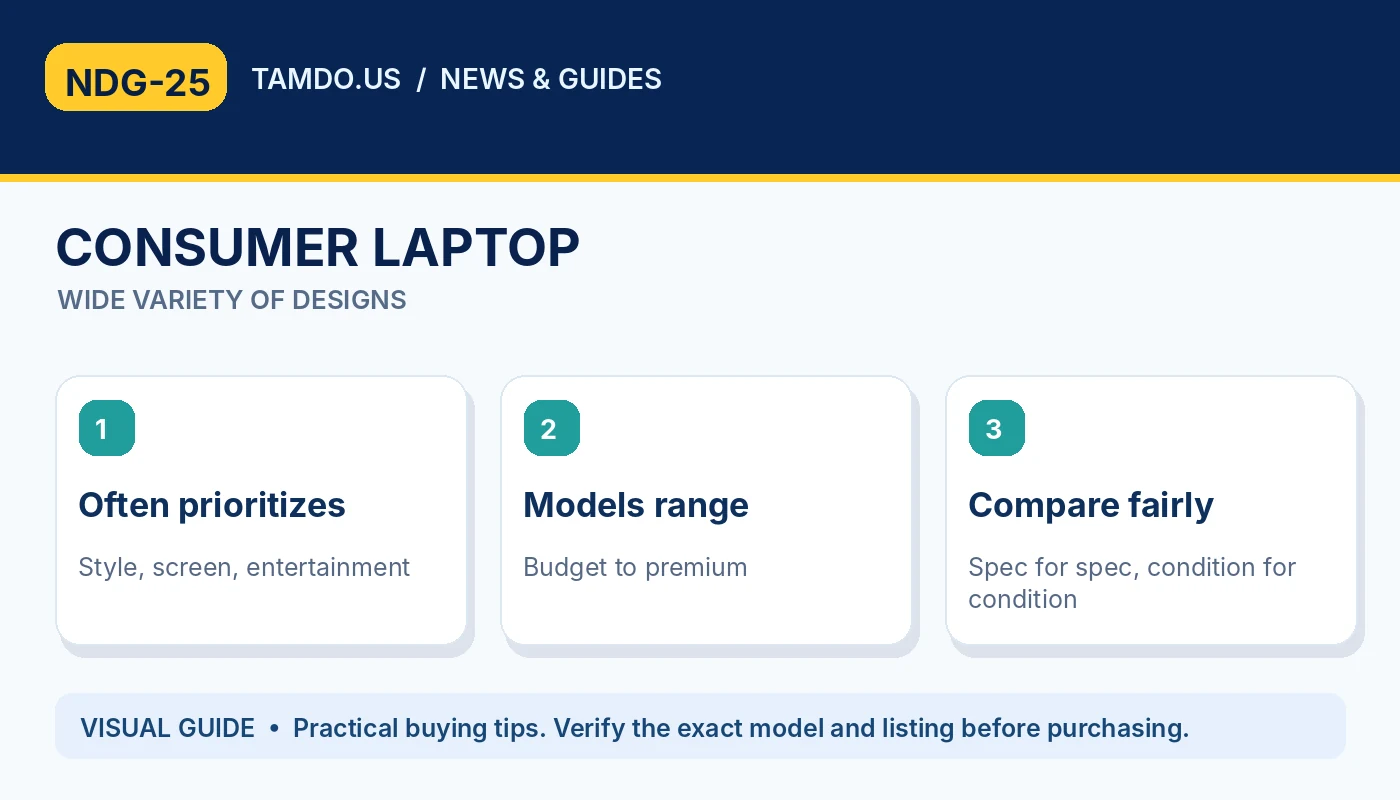
CONSUMER LAPTOP — WIDE VARIETY OF DESIGNS
Ports, keyboard, and docking matter every day
Business laptops can be appealing if you frequently connect an external monitor, Ethernet, multiple USB accessories, or a dock. A comfortable keyboard and replaceable components also matter for long working days. However, port availability and external-display limits vary dramatically, even within the same product family.
Examine clear images of the left and right sides before buying. Look for the exact USB-C charging behavior, video-out capabilities, Wi-Fi standard, audio jack, and any proprietary dock connector. If your desk already includes a specific docking station, verify compatibility from the manufacturer, rather than assuming 'business laptop' means universal support.
- Count HDMI, USB, Ethernet and USB-C ports.
- Test keyboard, trackpad and webcam.
- Confirm dock and charger compatibility.
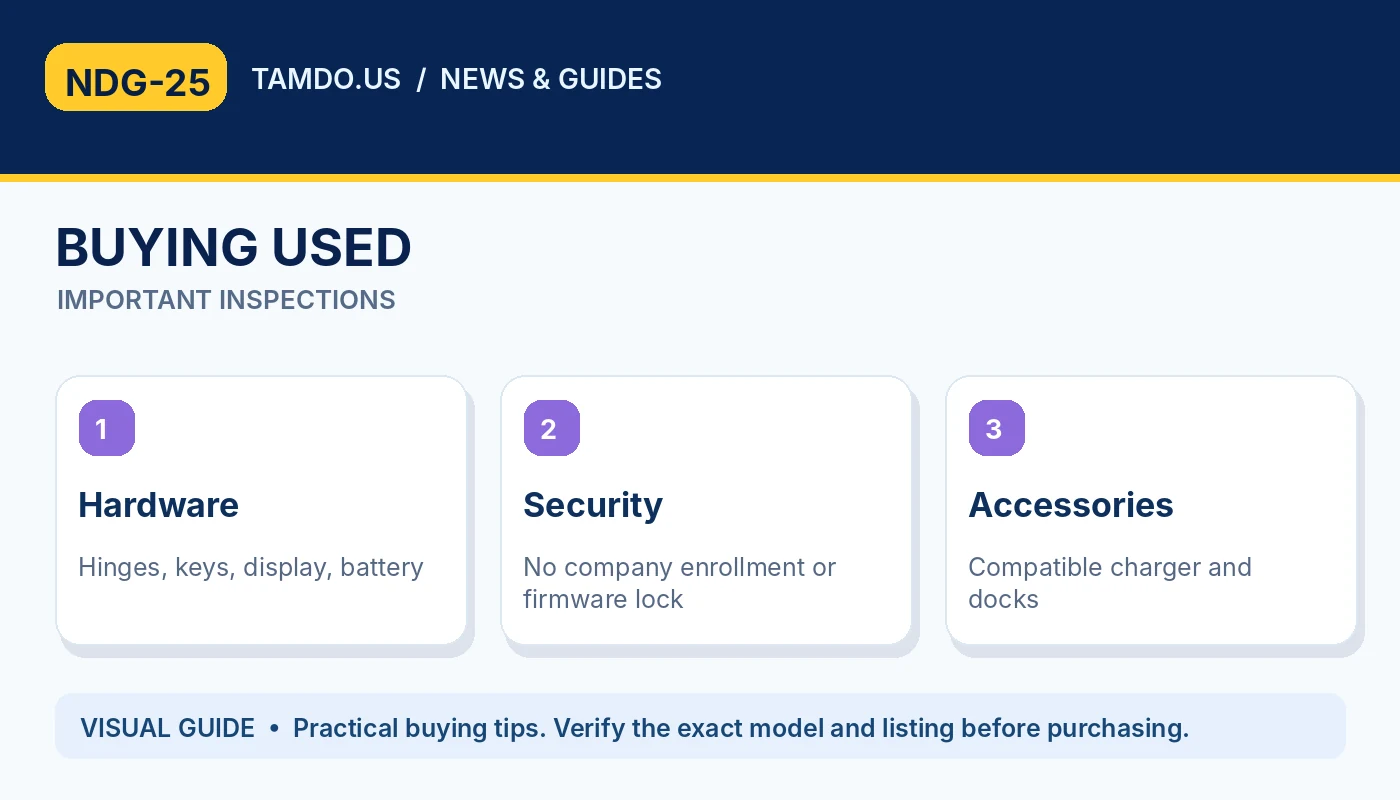
BUYING USED — IMPORTANT INSPECTIONS
Used laptop checks: history matters more than labels
Business fleets can accumulate many hours of daily use. Cosmetic wear, shiny keys, worn hinges, tired batteries, and scratched screens may be more common on heavily used units. That does not mean the laptop is a bad purchase; it means its actual condition deserves a careful assessment.
Ask for battery condition, charging behavior, SSD health if available, functional ports, display defects, and keyboard tests. Confirm the device is not subject to organizational enrollment, firmware passwords, or management restrictions that interfere with normal setup. A used workstation or office laptop should be ready for an ordinary buyer to initialize and use.
- Check hinges, battery and worn keyboard surfaces.
- Verify no organization or firmware restrictions.
- Look for seller-specific testing details.
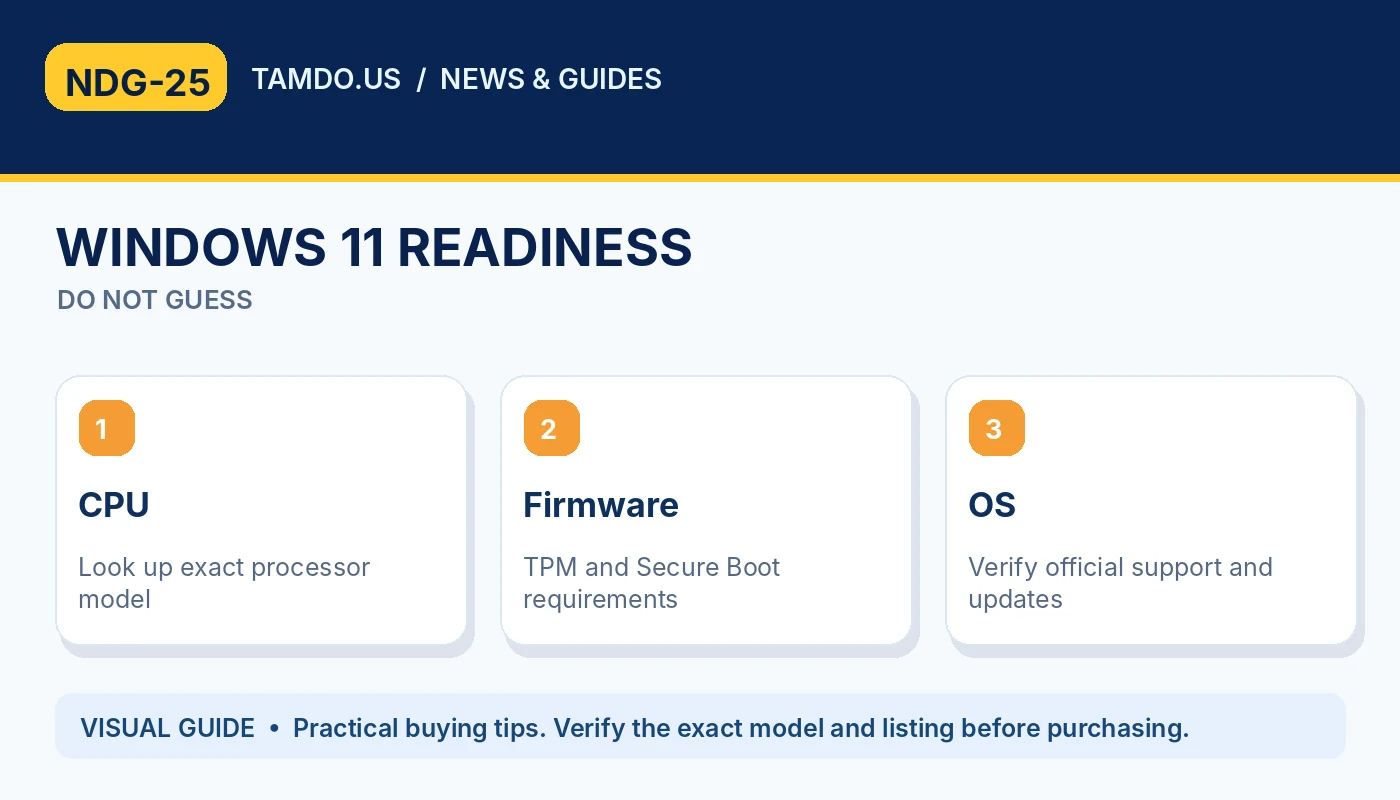
WINDOWS 11 READINESS — DO NOT GUESS
Windows 11 compatibility is critical
An older computer might boot an operating system even though its processor is not officially supported for that version. This can affect updates, security expectations, and long-term practicality. Microsoft publishes processor requirements, but processor lists should be read together with the complete Windows 11 system requirements, including TPM and Secure Boot where applicable.
Do not conclude that any 'Core i5' laptop supports Windows 11. The exact generation and processor model are more useful than the i5/i7 label. Similarly, 8GB versus 16GB RAM and SATA HDD versus SSD can make a large practical difference. Check software support before choosing the lowest-price older system.
- Verify exact CPU model and official support.
- Confirm TPM, firmware and other requirements.
- Do not rely on i5 or i7 branding alone.
Choose based on work, not status
A used business laptop can be a smart choice for spreadsheets, online sales management, coding, customer service, and office work when the configuration is appropriate. A consumer laptop may be more suitable if you prioritize a premium screen, lighter weight, or stronger integrated entertainment features.
To compare fairly, place two actual listings side by side and evaluate processor age, RAM, SSD, screen resolution, battery, ports, weight, and price. TamDo.us regularly carries different laptop families, so treat each unit as a specific purchase decision rather than relying on a broad label.
- Choose the right CPU generation and SSD.
- Prioritize display and battery for travel.
- Compare warranty or return terms for each listing.
Frequently asked questions
Are business laptops more durable than consumer laptops?
Some are designed with sturdiness and serviceability in mind, but there is no universal rule. Exact model and used condition matter more than the label.
Is an old i7 better than a newer i5?
Not necessarily. Processor generation, thermal limits, cores, and workload can make a newer i5 more useful than an older i7.
What should I check before buying an ex-company laptop?
Confirm normal setup without organizational restrictions, battery and SSD status, screen and keyboard health, and Windows compatibility.
Bottom line
Shop the exact ThinkPad, Latitude, EliteBook, or consumer laptop configuration that fits your software, monitor setup, and budget.
Explore related products
Shop laptops and netbooks · Browse new arrivals