
Apple's laptop lineup now covers a wider range of budgets and tasks than the old Air-versus-Pro debate. The MacBook Neo is positioned as an accessible entry point, the MacBook Air emphasizes portability and broad everyday capability, and the MacBook Pro targets users who need stronger sustained performance and more specialized connections.
The important question is not which model sounds most premium. It is whether the software you use, the number of displays you connect, and the files you work with justify the additional cost. This guide focuses on choosing a model, including a used one, rather than assuming everyone needs the latest generation.
MacBook Neo: a practical starting point
The 2026 MacBook Neo uses Apple's A18 Pro chip, 8GB of unified memory, and a 13-inch display. Apple lists 256GB and 512GB storage configurations. For web research, email, classroom portals, streaming, writing, and basic productivity, it may deliver much of the Mac experience at a lower entry price.
Its limits matter if you buy a computer for demanding future workloads. The memory is fixed at 8GB, and the USB-C ports are not interchangeable in capabilities: one supports USB 3 and external display output, while another is USB 2. Apple lists support for a single external display on this model. Verify the exact configuration and required accessories before purchasing.
- 2026 Neo: A18 Pro and fixed 8GB unified memory.
- Two USB-C ports with different capabilities.
- A good fit when tasks are relatively light.
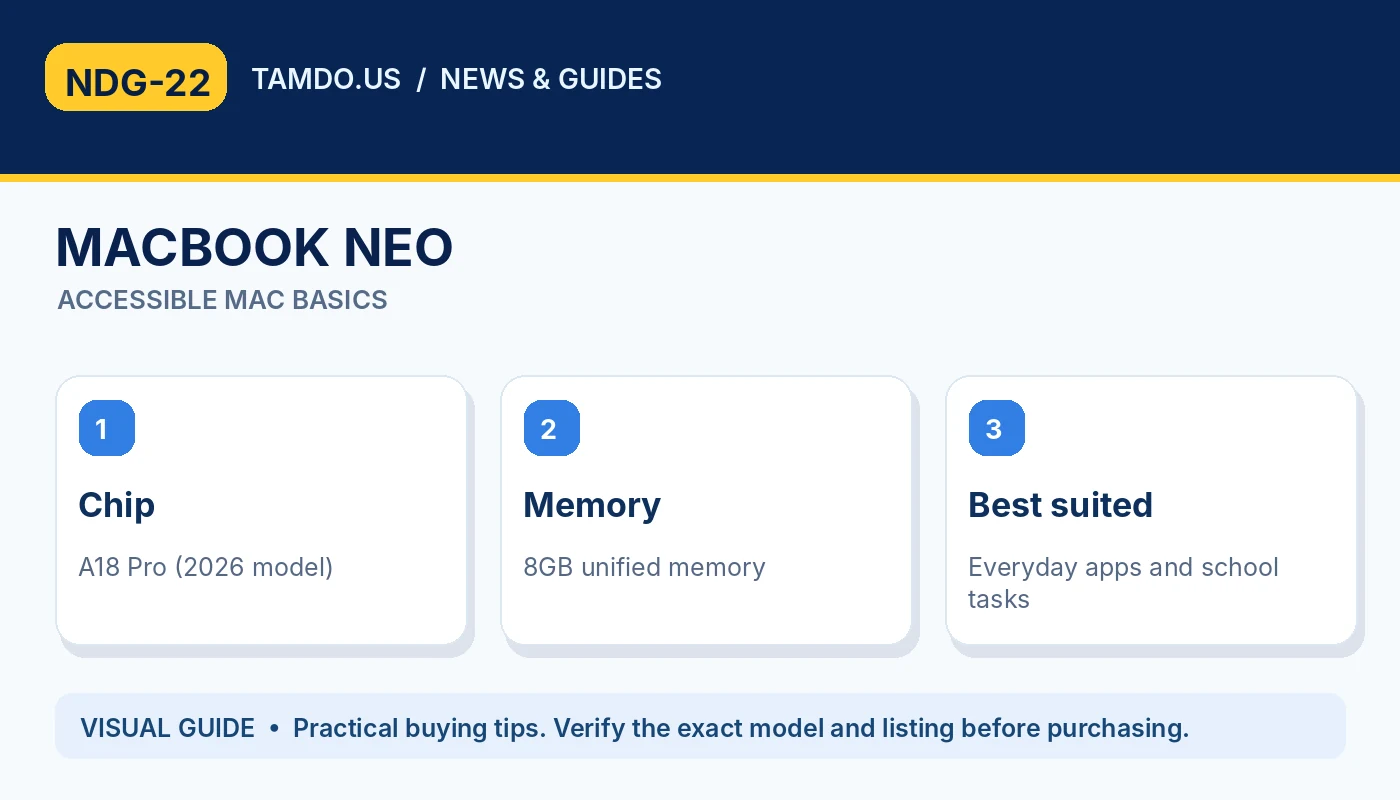
MACBOOK NEO — ACCESSIBLE MAC BASICS
MacBook Air: portability with more headroom
MacBook Air is often the sweet spot for people who carry their computer daily but need more flexibility than an entry-level system. Depending on model and year, configurations offer different chips, memory options, and external-display support. A well-equipped used Apple-silicon Air can be a compelling alternative to a newer base model.
For many professionals and students, Air handles office work, dozens of browser tabs, light design projects, and typical photo edits comfortably. Before buying, consider RAM and storage first: the unified memory of Apple-silicon Macs is not a normal after-purchase upgrade. Then check size, ports, battery condition, and whether your required applications are compatible with that macOS version.
- Balanced for portability and multitasking.
- Check RAM and SSD before choosing a used unit.
- External-display support depends on chip and generation.
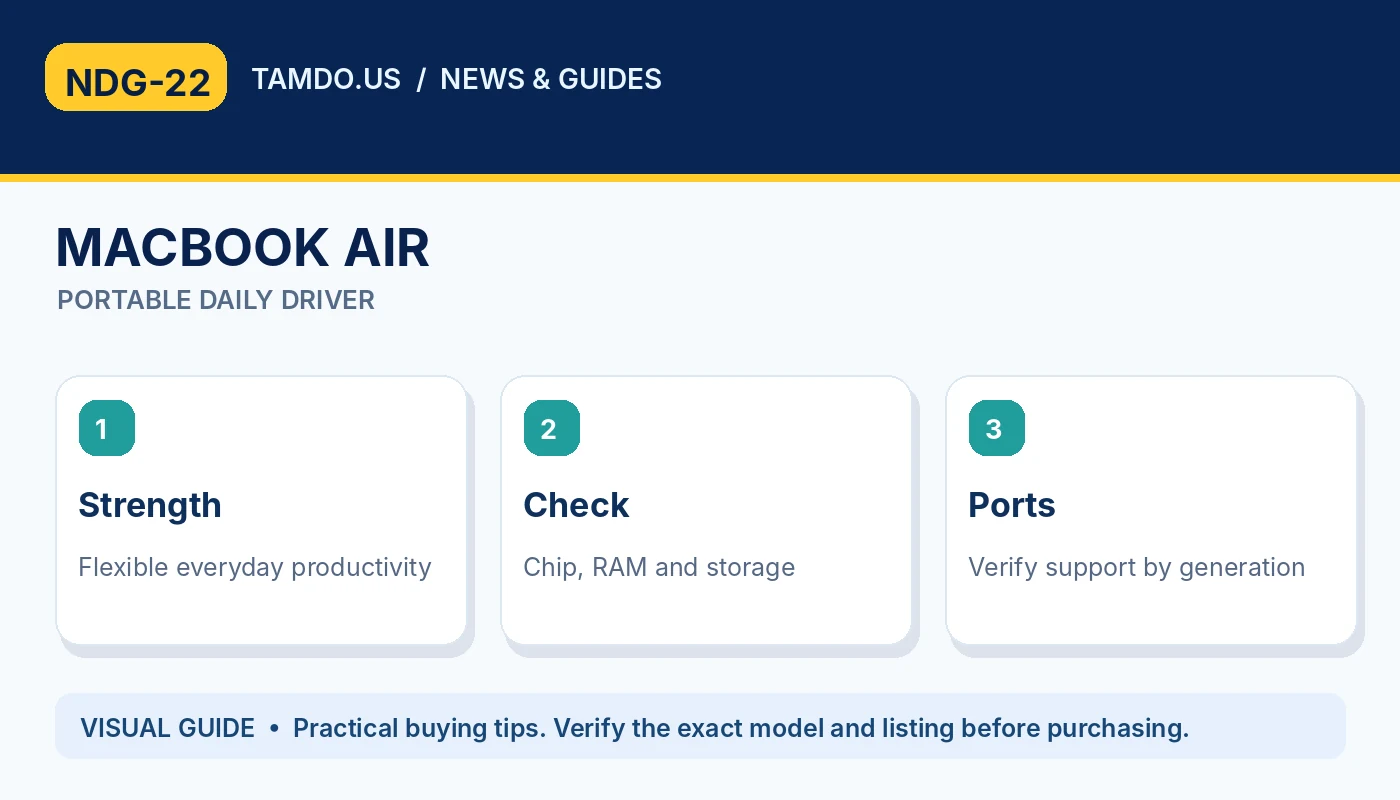
MACBOOK AIR — PORTABLE DAILY DRIVER
MacBook Pro: when the extra hardware pays off
A MacBook Pro is most useful when work justifies its capabilities. Video editors, music producers running heavy sessions, developers using virtual machines, and photographers handling substantial exports may benefit from more capable chips, greater memory capacity, and systems built for sustained workloads.
Many Pro models also offer conveniences such as HDMI and an SDXC card slot. Higher-end generations have more sophisticated screens and port specifications, but those details vary over time. The word 'Pro' by itself is not enough: a much older Pro can be a weaker value than a newer Air. Always compare the exact year, chip, RAM, SSD, battery, and price.
- Great for demanding creative and technical work.
- Ports and display technology vary by year.
- Older Pro does not always beat newer Air.
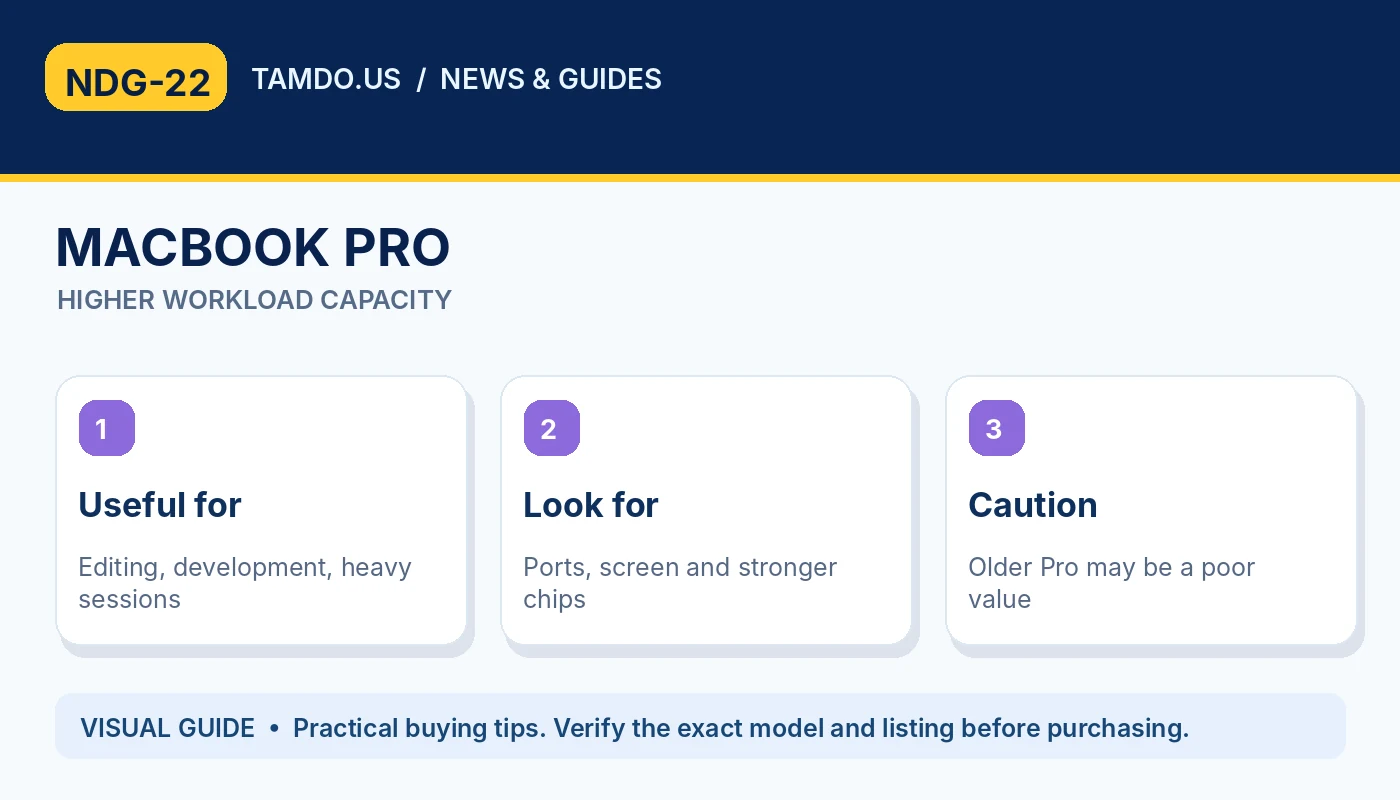
MACBOOK PRO — HIGHER WORKLOAD CAPACITY
Check your software before comparing benchmarks
Make a short list of the programs you genuinely use every week. Web apps, Google Workspace, Microsoft Office, and streaming have different needs from professional 3D, rendering, and large coding projects. Application compatibility and plug-ins can be more important than headline CPU performance.
If you routinely manage external monitors, confirm the specific machine's display limit and the port or dock needed. If you travel, check weight and charger convenience. If you edit video, verify the codecs, media engine, scratch space, memory, and display characteristics relevant to your editor. Avoid choosing solely from benchmark numbers published for a different configuration.
- Write down must-have software and plug-ins.
- Confirm monitor and dock requirements.
- Match RAM and storage to actual projects.
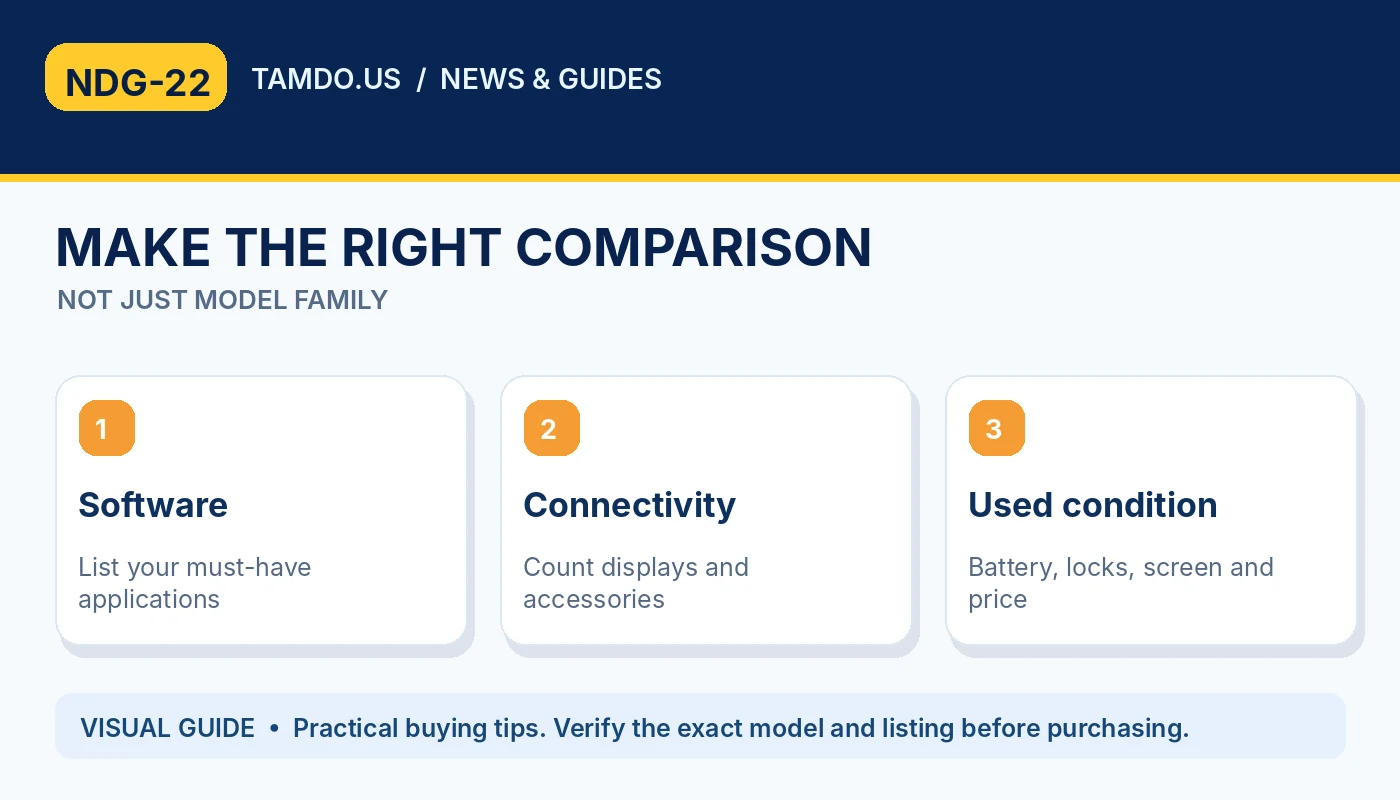
MAKE THE RIGHT COMPARISON — NOT JUST MODEL FAMILY
Used MacBook value: compare the full package
A used Air with more memory can be more useful than a low-memory newer computer for multitasking. Likewise, an affordable used Pro may be attractive when the HDMI or SD card slot saves you from extra adapters. Compare units in similar cosmetic condition and consider their remaining software support.
Inspect the display, keyboard, trackpad, ports, battery, speakers, charging system, and physical damage. Confirm that the Mac has been properly removed from the previous owner's account and is not blocked by Activation Lock or organizational enrollment. These safeguards are just as important as the chip printed in the listing.
- Compare configuration, age, condition and price.
- Verify ownership release and setup eligibility.
- Do not assume every used Mac includes the same charger.
The quick recommendation
Choose Neo if you need an inexpensive Mac for everyday work and understand its fixed memory and port limits. Choose Air for a portable primary computer with more breathing room for typical work and study. Choose Pro when demanding software, sustained performance, or extra connectivity actually improves your workflow.
If two options are close in price, evaluate the exact model year and specs rather than relying on family names. TamDo.us carries different Apple laptops as inventory changes, making it practical to compare a particular used Air or Pro against a newer entry-level option before deciding.
- Neo: straightforward essentials.
- Air: flexible daily driver.
- Pro: intensive tasks and specialized connections.
Frequently asked questions
Does MacBook Neo have upgradeable RAM?
No. Its 8GB unified memory is not a standard after-purchase upgrade; choose based on expected workload.
Is MacBook Pro always faster than MacBook Air?
No. Generation, chip tier, thermal design, memory, and workload matter. A newer Air may outperform a much older Pro in some tasks.
Can MacBook Neo connect to two external monitors?
Apple lists support for one external display on the 2026 Neo. Check the exact model and Apple documentation before planning a multi-monitor setup.
Bottom line
Compare the year, chip, memory, storage, and condition of current MacBook listings to find the value that matches your actual workload.
Explore related products
Browse available laptops and MacBooks · Explore latest arrivals