
Three panel types, three different strengths
A monitor specification often highlights resolution and refresh rate while hiding the panel technology a few lines lower. IPS and VA are both LCD designs with a backlight; OLED creates its own light at each pixel. OLED can display extremely dark blacks and fast pixel transitions, which is compelling for movies and dark-room gaming. IPS often offers good viewing angles and a comfortable all-around office experience. VA typically delivers stronger native contrast than conventional IPS LCDs.
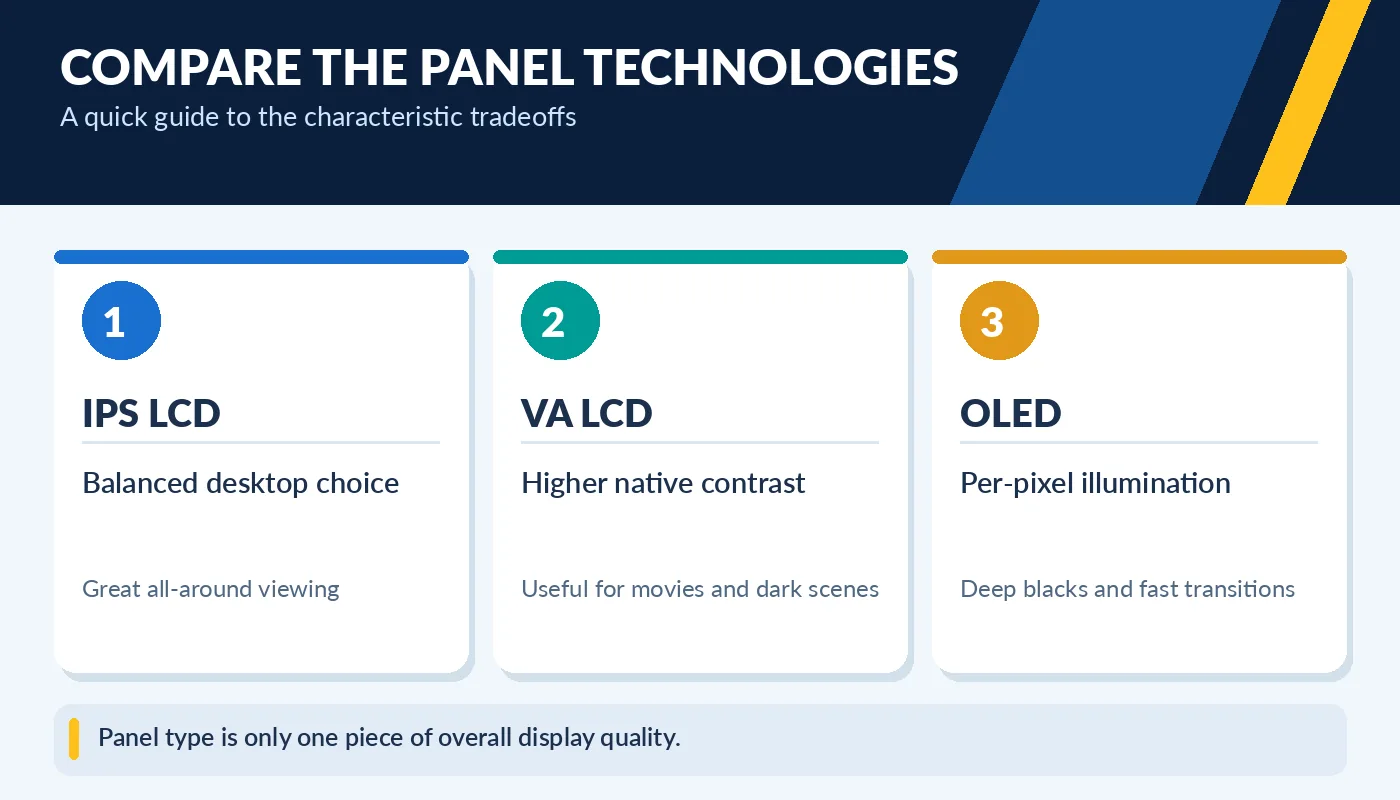
Panel type is only one piece of overall display quality.
None of these labels guarantees an outstanding display. Two IPS models can vary widely in color accuracy, brightness, and motion handling. A VA monitor may have excellent contrast but visible dark-level smearing in certain fast scenes. Some OLED displays can show text-color fringes due to subpixel layouts. The right choice starts with how you use your monitor for most of the day.
Office work and text clarity come first for many buyers
If you spend eight hours a day reading text, using spreadsheets, or working in a bright office, start with legibility, screen coating, ergonomic adjustment, and appropriate pixel density. IPS is often a dependable choice. A good VA model can work well too, especially if you prefer more contrast for dark content. When comparing monitors, view the actual text size you use, not only a promotional desktop wallpaper.
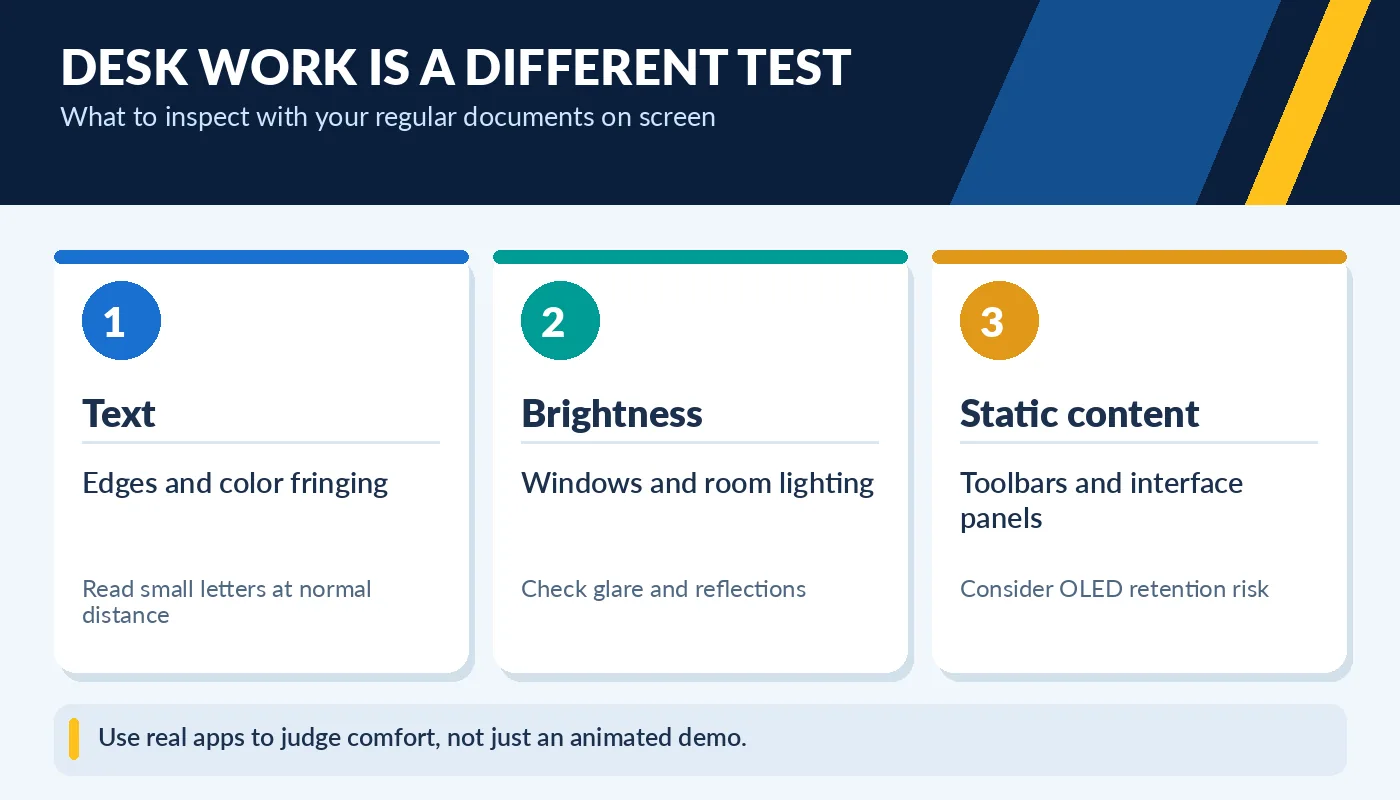
Use real apps to judge comfort, not just an animated demo.
OLED deserves special consideration when your screen shows static taskbars, spreadsheets, menus, or the same dashboard for hours. Permanent image retention, commonly called burn-in, remains a risk under prolonged static content. Modern OLED monitors include protection features, but those do not eliminate risk. Check manufacturer warranty coverage and the display’s condition before purchasing a used OLED panel.
Gaming and media change the priorities
For fast games, refresh rate and actual pixel response are important. OLED can look exceptionally clear in motion, but a good high-refresh IPS display is still a strong purchase at many price points. VA may give immersive contrast in dark games, yet some VA panels transition between dark shades slowly enough to create smearing. Independent motion-response measurements matter more than the “1 ms” claim printed on a box.
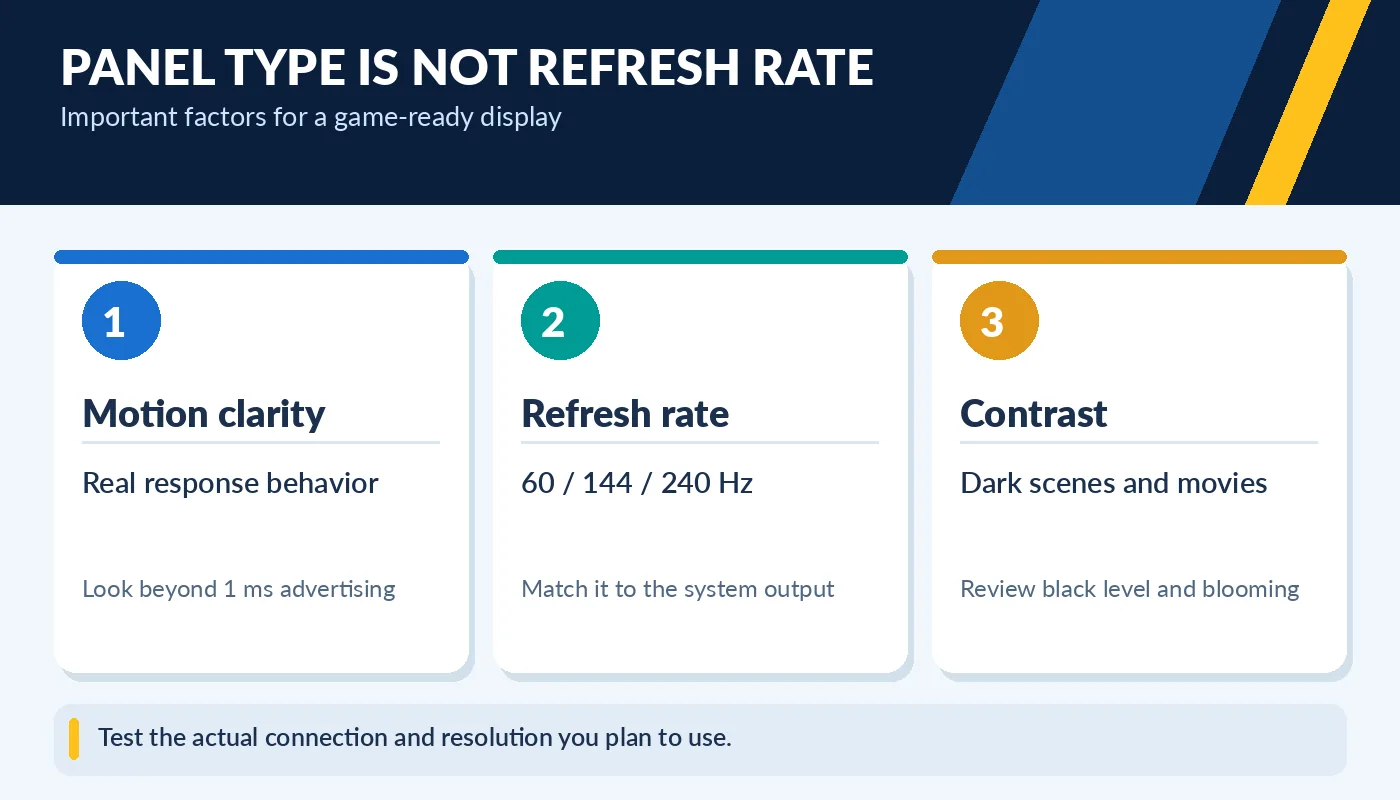
Test the actual connection and resolution you plan to use.
Consider the entire gaming chain: graphics card, resolution, refresh rate, cable and display input capabilities. A 240 Hz monitor does not guarantee 240 frames per second from your PC. For movies, a dim room often emphasizes black level; a bright sunny room emphasizes the ability to overcome reflections. The best monitor is not simply the most expensive panel—it is the one that fits your lighting and workload.
Check a used monitor before paying
Inspect the panel with full-screen black, white, gray, red, green, and blue backgrounds. Look for dead or stuck pixels, obvious uneven backlight, persistent image retention, flicker, and unusual lines. A used OLED deserves extra attention with neutral gray backgrounds and static interface patterns, where wear may be easier to notice. A camera photo can miss or exaggerate defects, so inspect in person if possible.
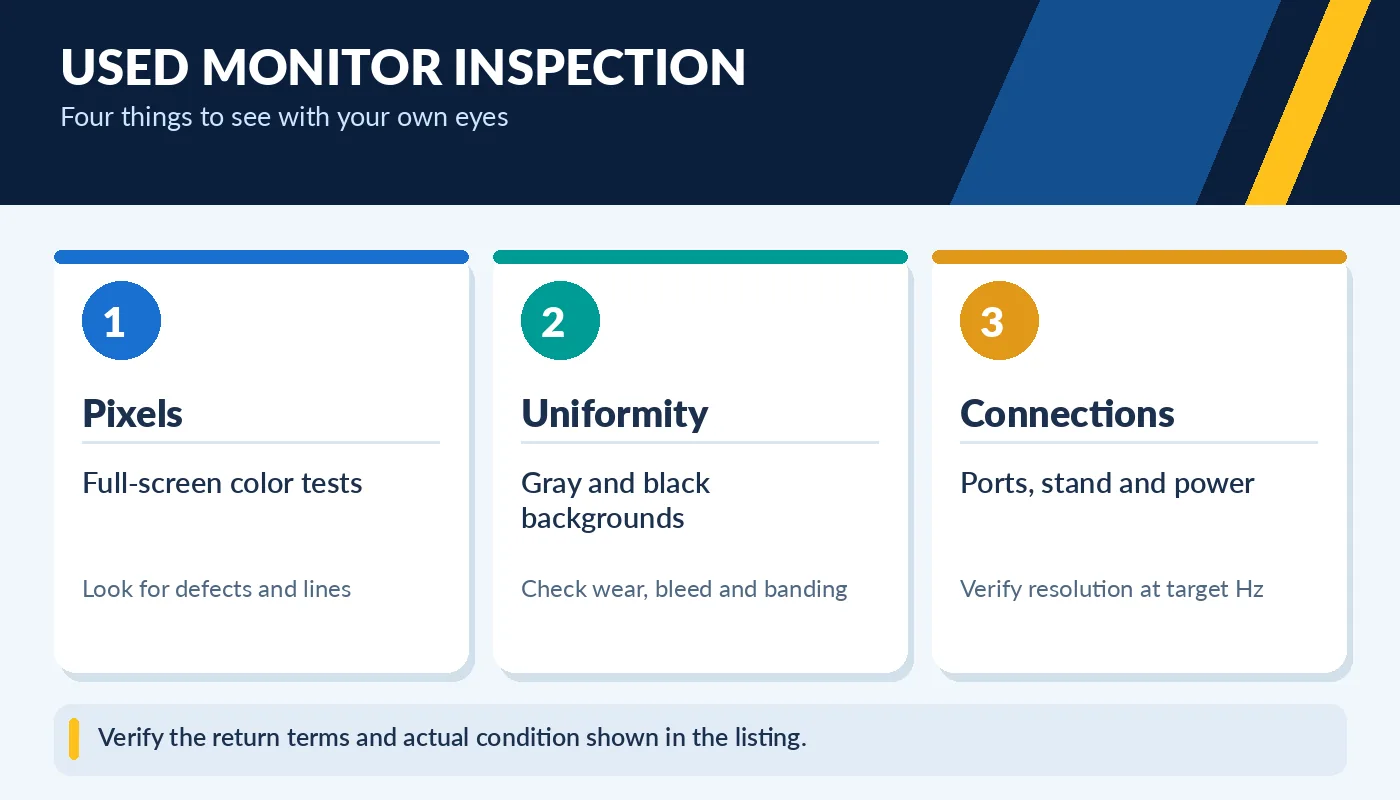
Verify the return terms and actual condition shown in the listing.
Check HDMI or DisplayPort inputs, the included stand, power supply, VESA mounting, and the exact model number. Verify that the advertised refresh rate and resolution work together using the provided connection. For a used monitor, a reliable panel with a good return policy may be a better choice than a high-end model with undisclosed burn-in or missing accessories.
What the spec sheet may not tell you
Color gamut, factory calibration, anti-glare coating, pixel density, viewing angle and uniformity can change how a screen looks in daily use. If photography is important, find independent measurements of color accuracy and check whether the monitor has been calibrated. Some gaming displays ship in vivid modes that look spectacular in a store but distort colors. Meanwhile, a properly adjusted office monitor can feel more comfortable even when its headline specifications appear modest.
For a dual-monitor desk, consistent scaling and brightness may matter more than matching panel technologies. You can pair a strong primary screen for photo work with a simpler secondary display for email and reference material. If you want OLED for entertainment and document work, follow its pixel-care recommendations, use sensible brightness, and inspect warranty language. A monitor is a long-lived purchase; choose one you can use comfortably, not one optimized only for a demonstration video.